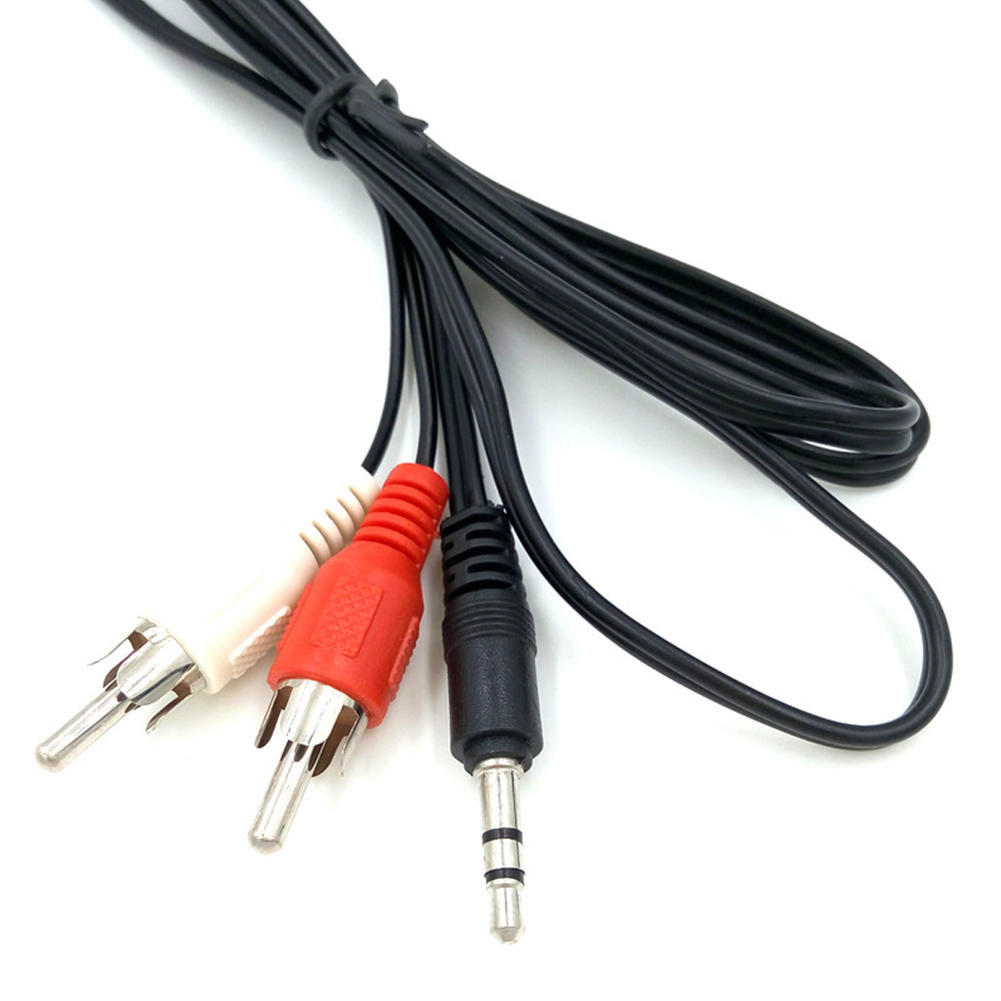
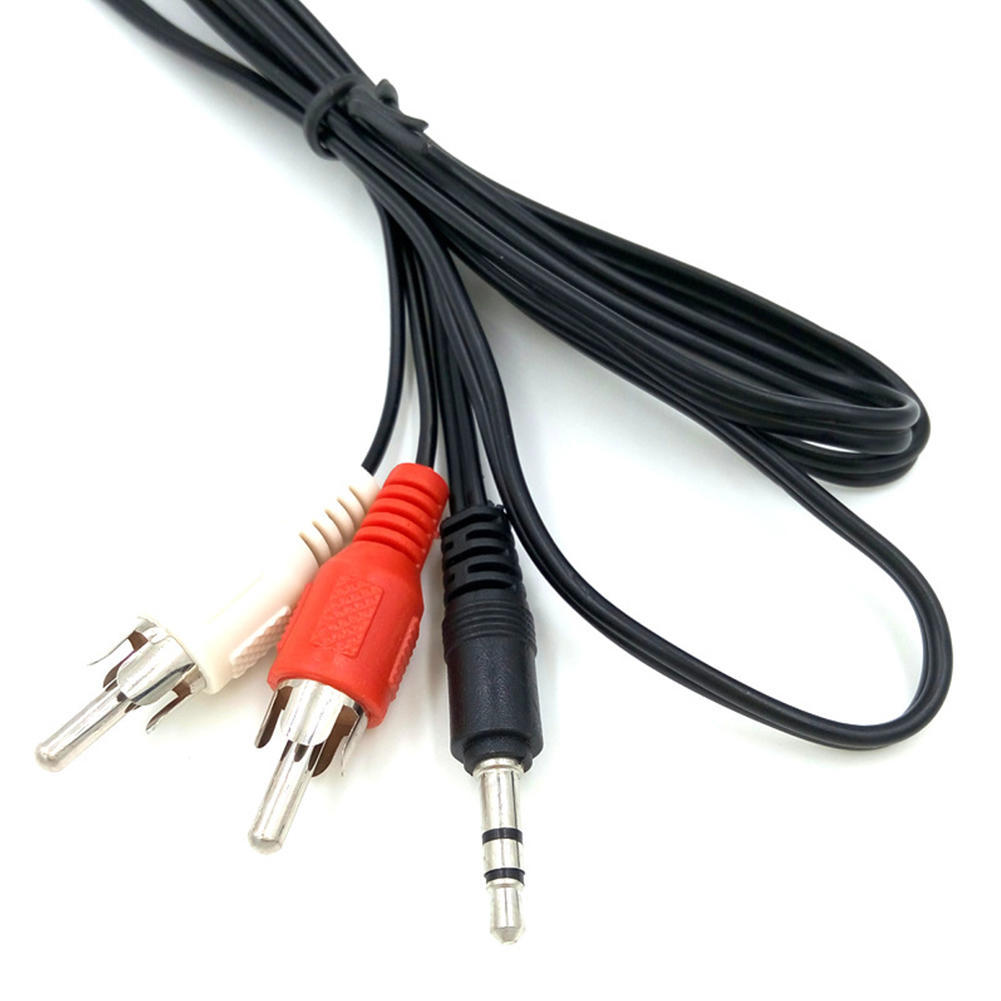
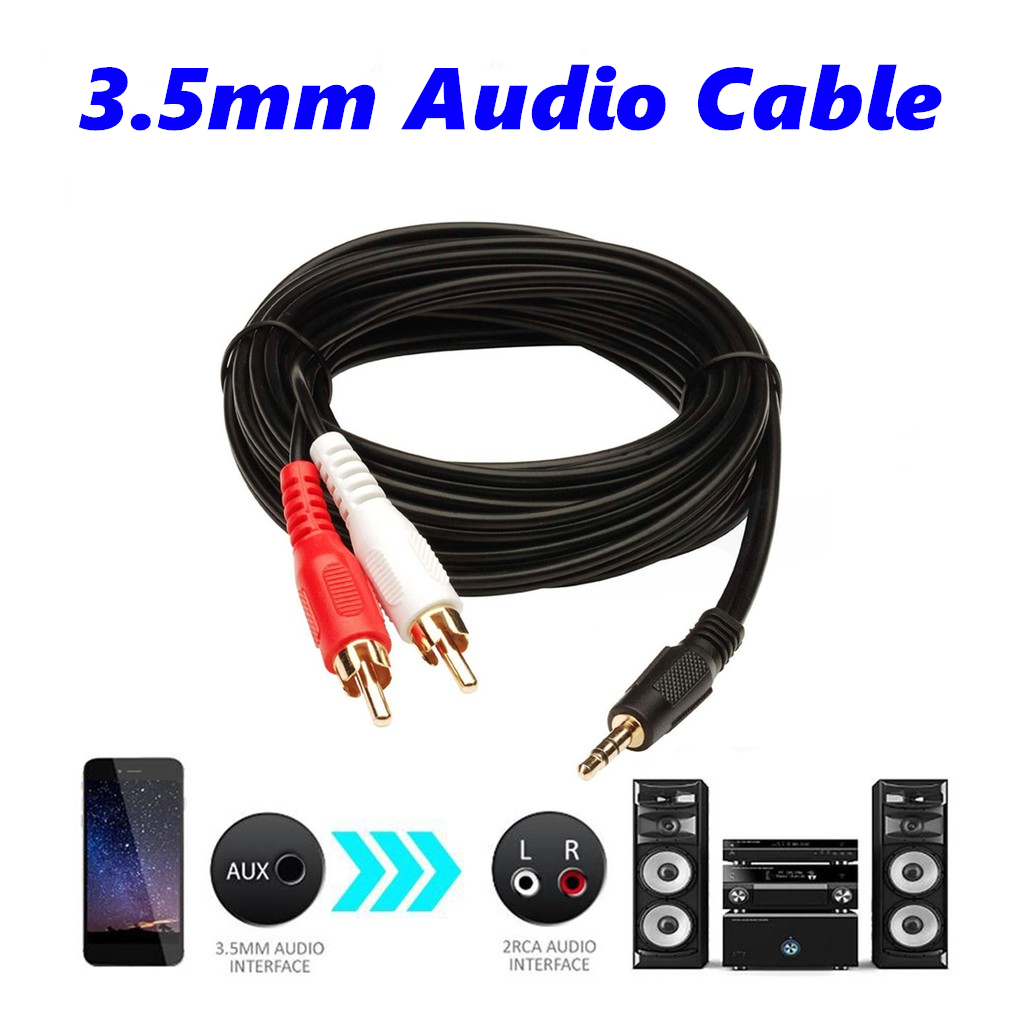
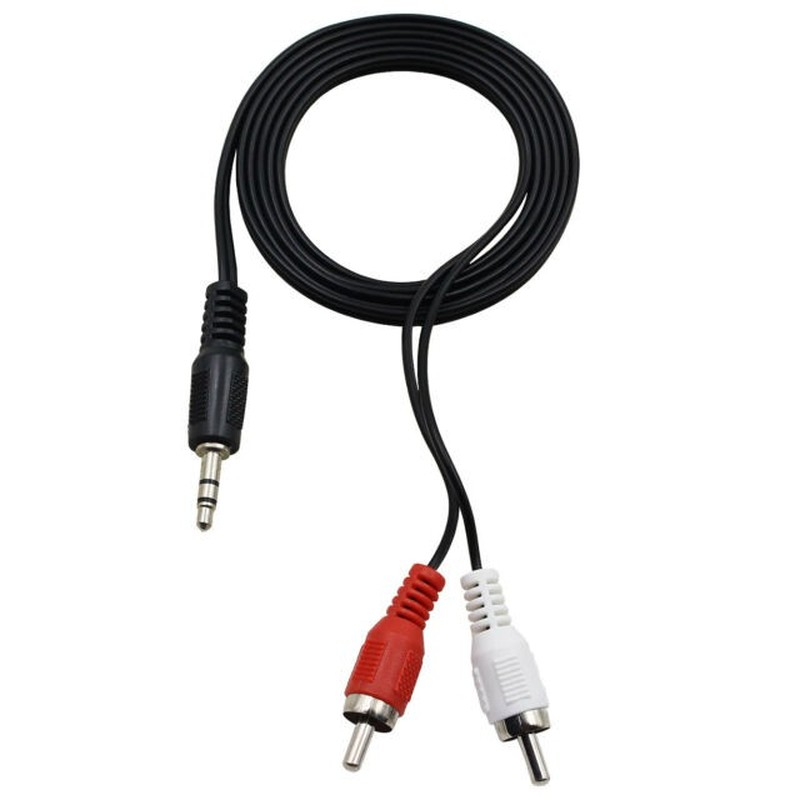
| Description | Here are some of the features of the 3.5mm to RCA Cable:Two RCA male connectors
3.5mm male connector
Made of high-quality materials
Fully molded for maximum durability and long life
Compatible with a wide range of devices
Here are some of the benefits of using the 3.5mm to RCA Cable: | Here are some of the benefits of using a VGA to HDMI with Audio Adapter:Allows you to connect VGA devices to HDMI monitors or projectors
Small and lightweight
Made of durable materials
Compatible with a variety of devices
Affordable
If you have a VGA device and a new monitor or projector that only has HDMI ports, then a VGA to HDMI with Audio Adapter is a great way to connect the two devices. | Here are some of the key features of the USB 3.0 Cable A to Micro B high Speed Upto 5 Gbps Data Transfer Cable for Portable External Hard Drive - (20cm), Black:Supports data transfer speeds of up to 5 Gbps
Backward compatible with USB 2.0 devices
Durable construction
20 cm length
Black color
The USB 3.0 Cable A to Micro B high Speed Upto 5 Gbps Data Transfer Cable for Portable External Hard Drive - (20cm), Black is a great option for anyone who wants to transfer large files quickly and easily. It is also a good choice for people who have older computers that do not support USB 3.0. | Here are some of the features of the PremiumAV HDMI Male to VGA Female Video Converter Adapter Cable (Black):Unidirectional design
Supports resolutions up to 1920x1080 60Hz (1080p Full HD)
Lightweight and portable
Perfect for business presentations, extending your desktop screen to a monitor or TV, or connecting your laptop to a projector
Save money on upgrading to an HDMI compatible display
Here are some of the benefits of using the PremiumAV HDMI Male to VGA Female Video Converter Adapter Cable (Black): | Long length gives you plenty of flexibility when connecting your printer or scanner to your computer.
High-quality materials and construction make the cable durable and long-lasting.
Easy to use, simply plug one end of the cable into your printer or scanner and the other end into your computer's USB port.
Supports data transfer rates up to 480 Mbps, which means that you can transfer files to and from your printer or scanner quickly and easily.
Compatible with most major printer brands and operating systems.
Overall, the 3 Meter USB Printer Cable is a great choice for anyone who needs a long, high-quality USB printer cable. It is compatible with most printers and scanners, and it is easy to use and reliable. | Here are some of the benefits of using an RJ45-to-DB9 console cable to connect a computer to a security camera:It is a simple and easy way to connect a computer to a security camera.
It is a reliable and durable cable.
It is a cost-effective solution.
If you are looking for a way to connect a computer to a security camera, an RJ45-to-DB9 console cable is a good option |
| Content | 1
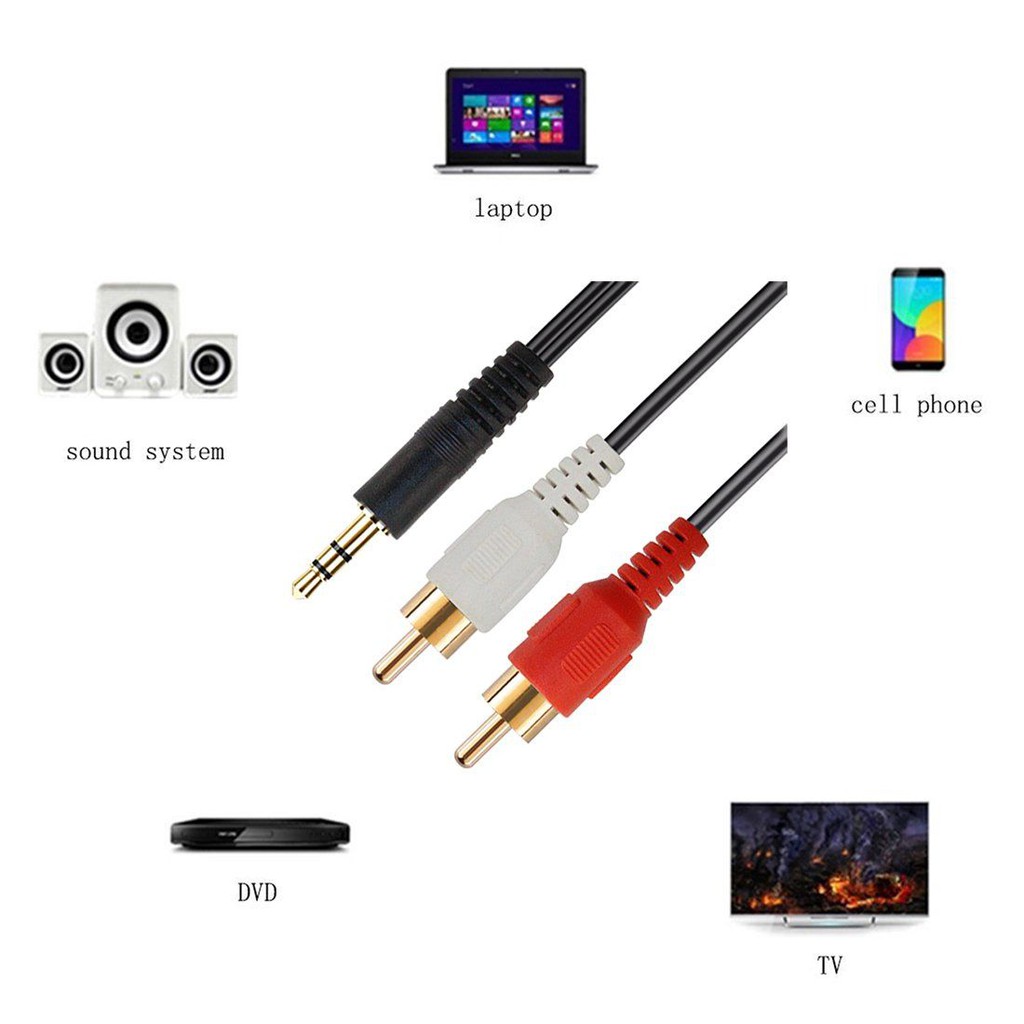
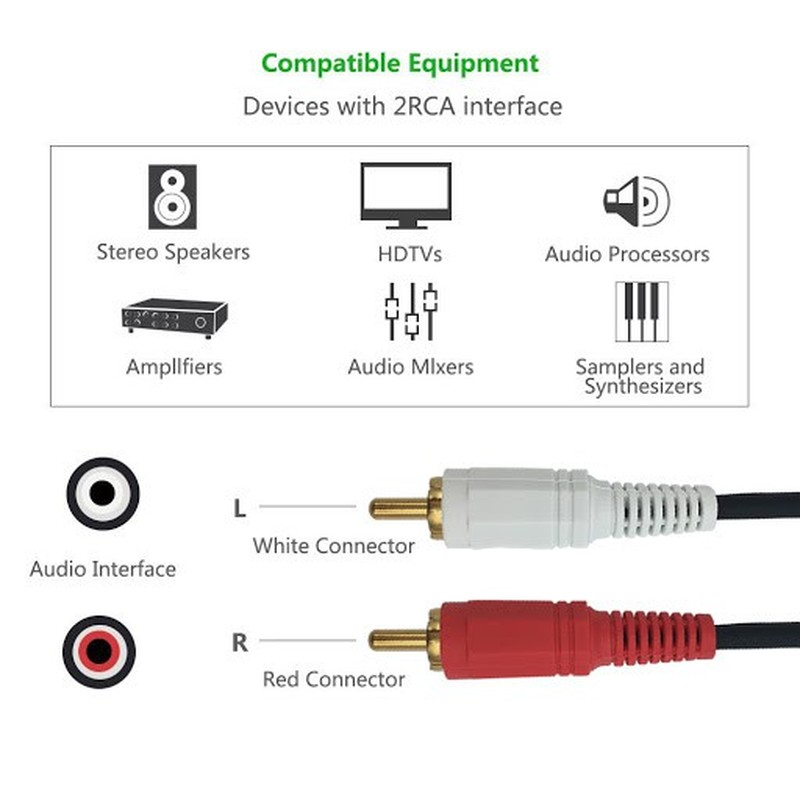
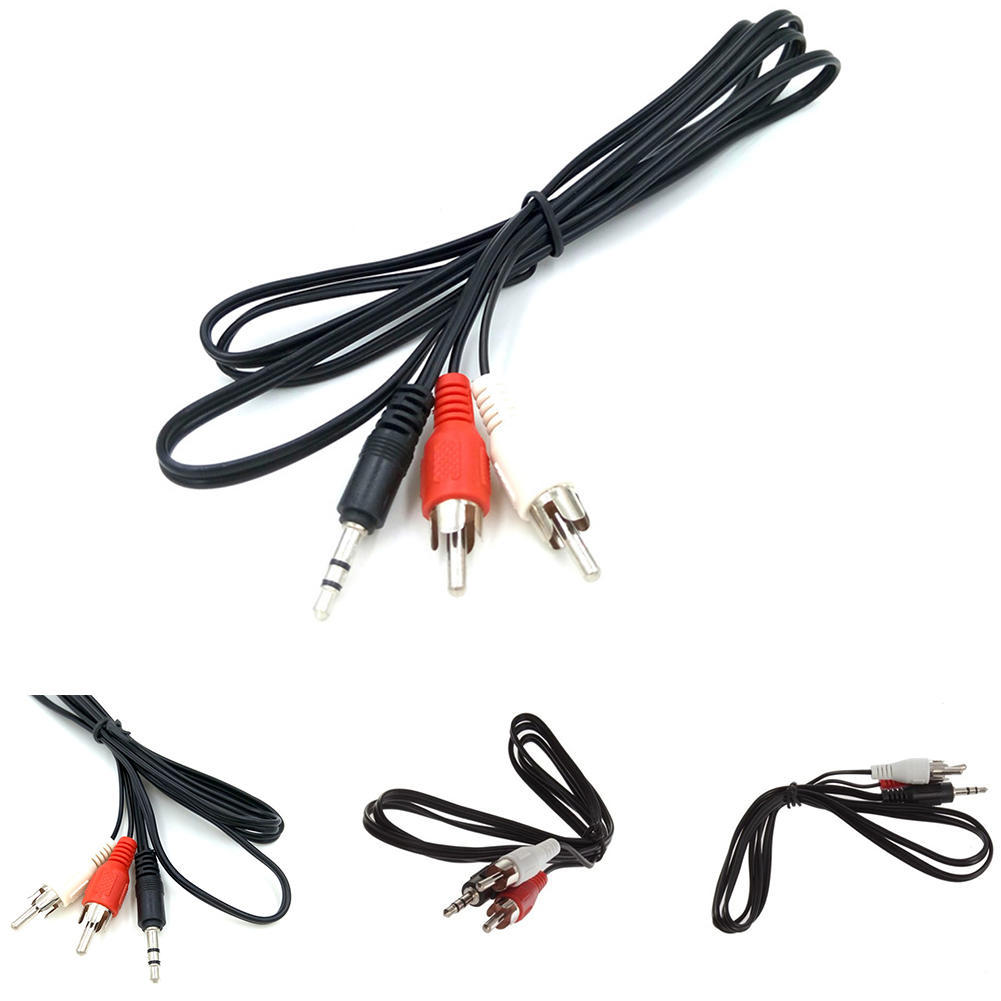
The 3.5mm to RCA Cable is a simple and affordable way to connect your phone, laptop, or other device with a 3.5mm audio jack to a stereo system or home theater receiver with RCA inputs. The cable has two RCA male connectors on one end and a 3.5mm male connector on the other end. The RCA connectors fit devices with a left and right audio input, while the 3.5mm male connector works with portable audio devices equipped with a standard 3.5mm auxiliary jack (typically used for headphones or ear buds).The cable is made of high-quality materials and is built to last. It is also fully molded for maximum durability and long life. The 3.5mm to RCA Cable is a great value for the price and is a reliable way to connect your devices to your stereo system or home theater receiver.Here are some of the features of the 3.5mm to RCA Cable:Two RCA male connectors
3.5mm male connector
Made of high-quality materials
Fully molded for maximum durability and long life
Compatible with a wide range of devices
Here are some of the benefits of using the 3.5mm to RCA Cable:Affordable
Easy to use
Compatible with a wide range of devices
Durable
Reliable
Here are some of the drawbacks of the 3.5mm to RCA Cable:May not be as long as some other cables
May not be compatible with all devices
Overall, the 3.5mm to RCA Cable is a great value for the price and is a reliable way to connect your devices to your stereo system or home theater receiver. It is made of high-quality materials and is built to last. It is also fully molded for maximum durability and long life. If you are looking for a cable to connect your phone, laptop, or other device with a 3.5mm audio jack to a stereo system or home theater receiver with RCA inputs, the 3.5mm to RCA Cable is a great option. | A VGA to HDMI with Audio Adapter is a device that allows you to connect a VGA device to an HDMI monitor or projector. This can be useful if you have a new monitor or projector that only has HDMI ports, but you still have an older device that uses a VGA port.The adapter is small and lightweight, making it easy to carry with you. It is also made of durable materials, so it can withstand the wear and tear of everyday use.The adapter is compatible with a variety of devices, including:Laptops
Computers
Projectors
Monitors
To use the adapter, simply plug the VGA cable into the adapter and then plug the adapter into the HDMI port.The adapter is a great way to connect your older devices to new devices that have HDMI ports. It is also a great way to avoid having to buy new cables for all of your devices.Here are some of the benefits of using a VGA to HDMI with Audio Adapter:Allows you to connect VGA devices to HDMI monitors or projectors
Small and lightweight
Made of durable materials
Compatible with a variety of devices
Affordable
If you have a VGA device and a new monitor or projector that only has HDMI ports, then a VGA to HDMI with Audio Adapter is a great way to connect the two devices.Here are some additional details about the adapter:Supports resolutions up to 1080p
Includes a 3.5mm audio lead for connecting to speakers or headphones
Requires a USB power supply (not included)
The adapter is a great way to connect your older devices to new devices that have HDMI ports. It is also a great way to avoid having to buy new cables for all of your devices. | The USB 3.0 Cable A to Micro B high Speed Upto 5 Gbps Data Transfer Cable for Portable External Hard Drive - (20cm), Black is a high-speed data transfer cable that allows you to connect your portable external hard drive to your computer. It supports data transfer speeds of up to 5 Gbps, which is 10 times faster than USB 2.0. This makes it ideal for transferring large files, such as videos, music, and photos. The cable is also backward compatible with USB 2.0 devices, so you can use it with older computers.Here are some of the key features of the USB 3.0 Cable A to Micro B high Speed Upto 5 Gbps Data Transfer Cable for Portable External Hard Drive - (20cm), Black:Supports data transfer speeds of up to 5 Gbps
Backward compatible with USB 2.0 devices
Durable construction
20 cm length
Black color
The USB 3.0 Cable A to Micro B high Speed Upto 5 Gbps Data Transfer Cable for Portable External Hard Drive - (20cm), Black is a great option for anyone who wants to transfer large files quickly and easily. It is also a good choice for people who have older computers that do not support USB 3.0.Here are some of the benefits of using the USB 3.0 Cable A to Micro B high Speed Upto 5 Gbps Data Transfer Cable for Portable External Hard Drive - (20cm), Black:Fast data transfer speeds: This cable can transfer large files quickly and easily.
Backward compatibility: This cable can be used with older computers that do not support USB 3.0.
Durable construction: This cable is made of durable materials, so it can withstand the wear and tear of everyday use.
20 cm length: This cable is the perfect length for connecting your portable external hard drive to your computer.
Black color: This cable is available in a black color that matches most computers. | The PremiumAV HDMI Male to VGA Female Video Converter Adapter Cable (Black) is a simple, plug-and-play device that allows you to connect an HDMI output from your laptop, ultrabook, or desktop computer onto a VGA monitor or projector. The adapter features a unidirectional design, so it only works from HDMI to VGA. It supports resolutions up to 1920x1080 60Hz (1080p Full HD) including 720p, 1600x1200, and 1280x1024 for high definition monitors.To use the adapter, simply connect the HDMI connector of the adapter to your HDMI device. Then, connect the VGA cable of your monitor or projector to the VGA female port of the adapter. Finally, turn on the HDMI device and the display device and enjoy.The PremiumAV HDMI Male to VGA Female Video Converter Adapter Cable (Black) is a lightweight and portable device that is perfect for business presentations, extending your desktop screen to a monitor or TV, or connecting your laptop to a projector. It is also a great way to save money on upgrading to an HDMI compatible display.Here are some of the features of the PremiumAV HDMI Male to VGA Female Video Converter Adapter Cable (Black):Unidirectional design
Supports resolutions up to 1920x1080 60Hz (1080p Full HD)
Lightweight and portable
Perfect for business presentations, extending your desktop screen to a monitor or TV, or connecting your laptop to a projector
Save money on upgrading to an HDMI compatible display
Here are some of the benefits of using the PremiumAV HDMI Male to VGA Female Video Converter Adapter Cable (Black):Easy to use
Affordable
Supports high resolutions
Portable
Durable
If you are looking for a simple and affordable way to connect your HDMI device to a VGA monitor or projector, then the PremiumAV HDMI Male to VGA Female Video Converter Adapter Cable (Black) is a great option. | 3 Meter USB Printer Cable is a high-quality USB 2.0 cable that is compatible with most printers and scanners. The cable is 3 meters long, which gives you plenty of flexibility when connecting your printer or scanner to your computer.The cable is made of high-quality materials and is built to last. It is also very easy to use, simply plug one end of the cable into your printer or scanner and the other end into your computer's USB port.
The cable supports data transfer rates up to 480 Mbps, which means that you can transfer files to and from your printer or scanner quickly and easily.
The cable is compatible with most major printer brands, including Brother, Dell, HP, Epson, Canon, and Xerox.
The cable is also compatible with most operating systems, including Windows, Mac OS, and Linux.
Here are some of the benefits of using a 3 Meter USB Printer Cable:Long length gives you plenty of flexibility when connecting your printer or scanner to your computer.
High-quality materials and construction make the cable durable and long-lasting.
Easy to use, simply plug one end of the cable into your printer or scanner and the other end into your computer's USB port.
Supports data transfer rates up to 480 Mbps, which means that you can transfer files to and from your printer or scanner quickly and easily.
Compatible with most major printer brands and operating systems.
Overall, the 3 Meter USB Printer Cable is a great choice for anyone who needs a long, high-quality USB printer cable. It is compatible with most printers and scanners, and it is easy to use and reliable. | An RJ45-to-DB9 console cable is a type of cable that is used to connect a computer to a security camera. The RJ45 end of the cable connects to the computer's serial port, and the DB9 end of the cable connects to the security camera's console port. This type of cable is used to configure and manage the security camera.The RJ45 connector is a standard connector that is used for Ethernet connections. The DB9 connector is a smaller connector that is used for serial connections. The serial port on a computer is a legacy port that is used for connecting devices such as modems, routers, and security cameras.To use an RJ45-to-DB9 console cable to connect a computer to a security camera, follow these steps:Connect the RJ45 end of the cable to the computer's serial port.
Connect the DB9 end of the cable to the security camera's console port.
Power on the security camera.
Open the security camera's configuration software on the computer.
Use the configuration software to configure the security camera.
Once the security camera is configured, you can disconnect the RJ45-to-DB9 console cable from the computer and the security camera.Here are some of the benefits of using an RJ45-to-DB9 console cable to connect a computer to a security camera:It is a simple and easy way to connect a computer to a security camera.
It is a reliable and durable cable.
It is a cost-effective solution.
If you are looking for a way to connect a computer to a security camera, an RJ45-to-DB9 console cable is a good option |






Reviews
There are no reviews yet.