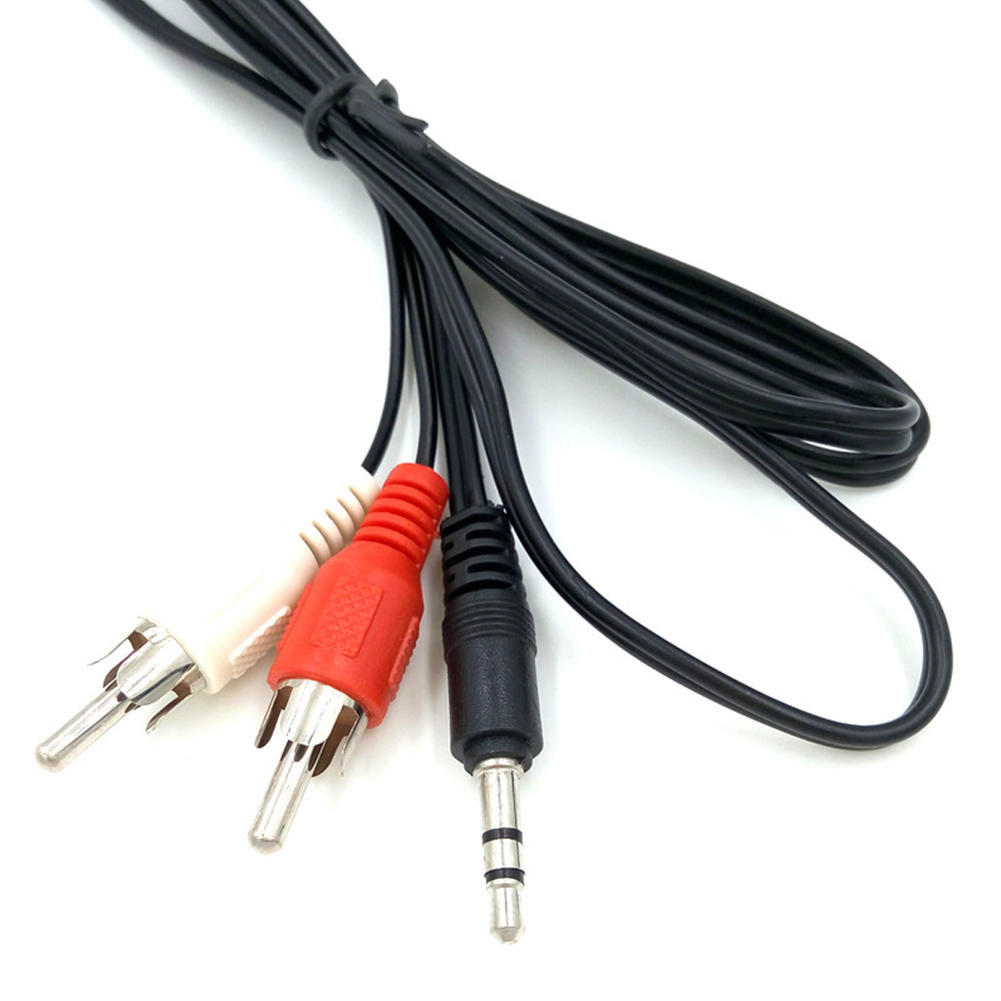
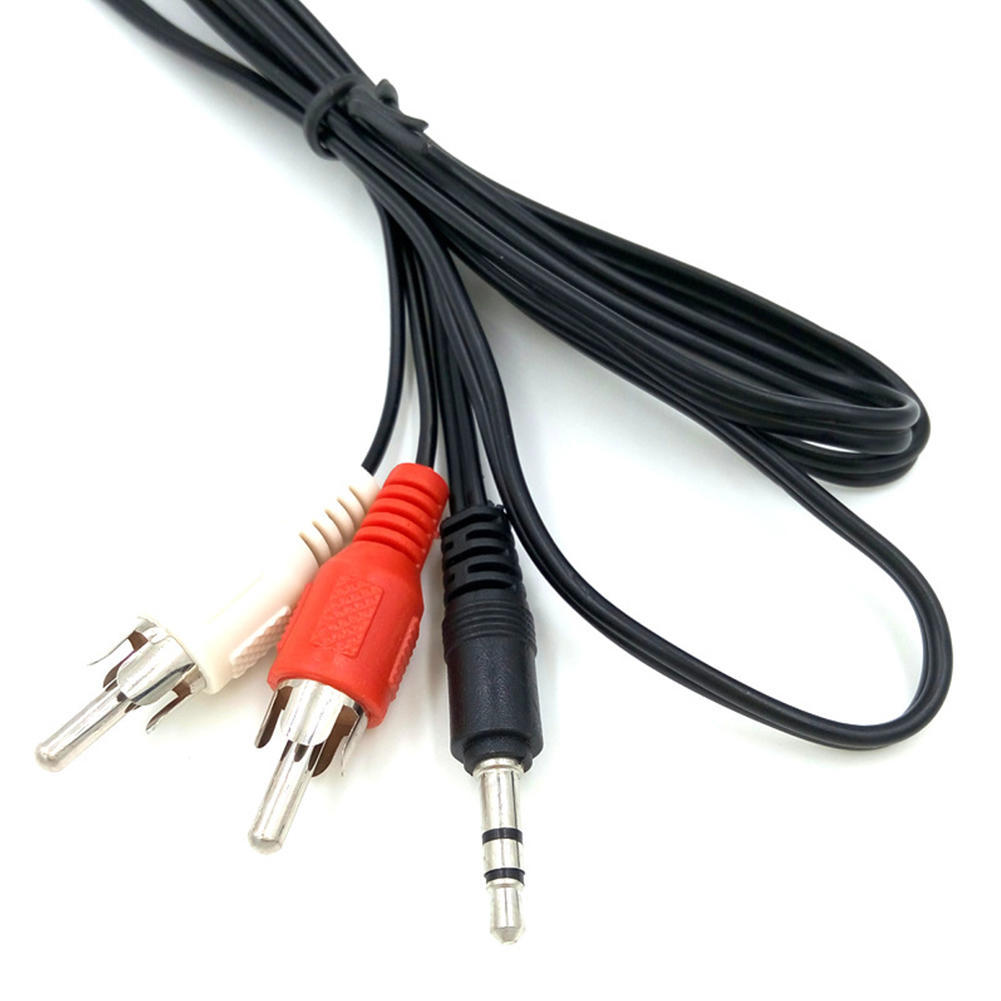
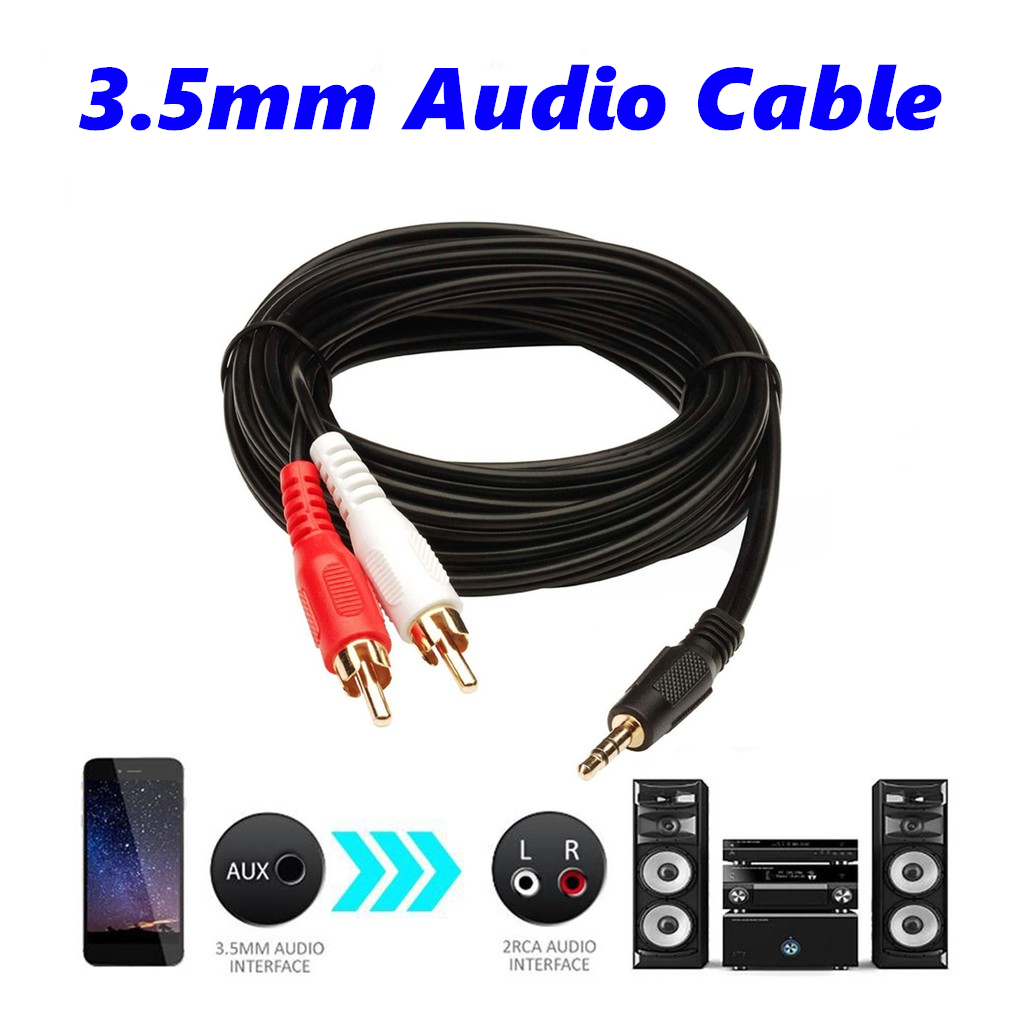
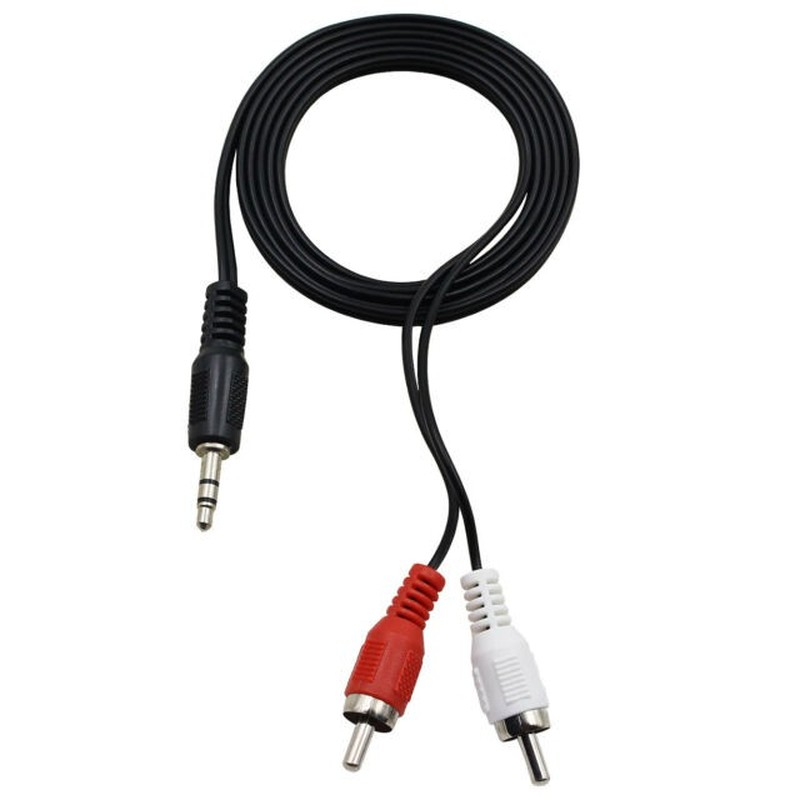
| Description | Here are some of the features of the 3.5mm to RCA Cable:Two RCA male connectors
3.5mm male connector
Made of high-quality materials
Fully molded for maximum durability and long life
Compatible with a wide range of devices
Here are some of the benefits of using the 3.5mm to RCA Cable: | - 5.0 inch HD Screen
- Android 4.4 KitKat OS
- 1.4 GHz Quad Core™ Processor
- 20 MP front Camera
| Here are some of the benefits of using DP to DP connectors:They support high-definition video and audio resolutions.
They can support HDR video.
They are reliable and efficient.
They are available at a variety of prices.
If you are looking for a high-quality way to connect your DisplayPort devices, then a DP to DP connector is a great option. | Here are some of the key features of the USB 3.0 Cable A to Micro B high Speed Upto 5 Gbps Data Transfer Cable for Portable External Hard Drive - (20cm), Black:Supports data transfer speeds of up to 5 Gbps
Backward compatible with USB 2.0 devices
Durable construction
20 cm length
Black color
The USB 3.0 Cable A to Micro B high Speed Upto 5 Gbps Data Transfer Cable for Portable External Hard Drive - (20cm), Black is a great option for anyone who wants to transfer large files quickly and easily. It is also a good choice for people who have older computers that do not support USB 3.0. | Here are some of the features of the USB to VGA adapter:Supports resolutions up to 1920x1080
Plug and play installation
Compatible with Windows 7/8/8.1/10
Gold-plated connectors for corrosion resistance
Durable construction for long life
Here are some of the benefits of using a USB to VGA adapter: | Here are some of the benefits of using a Mini DisplayPort to HDMI cable:Simple and easy to use: The cable is plug-and-play, so you can connect your devices without any hassle.
Cost-effective: The cable is much cheaper than buying a new device with the appropriate ports.
High-quality video: The cable supports Full HD (1920 x 1080) resolution at 60Hz, so you can watch videos or play games in high definition. |
| Content | 1
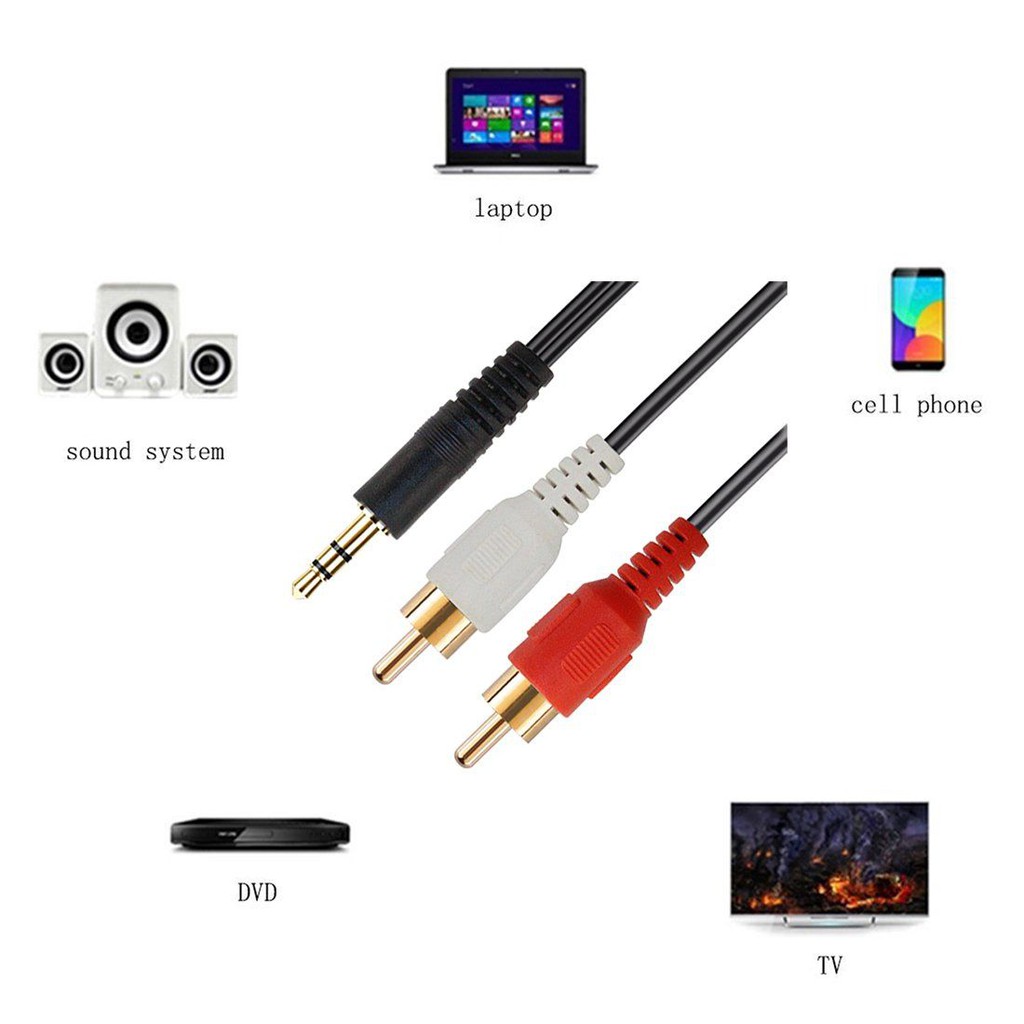
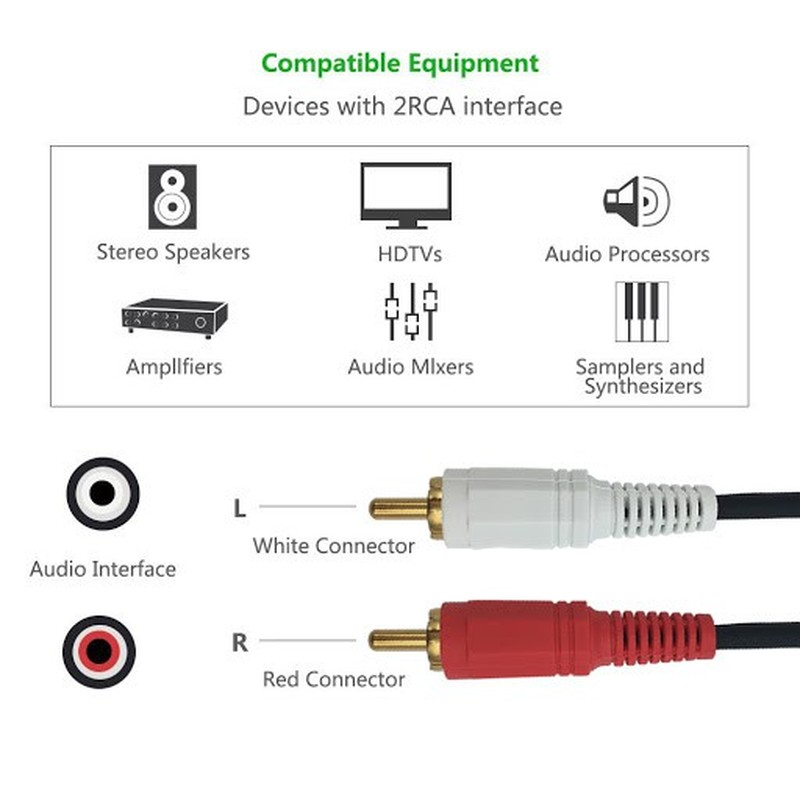
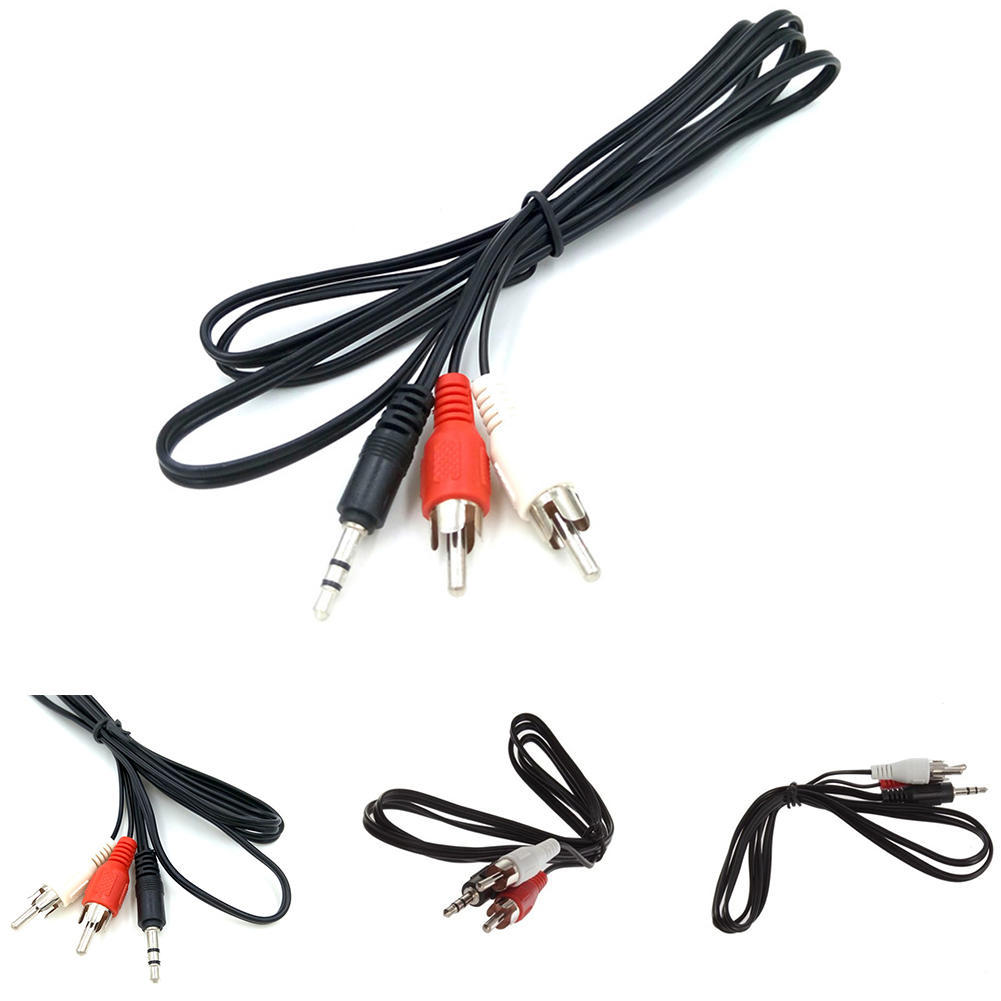
The 3.5mm to RCA Cable is a simple and affordable way to connect your phone, laptop, or other device with a 3.5mm audio jack to a stereo system or home theater receiver with RCA inputs. The cable has two RCA male connectors on one end and a 3.5mm male connector on the other end. The RCA connectors fit devices with a left and right audio input, while the 3.5mm male connector works with portable audio devices equipped with a standard 3.5mm auxiliary jack (typically used for headphones or ear buds).The cable is made of high-quality materials and is built to last. It is also fully molded for maximum durability and long life. The 3.5mm to RCA Cable is a great value for the price and is a reliable way to connect your devices to your stereo system or home theater receiver.Here are some of the features of the 3.5mm to RCA Cable:Two RCA male connectors
3.5mm male connector
Made of high-quality materials
Fully molded for maximum durability and long life
Compatible with a wide range of devices
Here are some of the benefits of using the 3.5mm to RCA Cable:Affordable
Easy to use
Compatible with a wide range of devices
Durable
Reliable
Here are some of the drawbacks of the 3.5mm to RCA Cable:May not be as long as some other cables
May not be compatible with all devices
Overall, the 3.5mm to RCA Cable is a great value for the price and is a reliable way to connect your devices to your stereo system or home theater receiver. It is made of high-quality materials and is built to last. It is also fully molded for maximum durability and long life. If you are looking for a cable to connect your phone, laptop, or other device with a 3.5mm audio jack to a stereo system or home theater receiver with RCA inputs, the 3.5mm to RCA Cable is a great option. | Lorem Ipsum is simply dummy text of the printing and typesetting industry. Lorem Ipsum has been the industry's standard dummy text ever since the 1500s, when an unknown printer took a galley of type and scrambled it to make a type specimen book. It has survived not only five centuries, but also the leap into electronic typesetting, remaining essentially unchanged. It was popularised in the 1960s with the release of Letraset sheets containing Lorem Ipsum passages, and more recently with desktop publishing software like Aldus PageMaker including versions of Lorem Ipsum. | A DP to DP connector is a type of cable that is used to connect a DisplayPort source device to a DisplayPort sink device. DisplayPort is a digital audio/video interface that is used to connect computers, laptops, and other devices to displays such as monitors, TVs, and projectors. DP to DP connectors are available in a variety of lengths, typically ranging from 1 to 10 meters.DP to DP connectors are typically used to transmit high-definition video and audio signals. They can support resolutions up to 4K Ultra HD (3840 x 2160 pixels) at 60 frames per second (fps). DP to DP connectors can also support HDR (high dynamic range) video, which provides a wider range of colors and contrast than standard video.To use a DP to DP connector, simply connect one end of the cable to the DisplayPort output port on the source device and the other end of the cable to the DisplayPort input port on the sink device. Once the cable is connected, the source device and sink device should automatically detect each other and begin transmitting video and audio signals.DP to DP connectors are a reliable and efficient way to connect DisplayPort devices. They are available at a variety of prices, so you can find one that fits your budget. If you are looking for a high-quality way to connect your DisplayPort devices, then a DP to DP connector is a great option.Here are some of the benefits of using DP to DP connectors:They support high-definition video and audio resolutions.
They can support HDR video.
They are reliable and efficient.
They are available at a variety of prices.
If you are looking for a high-quality way to connect your DisplayPort devices, then a DP to DP connector is a great option. | The USB 3.0 Cable A to Micro B high Speed Upto 5 Gbps Data Transfer Cable for Portable External Hard Drive - (20cm), Black is a high-speed data transfer cable that allows you to connect your portable external hard drive to your computer. It supports data transfer speeds of up to 5 Gbps, which is 10 times faster than USB 2.0. This makes it ideal for transferring large files, such as videos, music, and photos. The cable is also backward compatible with USB 2.0 devices, so you can use it with older computers.Here are some of the key features of the USB 3.0 Cable A to Micro B high Speed Upto 5 Gbps Data Transfer Cable for Portable External Hard Drive - (20cm), Black:Supports data transfer speeds of up to 5 Gbps
Backward compatible with USB 2.0 devices
Durable construction
20 cm length
Black color
The USB 3.0 Cable A to Micro B high Speed Upto 5 Gbps Data Transfer Cable for Portable External Hard Drive - (20cm), Black is a great option for anyone who wants to transfer large files quickly and easily. It is also a good choice for people who have older computers that do not support USB 3.0.Here are some of the benefits of using the USB 3.0 Cable A to Micro B high Speed Upto 5 Gbps Data Transfer Cable for Portable External Hard Drive - (20cm), Black:Fast data transfer speeds: This cable can transfer large files quickly and easily.
Backward compatibility: This cable can be used with older computers that do not support USB 3.0.
Durable construction: This cable is made of durable materials, so it can withstand the wear and tear of everyday use.
20 cm length: This cable is the perfect length for connecting your portable external hard drive to your computer.
Black color: This cable is available in a black color that matches most computers. | A USB to VGA adapter is a device that allows you to connect a VGA monitor or projector to a computer that does not have a VGA port. The adapter converts the digital signal from the computer to an analog signal that can be displayed on the VGA device.The USB to VGA adapter is a simple device that is easy to use. To use the adapter, simply connect the adapter to the USB port on your computer and then connect the VGA cable from the adapter to the VGA port on your monitor or projector. Once the adapter is connected, you should be able to see the image from your computer on the VGA device.The USB to VGA adapter is a great way to add a second monitor to your computer or to connect a projector to your computer for presentations. The adapter is also a great way to use an older VGA monitor or projector with a newer computer that does not have a VGA port.Here are some of the features of the USB to VGA adapter:Supports resolutions up to 1920x1080
Plug and play installation
Compatible with Windows 7/8/8.1/10
Gold-plated connectors for corrosion resistance
Durable construction for long life
Here are some of the benefits of using a USB to VGA adapter:Allows you to connect a VGA monitor or projector to a computer that does not have a VGA port
Easy to use
Affordable
Compatible with a wide range of computers and monitors
Durable construction
If you are looking for a way to connect a VGA monitor or projector to your computer, then the USB to VGA adapter is a great option. The adapter is easy to use, affordable, and compatible with a wide range of computers and monitors. | A Mini DisplayPort to HDMI cable is a cable that allows you to connect a device with a Mini DisplayPort output to a device with an HDMI input. This can be useful for connecting a laptop to a TV, a monitor, or a projector.The Mini DisplayPort to HDMI cable supports Full HD (1920 x 1080) resolution at 60Hz. This means that you can use it to watch videos or play games in high definition.The cable is also HDCP compliant, which means that it can be used to connect to devices that require HDCP protection, such as Blu-ray players and streaming devices.The Mini DisplayPort to HDMI cable is a simple and easy way to connect your devices. It is also a cost-effective solution, as it is much cheaper than buying a new device with the appropriate ports.Here are some of the benefits of using a Mini DisplayPort to HDMI cable:Simple and easy to use: The cable is plug-and-play, so you can connect your devices without any hassle.
Cost-effective: The cable is much cheaper than buying a new device with the appropriate ports.
High-quality video: The cable supports Full HD (1920 x 1080) resolution at 60Hz, so you can watch videos or play games in high definition.
HDCP compliant: The cable can be used to connect to devices that require HDCP protection, such as Blu-ray players and streaming devices.
If you are looking for a way to connect your devices with a Mini DisplayPort output to a device with an HDMI input, a Mini DisplayPort to HDMI cable is a great option. |






Reviews
There are no reviews yet.