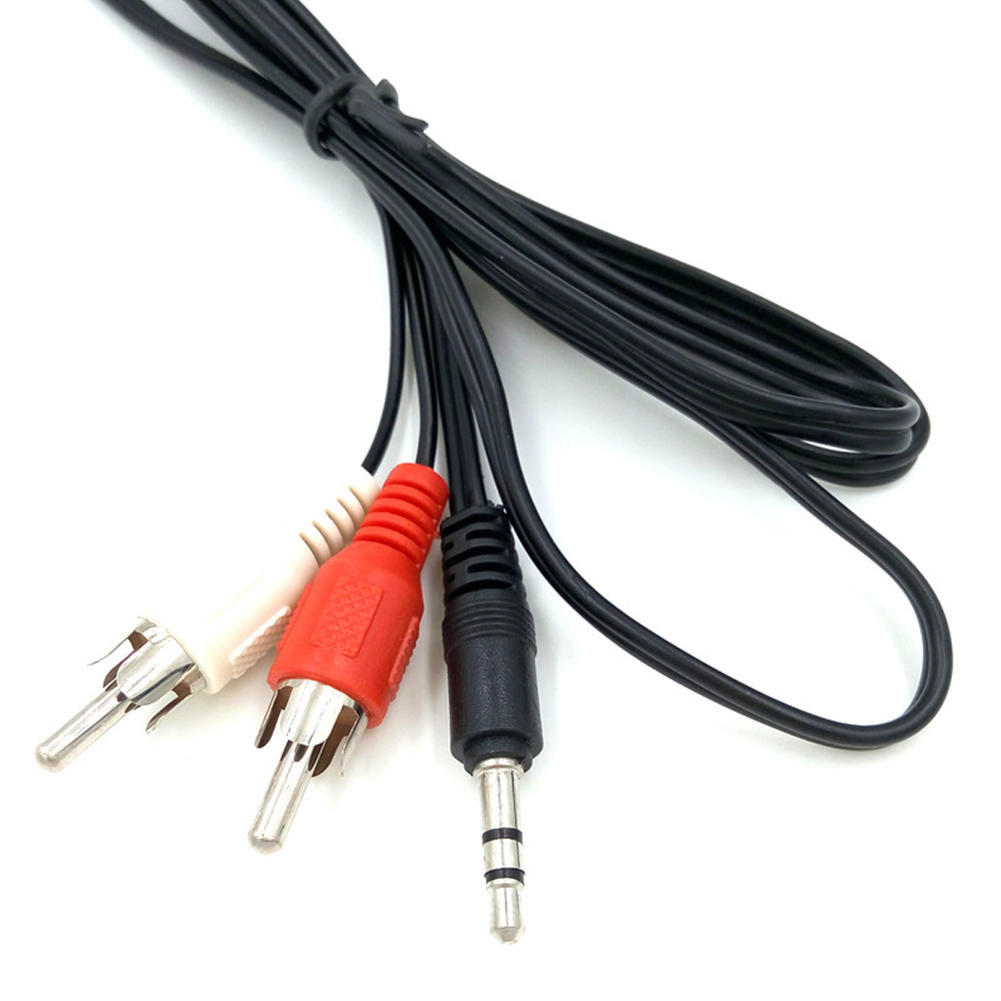
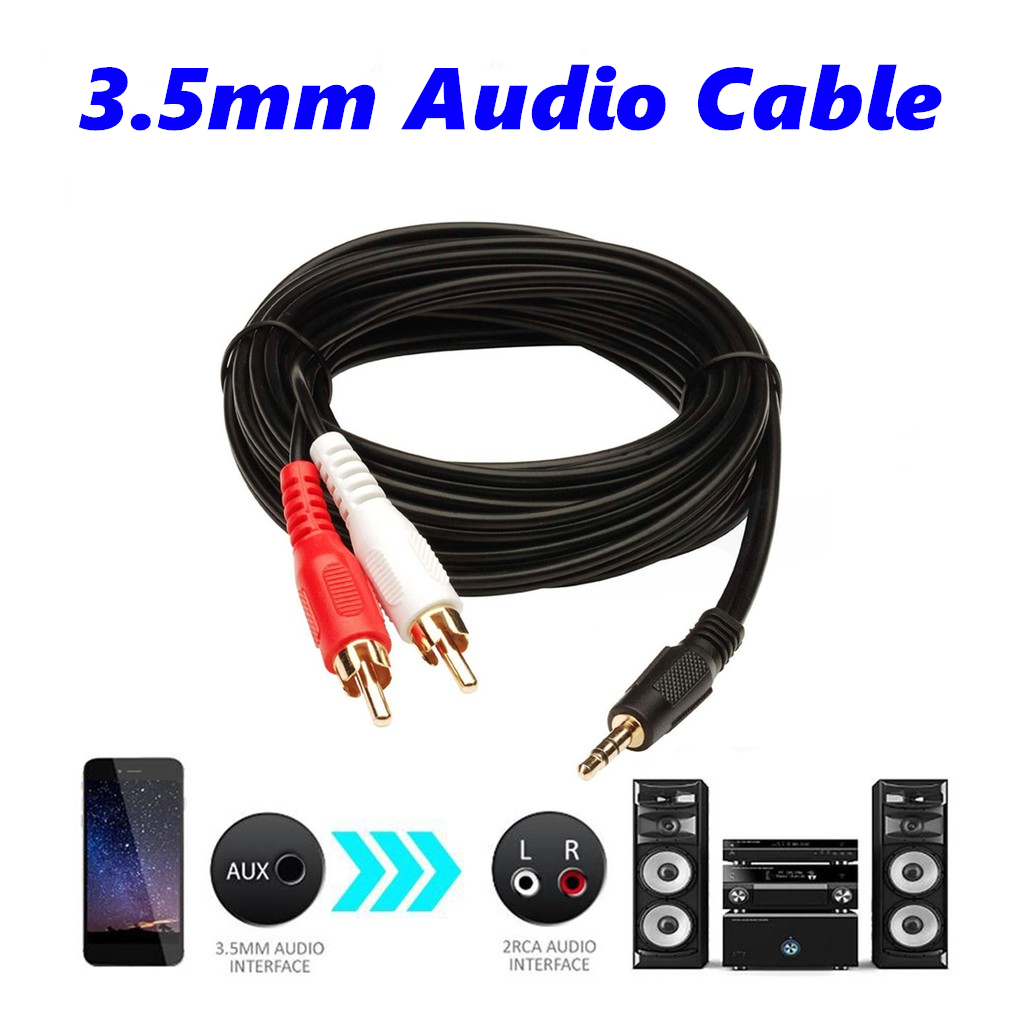
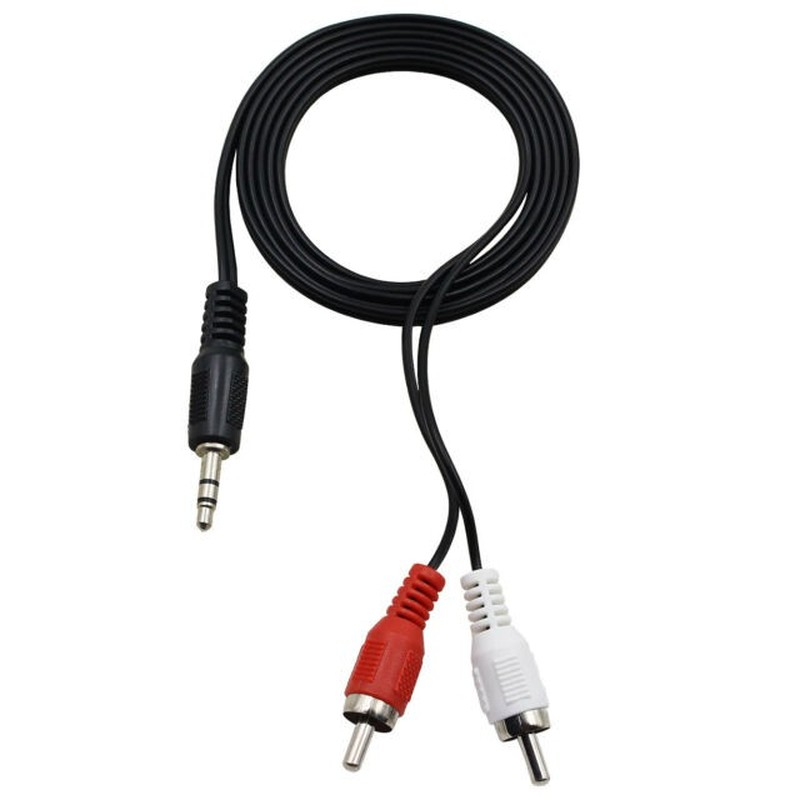
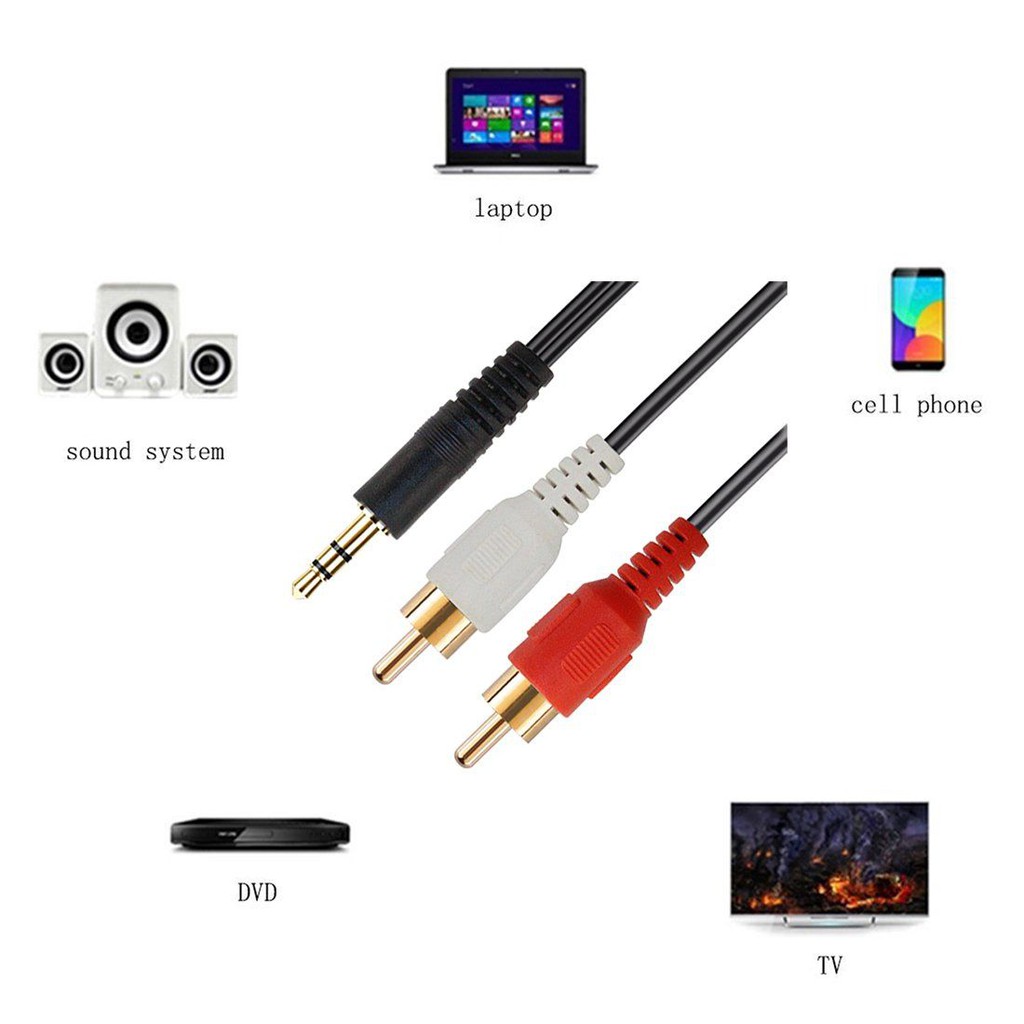
| Description | Here are some of the features of the 3.5mm to RCA Cable:Two RCA male connectors
3.5mm male connector
Made of high-quality materials
Fully molded for maximum durability and long life
Compatible with a wide range of devices
Here are some of the benefits of using the 3.5mm to RCA Cable: |
Brand Tukzer
Connector Type USB
Hardware Interface USB
Has Self-Timer No
Water Resistance Level Not Water Resistant
Wireless Communication Technology Bluetooth | - 5.0 inch HD Screen
- Android 4.4 KitKat OS
- 1.4 GHz Quad Core™ Processor
- 20 MP front Camera
| Here are some of the features of the USB to VGA adapter:Supports resolutions up to 1920x1080
Plug and play installation
Compatible with Windows 7/8/8.1/10
Gold-plated connectors for corrosion resistance
Durable construction for long life
Here are some of the benefits of using a USB to VGA adapter: | Here are some of the benefits of using a DP to VGA connector:It is a cost-effective way to connect a DisplayPort output to a VGA input.
It is easy to use.
It can provide a good level of image quality for most applications.
Here are some of the drawbacks of using a DP to VGA connector:It can only transmit a limited amount of data.
It may not be able to achieve the same level of image quality as a direct connection between your device and your display.
Overall, DP to VGA connectors can be a useful way to connect a DisplayPort output to a VGA input. They are relatively inexpensive and easy to use, and they can provide a good level of image quality for most applications | Here are some of the benefits of using DP to DP connectors:They support high-definition video and audio resolutions.
They can support HDR video.
They are reliable and efficient.
They are available at a variety of prices.
If you are looking for a high-quality way to connect your DisplayPort devices, then a DP to DP connector is a great option. |
| Content | 1
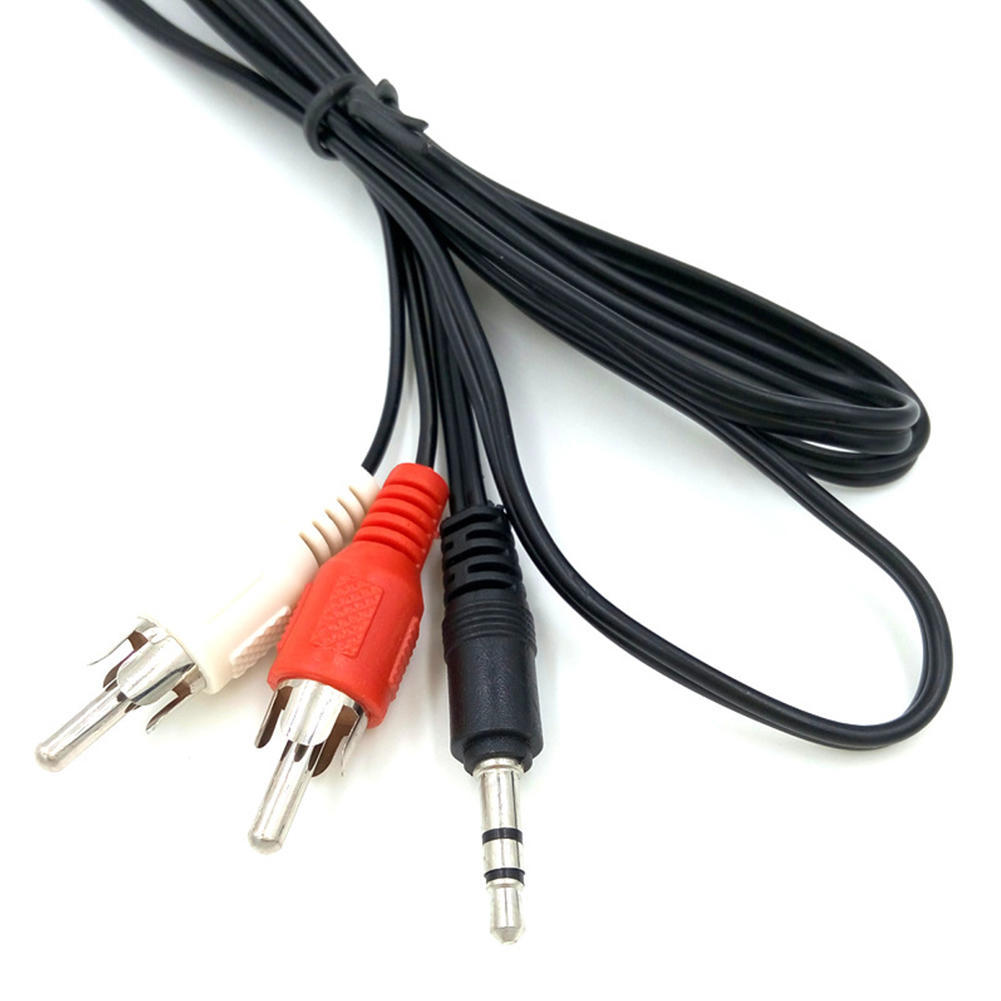
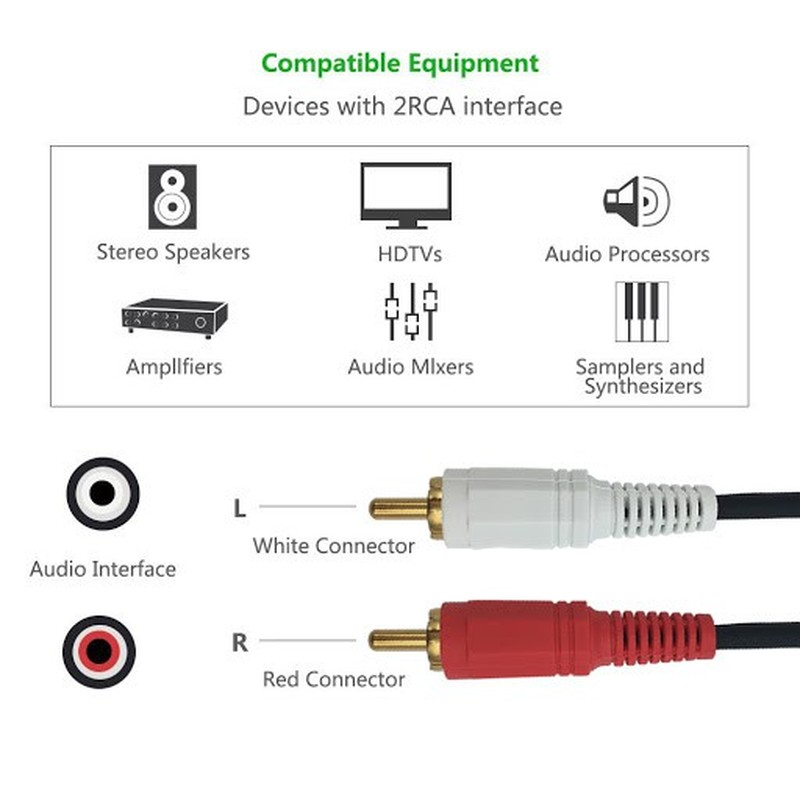
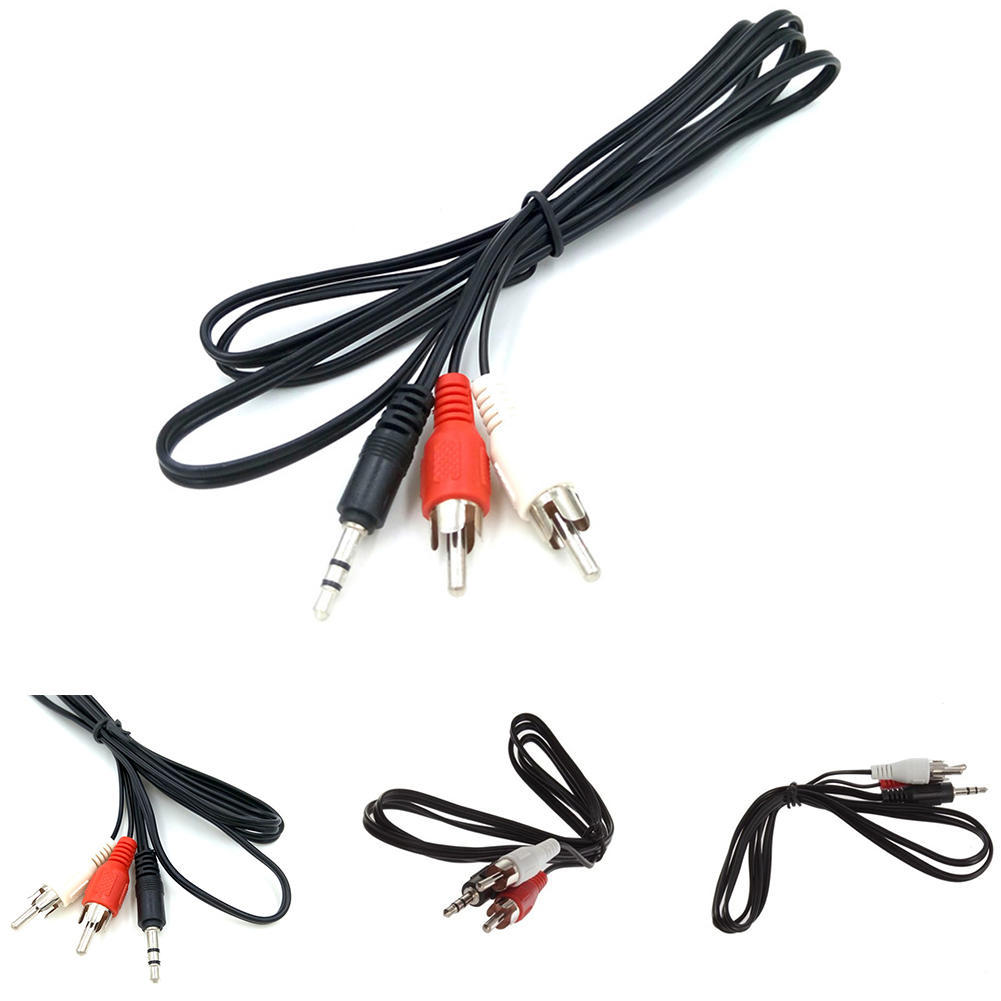
The 3.5mm to RCA Cable is a simple and affordable way to connect your phone, laptop, or other device with a 3.5mm audio jack to a stereo system or home theater receiver with RCA inputs. The cable has two RCA male connectors on one end and a 3.5mm male connector on the other end. The RCA connectors fit devices with a left and right audio input, while the 3.5mm male connector works with portable audio devices equipped with a standard 3.5mm auxiliary jack (typically used for headphones or ear buds).The cable is made of high-quality materials and is built to last. It is also fully molded for maximum durability and long life. The 3.5mm to RCA Cable is a great value for the price and is a reliable way to connect your devices to your stereo system or home theater receiver.Here are some of the features of the 3.5mm to RCA Cable:Two RCA male connectors
3.5mm male connector
Made of high-quality materials
Fully molded for maximum durability and long life
Compatible with a wide range of devices
Here are some of the benefits of using the 3.5mm to RCA Cable:Affordable
Easy to use
Compatible with a wide range of devices
Durable
Reliable
Here are some of the drawbacks of the 3.5mm to RCA Cable:May not be as long as some other cables
May not be compatible with all devices
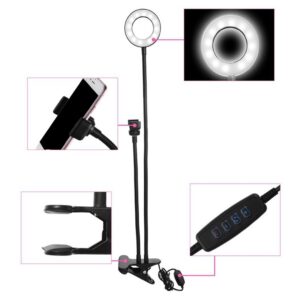
Overall, the 3.5mm to RCA Cable is a great value for the price and is a reliable way to connect your devices to your stereo system or home theater receiver. It is made of high-quality materials and is built to last. It is also fully molded for maximum durability and long life. If you are looking for a cable to connect your phone, laptop, or other device with a 3.5mm audio jack to a stereo system or home theater receiver with RCA inputs, the 3.5mm to RCA Cable is a great option. | 3 Colors & 10 Brightness Adjustable- Tukzer LED ring light has 3 lighting modes: white light, warm yellow and warm white, the brightness is adjustable at 10 levels which meet your needs in different situations. So you can adjust the color and brightness very easily, without the need to installing additional color filters for perfect brightness, which provides a more attractive effect.
USB and multi-device connection use- USB power supply is applicable to most devices that support USB ports, such as laptops, PCs, power banks, USB chargers, AC adapters, etc. With four buttons on the cord to power on/off, switch lighting modes, and adjust brightness, it's easy to find your favorite option in seconds.
360° rotation and high quality materials- Our LED light ring is made of Carbon steel, Metal threaded pipe, ABS, which is more compact and sturdy. The ring-shaped light stand can be rotated 360°, so you can adjust the angle according to your needs to get the best shooting or display view.
LED ring light is widely used- Youtube channel, live streaming, photography, makeup, video production, vlog, video recording, remote video conferencing, online courses, video calls with family and friends, etc.
Product Height- 29CM, Lamp Diameter- 20CM, Line Light- 1.9M, This Tukzer Ring Light comes with 6 months Warranty | Lorem Ipsum is simply dummy text of the printing and typesetting industry. Lorem Ipsum has been the industry's standard dummy text ever since the 1500s, when an unknown printer took a galley of type and scrambled it to make a type specimen book. It has survived not only five centuries, but also the leap into electronic typesetting, remaining essentially unchanged. It was popularised in the 1960s with the release of Letraset sheets containing Lorem Ipsum passages, and more recently with desktop publishing software like Aldus PageMaker including versions of Lorem Ipsum. | A USB to VGA adapter is a device that allows you to connect a VGA monitor or projector to a computer that does not have a VGA port. The adapter converts the digital signal from the computer to an analog signal that can be displayed on the VGA device.The USB to VGA adapter is a simple device that is easy to use. To use the adapter, simply connect the adapter to the USB port on your computer and then connect the VGA cable from the adapter to the VGA port on your monitor or projector. Once the adapter is connected, you should be able to see the image from your computer on the VGA device.The USB to VGA adapter is a great way to add a second monitor to your computer or to connect a projector to your computer for presentations. The adapter is also a great way to use an older VGA monitor or projector with a newer computer that does not have a VGA port.Here are some of the features of the USB to VGA adapter:Supports resolutions up to 1920x1080
Plug and play installation
Compatible with Windows 7/8/8.1/10
Gold-plated connectors for corrosion resistance
Durable construction for long life
Here are some of the benefits of using a USB to VGA adapter:Allows you to connect a VGA monitor or projector to a computer that does not have a VGA port
Easy to use
Affordable
Compatible with a wide range of computers and monitors
Durable construction
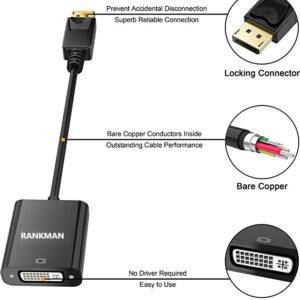
If you are looking for a way to connect a VGA monitor or projector to your computer, then the USB to VGA adapter is a great option. The adapter is easy to use, affordable, and compatible with a wide range of computers and monitors. | A DP to VGA connector is a device that allows you to connect a DisplayPort output to a VGA input. This can be useful if you have a DisplayPort-equipped device, such as a laptop or desktop computer, and you want to connect it to a VGA display, such as a monitor or projector.To use a DP to VGA connector, simply plug the DisplayPort end of the connector into the DisplayPort output on your device, and then plug the VGA end of the connector into the VGA input on your display. Once the connector is plugged in, you should be able to see the image from your device on your display.It is important to note that DP to VGA connectors can only transmit a limited amount of data. This means that you may not be able to achieve the same level of image quality when using a DP to VGA connector as you would if you were using a direct connection between your device and your display.However, DP to VGA connectors can be a useful way to connect a DisplayPort output to a VGA input if you need to do so. They are relatively inexpensive and easy to use, and they can provide a good level of image quality for most applications.Here are some of the benefits of using a DP to VGA connector:It is a cost-effective way to connect a DisplayPort output to a VGA input.
It is easy to use.
It can provide a good level of image quality for most applications.
Here are some of the drawbacks of using a DP to VGA connector:It can only transmit a limited amount of data.
It may not be able to achieve the same level of image quality as a direct connection between your device and your display.
Overall, DP to VGA connectors can be a useful way to connect a DisplayPort output to a VGA input. They are relatively inexpensive and easy to use, and they can provide a good level of image quality for most applications. | A DP to DP connector is a type of cable that is used to connect a DisplayPort source device to a DisplayPort sink device. DisplayPort is a digital audio/video interface that is used to connect computers, laptops, and other devices to displays such as monitors, TVs, and projectors. DP to DP connectors are available in a variety of lengths, typically ranging from 1 to 10 meters.DP to DP connectors are typically used to transmit high-definition video and audio signals. They can support resolutions up to 4K Ultra HD (3840 x 2160 pixels) at 60 frames per second (fps). DP to DP connectors can also support HDR (high dynamic range) video, which provides a wider range of colors and contrast than standard video.To use a DP to DP connector, simply connect one end of the cable to the DisplayPort output port on the source device and the other end of the cable to the DisplayPort input port on the sink device. Once the cable is connected, the source device and sink device should automatically detect each other and begin transmitting video and audio signals.DP to DP connectors are a reliable and efficient way to connect DisplayPort devices. They are available at a variety of prices, so you can find one that fits your budget. If you are looking for a high-quality way to connect your DisplayPort devices, then a DP to DP connector is a great option.Here are some of the benefits of using DP to DP connectors:They support high-definition video and audio resolutions.
They can support HDR video.
They are reliable and efficient.
They are available at a variety of prices.
If you are looking for a high-quality way to connect your DisplayPort devices, then a DP to DP connector is a great option. |








Reviews
There are no reviews yet.