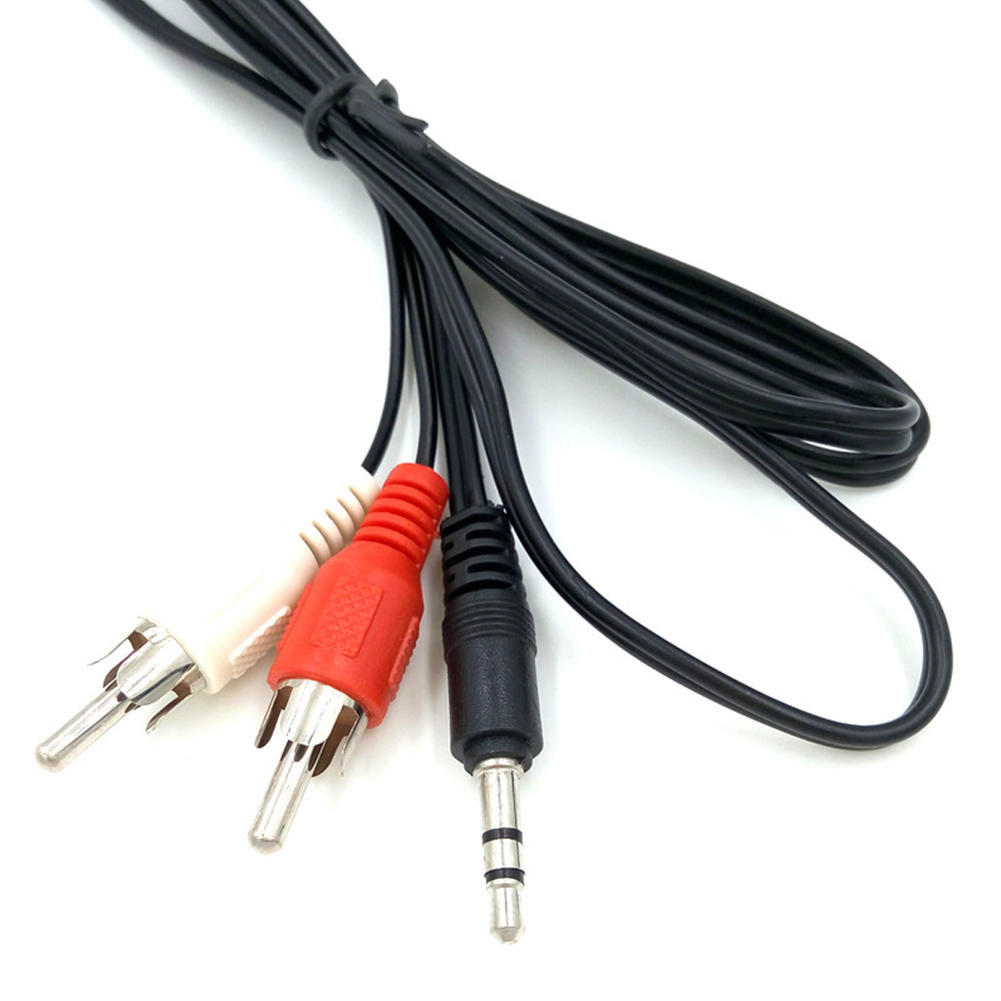
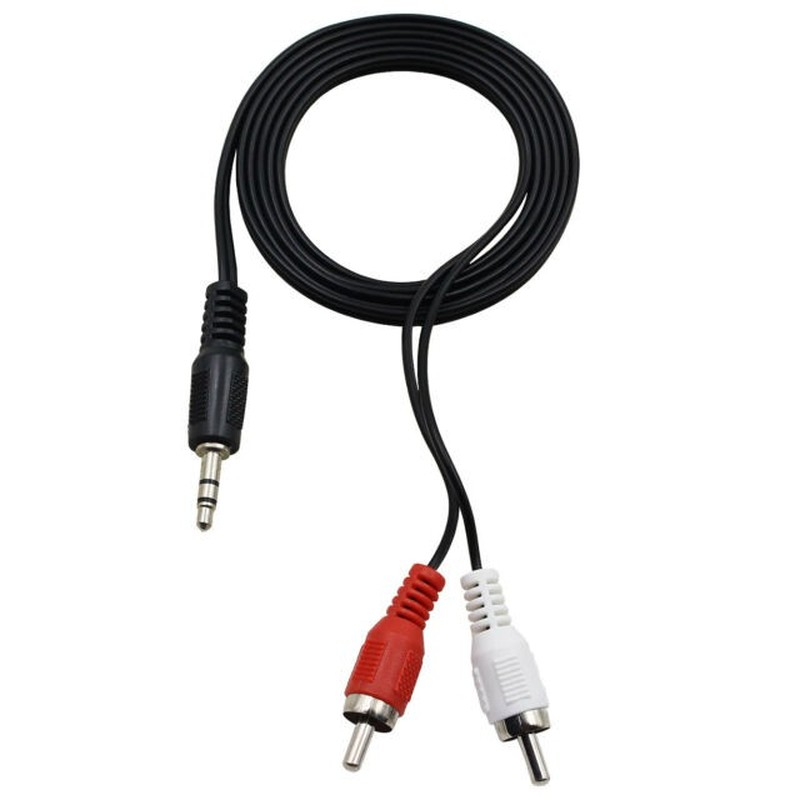
| Description | Here are some of the features of the 3.5mm to RCA Cable:Two RCA male connectors
3.5mm male connector
Made of high-quality materials
Fully molded for maximum durability and long life
Compatible with a wide range of devices
Here are some of the benefits of using the 3.5mm to RCA Cable: | Here are some of the features of the PremiumAV HDMI Male to VGA Female Video Converter Adapter Cable (Black):Unidirectional design
Supports resolutions up to 1920x1080 60Hz (1080p Full HD)
Lightweight and portable
Perfect for business presentations, extending your desktop screen to a monitor or TV, or connecting your laptop to a projector
Save money on upgrading to an HDMI compatible display
Here are some of the benefits of using the PremiumAV HDMI Male to VGA Female Video Converter Adapter Cable (Black): |
Brand Tukzer
Connector Type USB
Hardware Interface USB
Has Self-Timer No
Water Resistance Level Not Water Resistant
Wireless Communication Technology Bluetooth | Here are some of the drawbacks of the Storite Power Cable Cord:Not compatible with all power outlets
May not be as long as some other power cables
Overall, the Storite Power Cable Cord is a great value for the price and is a reliable way to power your devices. It is made of high-quality materials and is built to last. It is also fully molded for maximum durability and long life. If you are looking for a power cable that is compatible with Indian power outlets and is built to last, the Storite Power Cable Cord is a great option. | Here are some of the benefits of using DP to DP connectors:They support high-definition video and audio resolutions.
They can support HDR video.
They are reliable and efficient.
They are available at a variety of prices.
If you are looking for a high-quality way to connect your DisplayPort devices, then a DP to DP connector is a great option. | Here are some of the benefits of using a VGA to HDMI with Audio Adapter:Allows you to connect VGA devices to HDMI monitors or projectors
Small and lightweight
Made of durable materials
Compatible with a variety of devices
Affordable
If you have a VGA device and a new monitor or projector that only has HDMI ports, then a VGA to HDMI with Audio Adapter is a great way to connect the two devices. |
| Content | 1
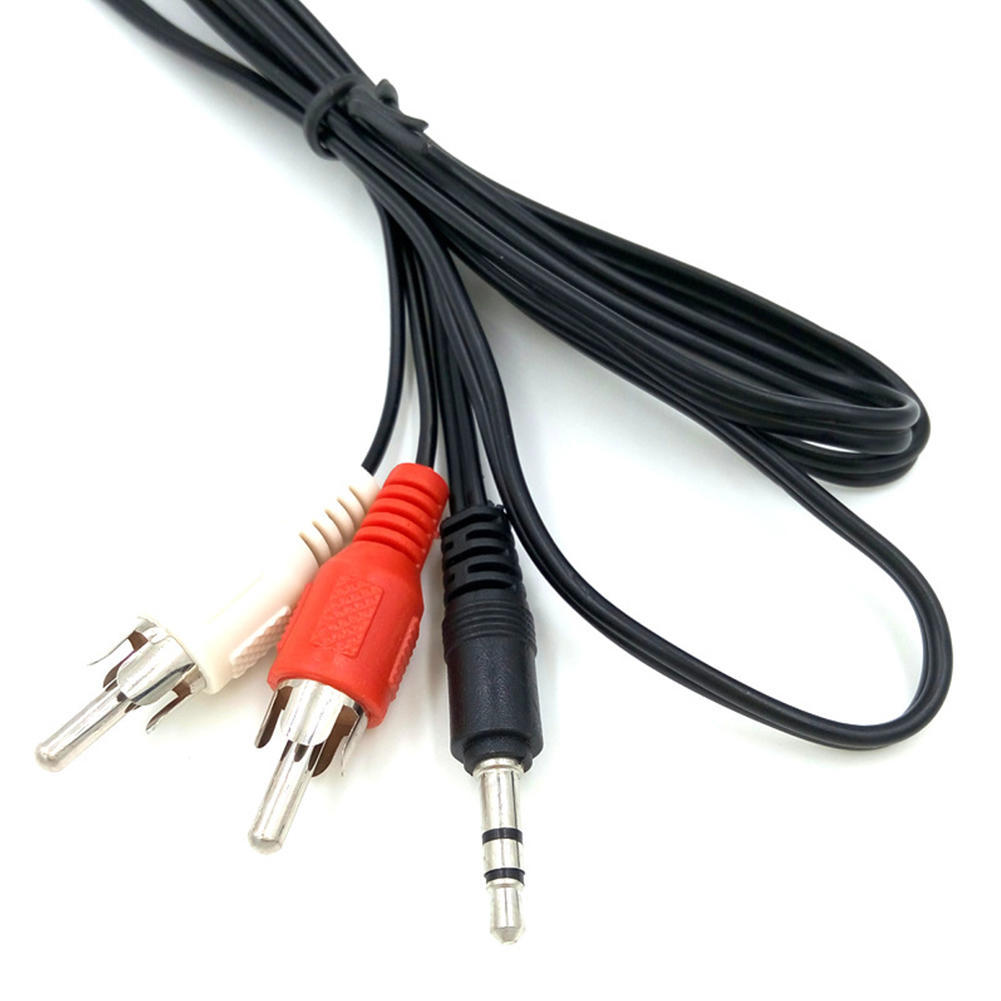
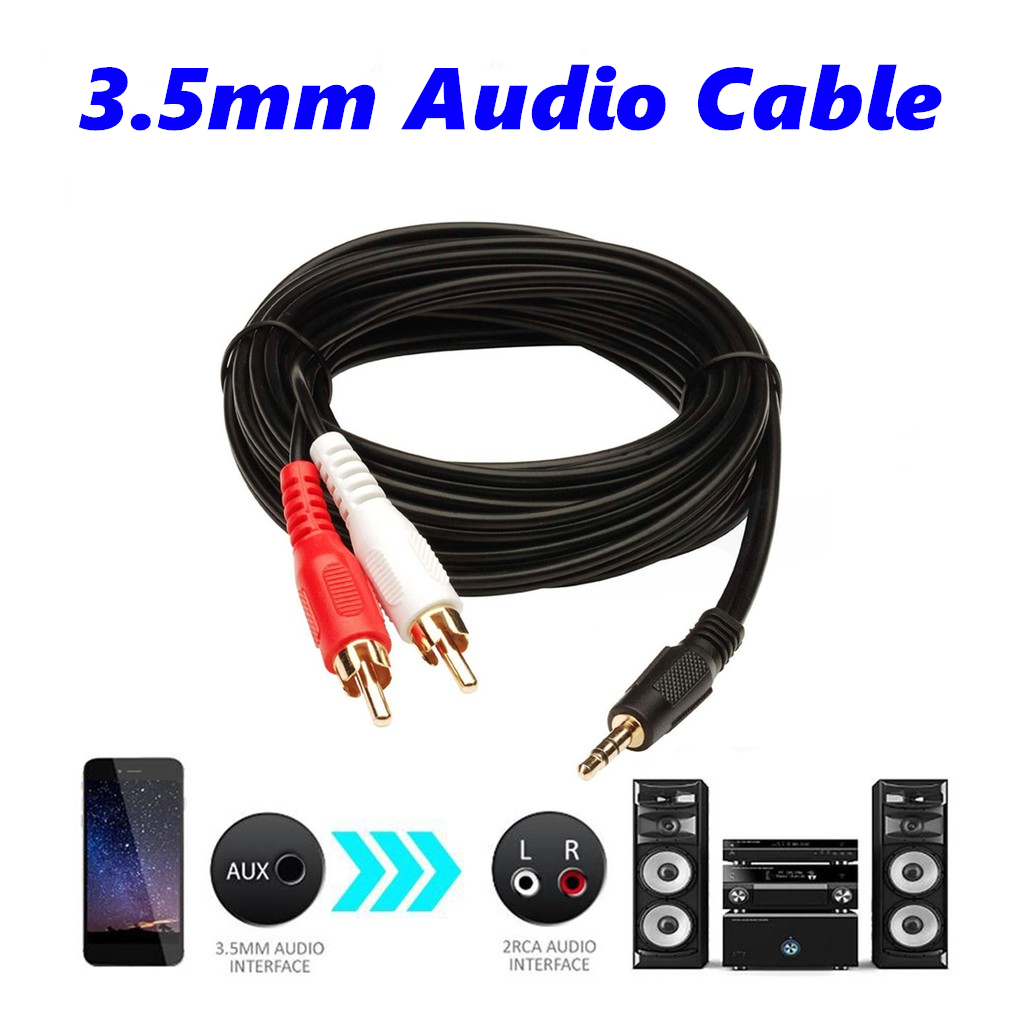
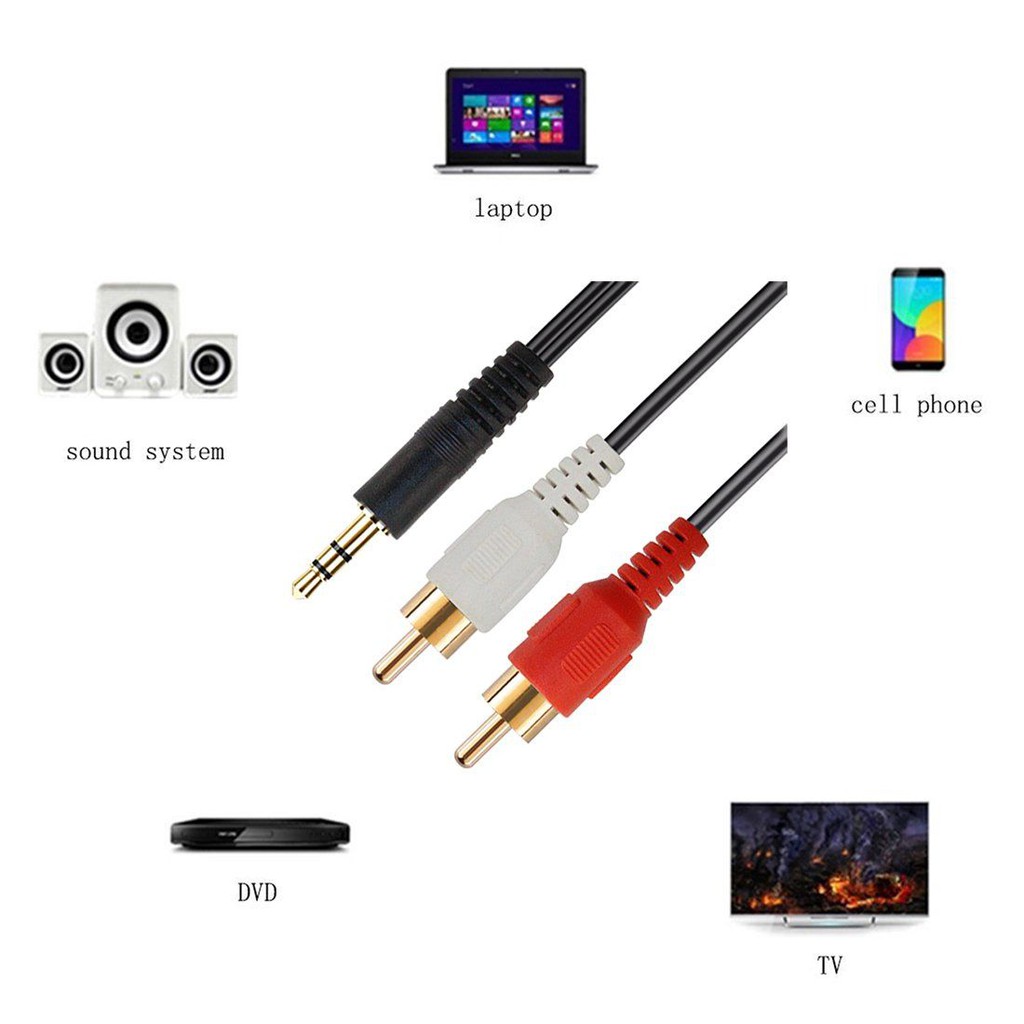
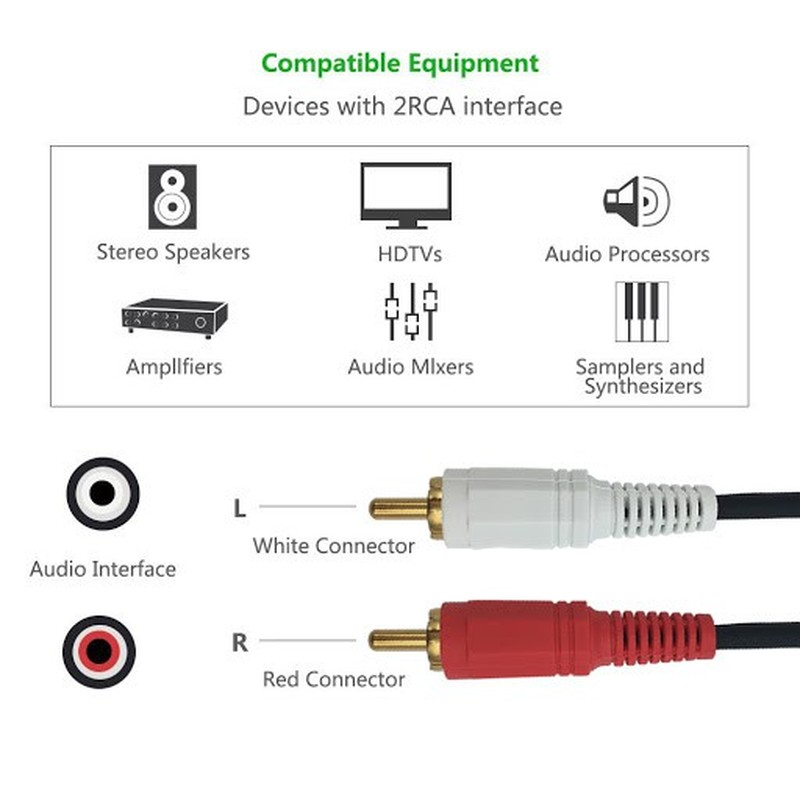
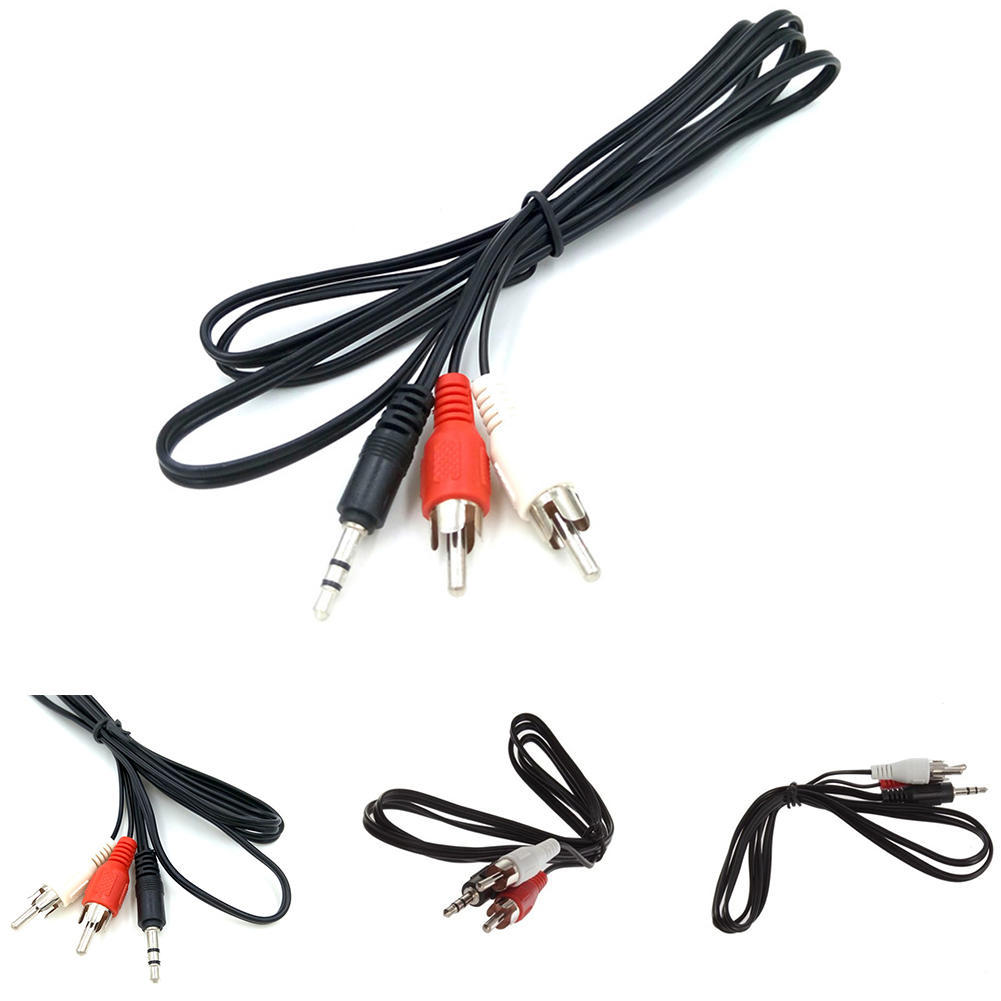
The 3.5mm to RCA Cable is a simple and affordable way to connect your phone, laptop, or other device with a 3.5mm audio jack to a stereo system or home theater receiver with RCA inputs. The cable has two RCA male connectors on one end and a 3.5mm male connector on the other end. The RCA connectors fit devices with a left and right audio input, while the 3.5mm male connector works with portable audio devices equipped with a standard 3.5mm auxiliary jack (typically used for headphones or ear buds).The cable is made of high-quality materials and is built to last. It is also fully molded for maximum durability and long life. The 3.5mm to RCA Cable is a great value for the price and is a reliable way to connect your devices to your stereo system or home theater receiver.Here are some of the features of the 3.5mm to RCA Cable:Two RCA male connectors
3.5mm male connector
Made of high-quality materials
Fully molded for maximum durability and long life
Compatible with a wide range of devices
Here are some of the benefits of using the 3.5mm to RCA Cable:Affordable
Easy to use
Compatible with a wide range of devices
Durable
Reliable
Here are some of the drawbacks of the 3.5mm to RCA Cable:May not be as long as some other cables
May not be compatible with all devices
Overall, the 3.5mm to RCA Cable is a great value for the price and is a reliable way to connect your devices to your stereo system or home theater receiver. It is made of high-quality materials and is built to last. It is also fully molded for maximum durability and long life. If you are looking for a cable to connect your phone, laptop, or other device with a 3.5mm audio jack to a stereo system or home theater receiver with RCA inputs, the 3.5mm to RCA Cable is a great option. | The PremiumAV HDMI Male to VGA Female Video Converter Adapter Cable (Black) is a simple, plug-and-play device that allows you to connect an HDMI output from your laptop, ultrabook, or desktop computer onto a VGA monitor or projector. The adapter features a unidirectional design, so it only works from HDMI to VGA. It supports resolutions up to 1920x1080 60Hz (1080p Full HD) including 720p, 1600x1200, and 1280x1024 for high definition monitors.To use the adapter, simply connect the HDMI connector of the adapter to your HDMI device. Then, connect the VGA cable of your monitor or projector to the VGA female port of the adapter. Finally, turn on the HDMI device and the display device and enjoy.The PremiumAV HDMI Male to VGA Female Video Converter Adapter Cable (Black) is a lightweight and portable device that is perfect for business presentations, extending your desktop screen to a monitor or TV, or connecting your laptop to a projector. It is also a great way to save money on upgrading to an HDMI compatible display.Here are some of the features of the PremiumAV HDMI Male to VGA Female Video Converter Adapter Cable (Black):Unidirectional design
Supports resolutions up to 1920x1080 60Hz (1080p Full HD)
Lightweight and portable
Perfect for business presentations, extending your desktop screen to a monitor or TV, or connecting your laptop to a projector
Save money on upgrading to an HDMI compatible display
Here are some of the benefits of using the PremiumAV HDMI Male to VGA Female Video Converter Adapter Cable (Black):Easy to use
Affordable
Supports high resolutions
Portable
Durable
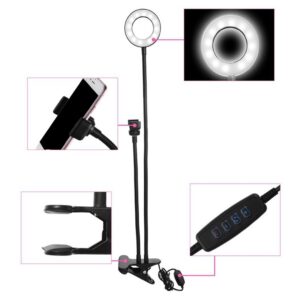
If you are looking for a simple and affordable way to connect your HDMI device to a VGA monitor or projector, then the PremiumAV HDMI Male to VGA Female Video Converter Adapter Cable (Black) is a great option. | 3 Colors & 10 Brightness Adjustable- Tukzer LED ring light has 3 lighting modes: white light, warm yellow and warm white, the brightness is adjustable at 10 levels which meet your needs in different situations. So you can adjust the color and brightness very easily, without the need to installing additional color filters for perfect brightness, which provides a more attractive effect.
USB and multi-device connection use- USB power supply is applicable to most devices that support USB ports, such as laptops, PCs, power banks, USB chargers, AC adapters, etc. With four buttons on the cord to power on/off, switch lighting modes, and adjust brightness, it's easy to find your favorite option in seconds.
360° rotation and high quality materials- Our LED light ring is made of Carbon steel, Metal threaded pipe, ABS, which is more compact and sturdy. The ring-shaped light stand can be rotated 360°, so you can adjust the angle according to your needs to get the best shooting or display view.
LED ring light is widely used- Youtube channel, live streaming, photography, makeup, video production, vlog, video recording, remote video conferencing, online courses, video calls with family and friends, etc.
Product Height- 29CM, Lamp Diameter- 20CM, Line Light- 1.9M, This Tukzer Ring Light comes with 6 months Warranty | The Storite Power Cable Cord for CPU, Desktop PC, Monitor, SMPS and Printer - 1.5M India Plug IEC Mains Black is a power cable that is designed to be used with computers, monitors, SMPS and printers. It has a 3-pin plug that is compatible with Indian power outlets. The cable is 1.5 meters long, which makes it easy to reach power outlets that are located far away from the device. The cable is made of high-quality materials and is built to last. It is also fully molded for maximum durability and long life. The Storite Power Cable Cord is a great value for the price and is a reliable way to power your devices.Here are some of the features of the Storite Power Cable Cord:3-pin plug that is compatible with Indian power outlets
1.5 meters long
Made of high-quality materials
Fully molded for maximum durability and long life
Reliable way to power your devices
Here are some of the benefits of using the Storite Power Cable Cord:Affordable
Easy to use
Compatible with a wide range of devices
Durable
Reliable
Here are some of the drawbacks of the Storite Power Cable Cord:Not compatible with all power outlets
May not be as long as some other power cables
Overall, the Storite Power Cable Cord is a great value for the price and is a reliable way to power your devices. It is made of high-quality materials and is built to last. It is also fully molded for maximum durability and long life. If you are looking for a power cable that is compatible with Indian power outlets and is built to last, the Storite Power Cable Cord is a great option.Here are some additional details about the Storite Power Cable Cord:The cable is made of high-quality PVC material, which is resistant to heat, cold, and moisture.
The cable is fully molded for maximum durability and long life.
The cable is 1.5 meters long, which makes it easy to reach power outlets that are located far away from the device.
The cable has a 3-pin plug that is compatible with Indian power outlets.
The cable is backed by a one-year warranty.
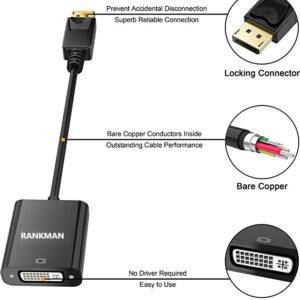
If you are looking for a reliable and affordable power cable for your computer, monitor, SMPS or printer, the Storite Power Cable Cord is a great option. It is made of high-quality materials, is built to last, and is compatible with Indian power outlets. | A DP to DP connector is a type of cable that is used to connect a DisplayPort source device to a DisplayPort sink device. DisplayPort is a digital audio/video interface that is used to connect computers, laptops, and other devices to displays such as monitors, TVs, and projectors. DP to DP connectors are available in a variety of lengths, typically ranging from 1 to 10 meters.DP to DP connectors are typically used to transmit high-definition video and audio signals. They can support resolutions up to 4K Ultra HD (3840 x 2160 pixels) at 60 frames per second (fps). DP to DP connectors can also support HDR (high dynamic range) video, which provides a wider range of colors and contrast than standard video.To use a DP to DP connector, simply connect one end of the cable to the DisplayPort output port on the source device and the other end of the cable to the DisplayPort input port on the sink device. Once the cable is connected, the source device and sink device should automatically detect each other and begin transmitting video and audio signals.DP to DP connectors are a reliable and efficient way to connect DisplayPort devices. They are available at a variety of prices, so you can find one that fits your budget. If you are looking for a high-quality way to connect your DisplayPort devices, then a DP to DP connector is a great option.Here are some of the benefits of using DP to DP connectors:They support high-definition video and audio resolutions.
They can support HDR video.
They are reliable and efficient.
They are available at a variety of prices.
If you are looking for a high-quality way to connect your DisplayPort devices, then a DP to DP connector is a great option. | A VGA to HDMI with Audio Adapter is a device that allows you to connect a VGA device to an HDMI monitor or projector. This can be useful if you have a new monitor or projector that only has HDMI ports, but you still have an older device that uses a VGA port.The adapter is small and lightweight, making it easy to carry with you. It is also made of durable materials, so it can withstand the wear and tear of everyday use.The adapter is compatible with a variety of devices, including:Laptops
Computers
Projectors
Monitors
To use the adapter, simply plug the VGA cable into the adapter and then plug the adapter into the HDMI port.The adapter is a great way to connect your older devices to new devices that have HDMI ports. It is also a great way to avoid having to buy new cables for all of your devices.Here are some of the benefits of using a VGA to HDMI with Audio Adapter:Allows you to connect VGA devices to HDMI monitors or projectors
Small and lightweight
Made of durable materials
Compatible with a variety of devices
Affordable
If you have a VGA device and a new monitor or projector that only has HDMI ports, then a VGA to HDMI with Audio Adapter is a great way to connect the two devices.Here are some additional details about the adapter:Supports resolutions up to 1080p
Includes a 3.5mm audio lead for connecting to speakers or headphones
Requires a USB power supply (not included)
The adapter is a great way to connect your older devices to new devices that have HDMI ports. It is also a great way to avoid having to buy new cables for all of your devices. |









Reviews
There are no reviews yet.