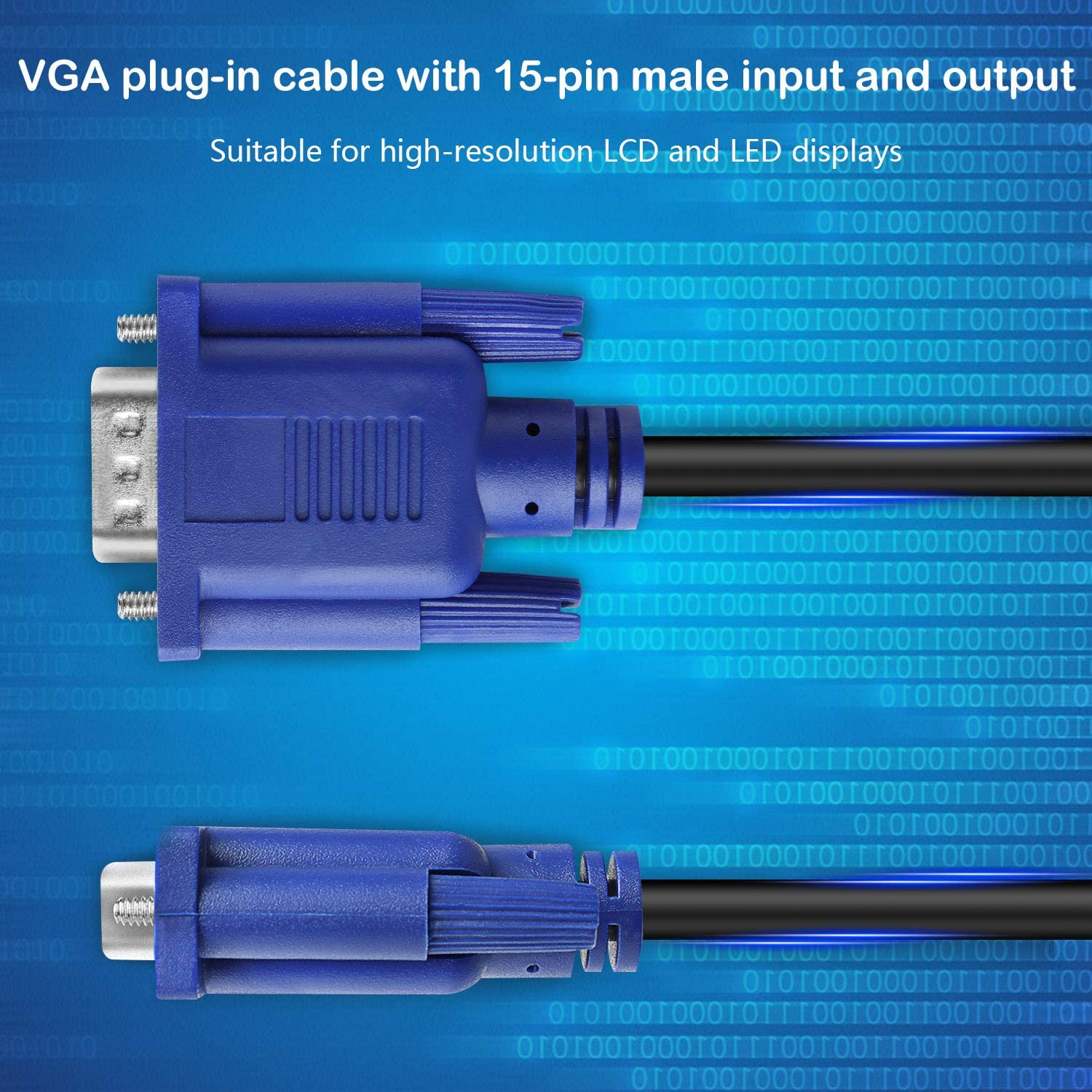
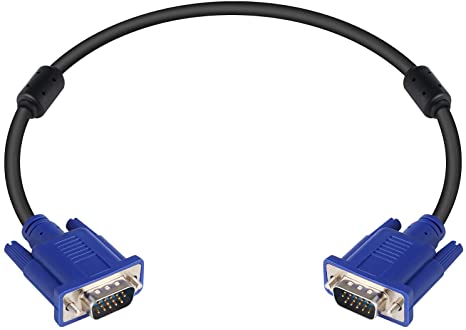
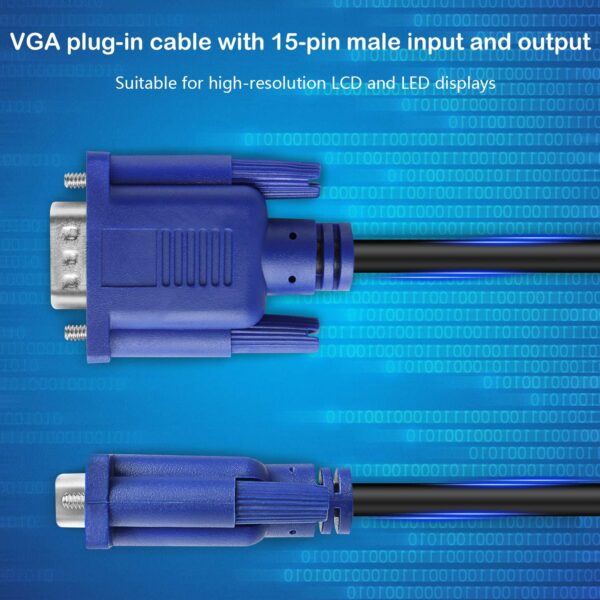
| Content | Connector: Male to male VGA
Resolution: Supports resolutions up to 1920x1200 at 60Hz
Features: Supports TFT, Plasma, LCD, and LED displays
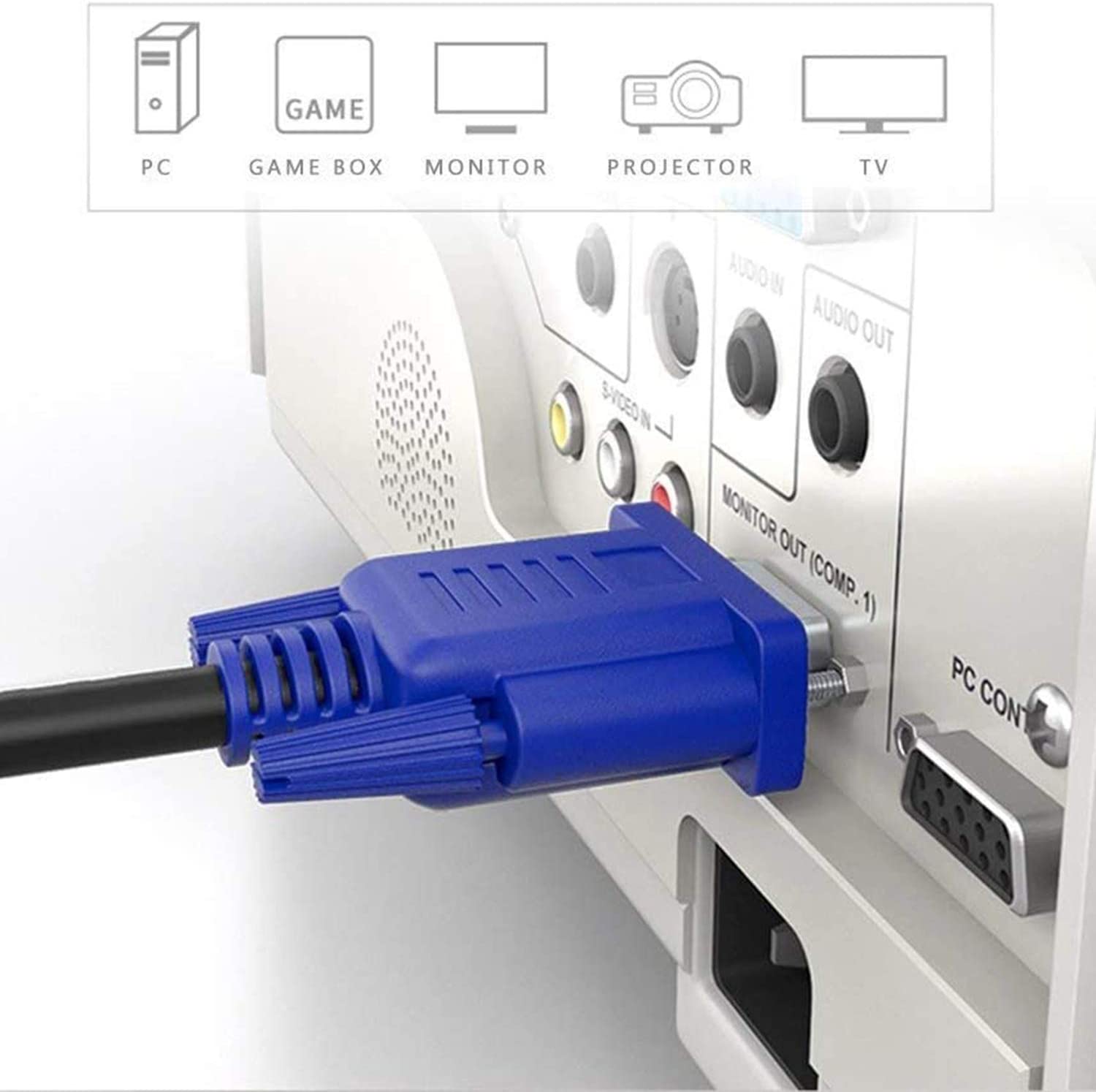
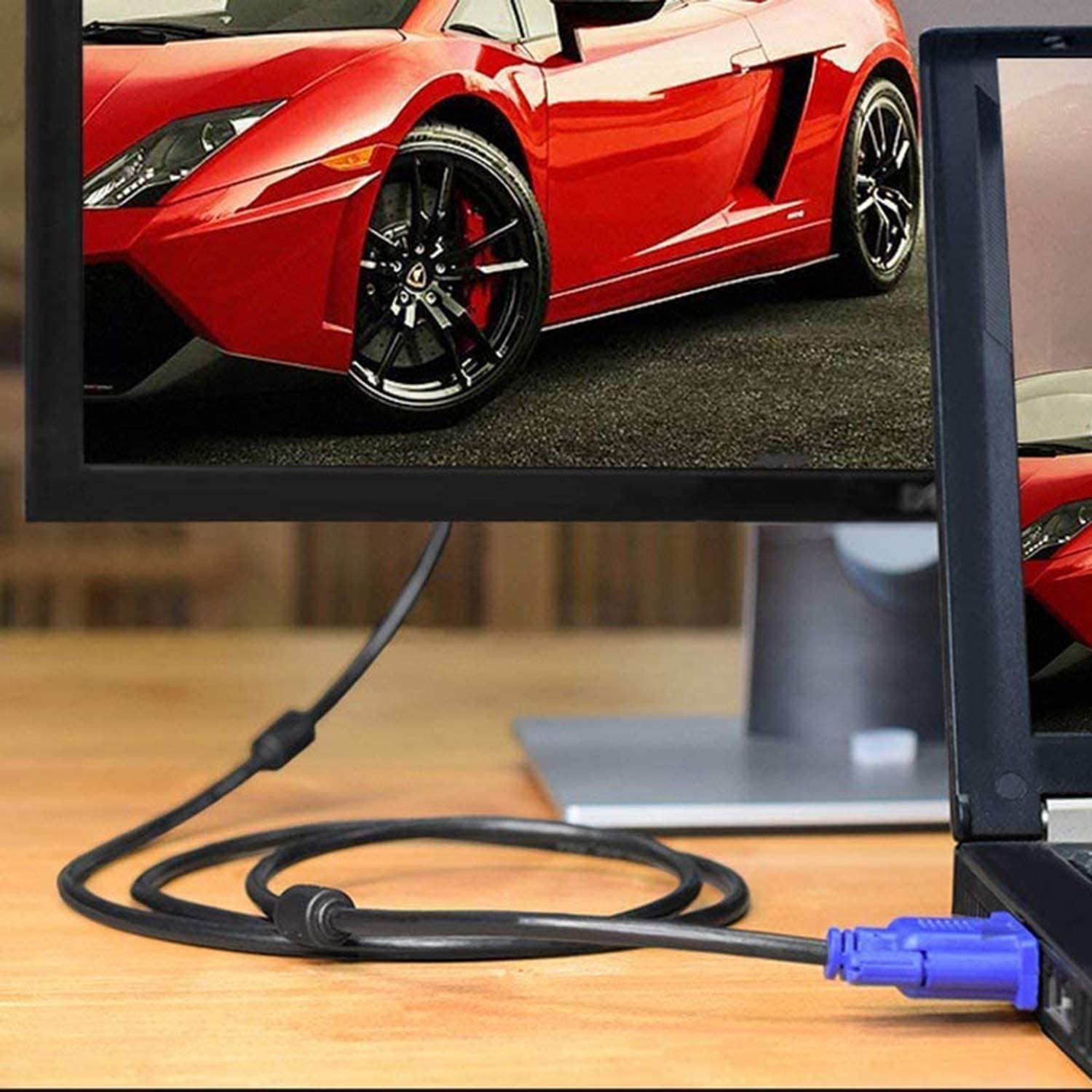
Compatibility: Compatible with most VGA-enabled devices, including computers, laptops, media players, game consoles, and projectors
Color: Black
This VGA cable is a great way to connect your devices to your display. It is long enough to reach most locations, and it supports the latest high-definition resolutions. It also supports TFT, Plasma, LCD, and LED displays, which makes it a versatile cable for a variety of applications.Here are some of the benefits of using the Male to Male VGA Cable 1.5 Meter, Support PC/Monitor/LCD/LED, Plasma, Projector, TFT. VGA to VGA Converter Adapter Cable:Long length of 1.5 meters (5 feet) makes it ideal for connecting devices that are far apart
Supports resolutions up to 1920x1200 at 60Hz
Supports TFT, Plasma, LCD, and LED displays
Compatible with most VGA-enabled devices
Black color blends in with most devices
If you are looking for a long, high-quality VGA cable that supports the latest features, the Male to Male VGA Cable 1.5 Meter, Support PC/Monitor/LCD/LED, Plasma, Projector, TFT. VGA to VGA Converter Adapter Cable is a great option.Here are some additional details about the cable:The cable is made of high-quality materials that are durable and long-lasting.
The connectors are gold-plated, which provides corrosion resistance and ensures a good signal connection.
The cable is lightweight and easy to carry.
The cable is backed by a satisfaction guarantee.
If you are looking for a reliable and high-quality VGA cable, the Male to Male VGA Cable 1.5 Meter, Support PC/Monitor/LCD/LED, Plasma, Projector, TFT. VGA to VGA Converter Adapter Cable is a great option. | A USB to DB9 RS-232 adapter cable is a type of cable that allows you to connect a USB device to a serial port. Serial ports are older ports that were used for connecting devices such as modems, printers, and scanners. USB ports are the newer standard for connecting devices, and they are much faster than serial ports.If you have a device that only has a serial port, you can use a USB to DB9 RS-232 adapter cable to connect it to your computer. The cable will have a USB connector on one end and a DB9 connector on the other end. The DB9 connector will fit into the serial port on your device, and the USB connector will plug into your computer.Once the cable is connected, you should be able to use your device as normal. However, you may need to install drivers for the device before it will work properly. Drivers are software that tells your computer how to communicate with the device. You can usually find drivers for your device on the manufacturer's website.USB to DB9 RS-232 adapter cables are a great way to connect older devices to your computer. They are relatively inexpensive and easy to use. If you have a device that only has a serial port, I recommend using a USB to DB9 RS-232 adapter cable to connect it to your computer.Here are some of the benefits of using a USB to DB9 RS-232 adapter cable:Allows you to connect older devices to your computer
Easy to use
Relatively inexpensive
Can be used with a variety of devices
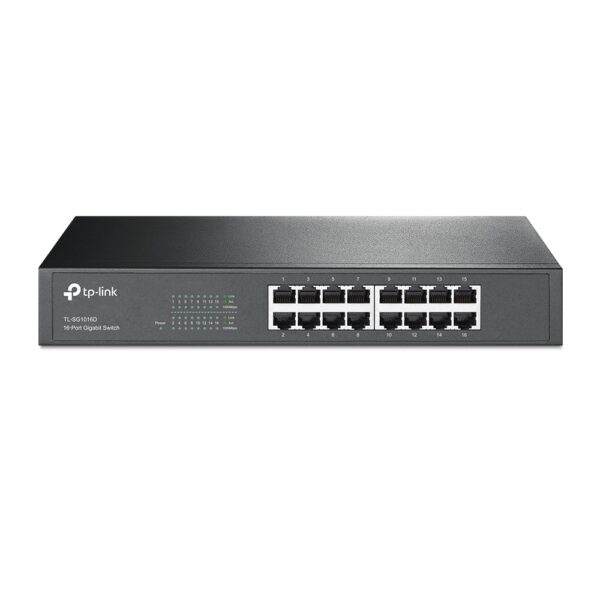
If you are looking for a way to connect an older device to your computer, a USB to DB9 RS-232 adapter cable is a great option. It is easy to use and can be used with a variety of devices. | The TP-Link TL-SG1016D is a 16-port Gigabit Ethernet switch that is designed for small to medium-sized businesses. It offers a variety of features that make it a great choice for businesses that need to expand their network capacity.Some of the key features of the TL-SG1016D include:16 Gigabit Ethernet ports
Auto MDI/MDIX and Auto Negotiation
MAC Address self-learning
Plug and Play
Energy-efficient design
The TL-SG1016D is easy to set up and use. Just connect the switch to your router or modem and then connect your devices to the switch's ports. The switch will automatically configure itself and start working.The TL-SG1016D is a great choice for businesses that need to expand their network capacity. It is easy to set up and use, and it offers a variety of features that make it a reliable and affordable solution.Here are some of the benefits of using the TP-Link TL-SG1016D:Easy to set up and use: The TL-SG1016D is easy to set up and use. Just connect the switch to your router or modem and then connect your devices to the switch's ports. The switch will automatically configure itself and start working.
Reliable: The TL-SG1016D is a reliable switch that has been designed to withstand the rigors of everyday use. It is also backed by a 3-year warranty.
Affordable: The TL-SG1016D is an affordable switch that offers great value for the price.
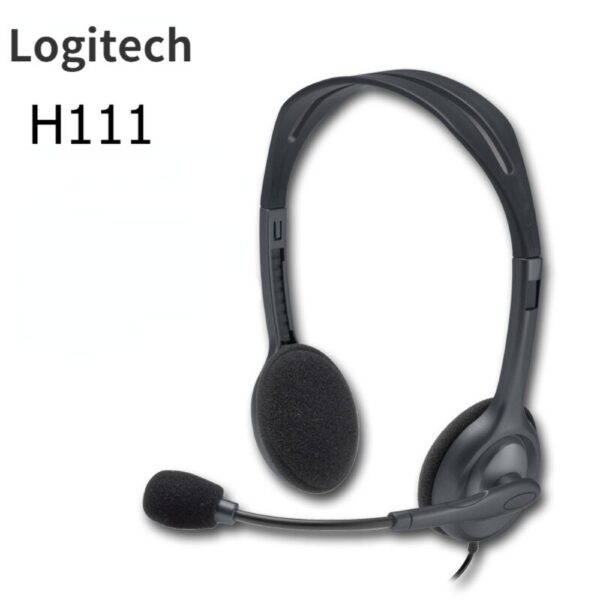
If you are looking for a reliable and affordable switch to expand your network capacity, the TP-Link TL-SG1016D is a great option. | The Logitech H111 is a wired on-ear headset with a microphone. It is a simple and affordable headset that is perfect for making calls, listening to music, or watching videos. The headset has a standard 3.5mm audio jack and is compatible with most devices, including computers, smartphones, and tablets.The H111 has a sturdy yet lightweight design. The headband is adjustable to fit most head sizes, and the ear cups are made of soft foam for a comfortable fit. The microphone is located on the left ear cup and can be rotated to the right side if desired.The H111 produces clear sound with good bass response. The microphone is also clear and picks up sound well. The headset is comfortable to wear for long periods of time.Overall, the Logitech H111 is a great value for the price. It is a simple and affordable headset that delivers good sound quality and a comfortable fit.Here are some of the features of the Logitech H111:Standard 3.5mm audio jack
Compatible with most devices
Adjustable headband
Soft foam ear cups
Rotatable microphone
Clear sound quality
Comfortable fit
Here are some of the benefits of using the Logitech H111:Affordable
Easy to use
Comfortable to wear
Good sound quality
Clear microphone
Here are some of the drawbacks of the Logitech H111:Not noise-canceling
Not wireless
Not high-end sound quality
Overall, the Logitech H111 is a great value for the price. It is a simple and affordable headset that delivers good sound quality and a comfortable fit. If you are looking for a basic headset for making calls, listening to music, or watching videos, the Logitech H111 is a great option. | The Lapcare LPC388A Toner Cartridge is a compatible replacement for the HP 88A toner cartridge. It is designed to work with HP LaserJet printers, including the P1002, P1003, P1005, P1006, P1009, P1007, P1008, M1136, M1213nf, M1216, and M1218. The cartridge yields up to 1700 pages, and it is backed by a 1-year warranty.Here are some of the features of the Lapcare LPC388A Toner Cartridge:Compatible with HP LaserJet printers
Yields up to 1700 pages
1-year warranty
Here are some of the benefits of using the Lapcare LPC388A Toner Cartridge:Affordable
High-quality
Easy to install
Backed by a warranty
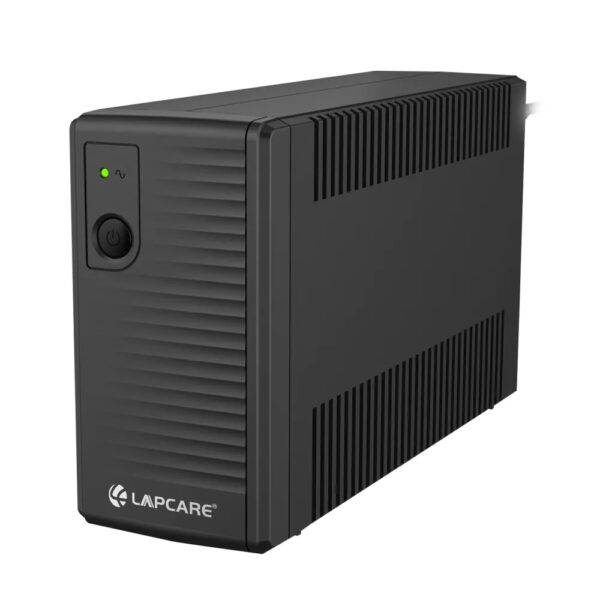
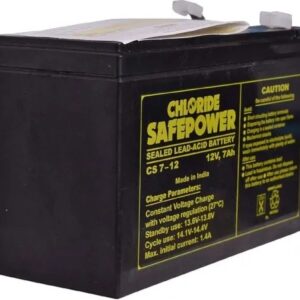
If you are looking for a compatible replacement for the HP 88A toner cartridge, the Lapcare LPC388A Toner Cartridge is a great option. It is affordable, high-quality, and easy to install. | The LAPCARE 600VA UPS | Lap LONG-650 is a great option for users who want a reliable and affordable UPS. It has a capacity of 600VA, which is enough to power a small computer or home office. The UPS also has a number of features that make it a good choice for users who want to protect their devices from power outages, including:Automatic voltage regulation (AVR)
Surge protection
Battery backup
Low battery warning
Auto restart
The LAPCARE 600VA UPS | Lap LONG-650 is available in a number of different deals, so you can find one that fits your budget. Here are a few of the deals that are currently available:Amazon: $49.99
Newegg: $54.99
Walmart: $59.99
If you are looking for a reliable and affordable UPS, the LAPCARE 600VA UPS | Lap LONG-650 is a great option. It is available in a number of different deals, so you can find one that fits your budget.Here are some of the benefits of using the LAPCARE 600VA UPS | Lap LONG-650:Protects your devices from power outages
Affordable
Available in a number of different deals
If you are looking for a UPS to protect your devices from power outages, the LAPCARE 600VA UPS | Lap LONG-650 is a great option. It is affordable and available in a number of different deals. |








Reviews
There are no reviews yet.