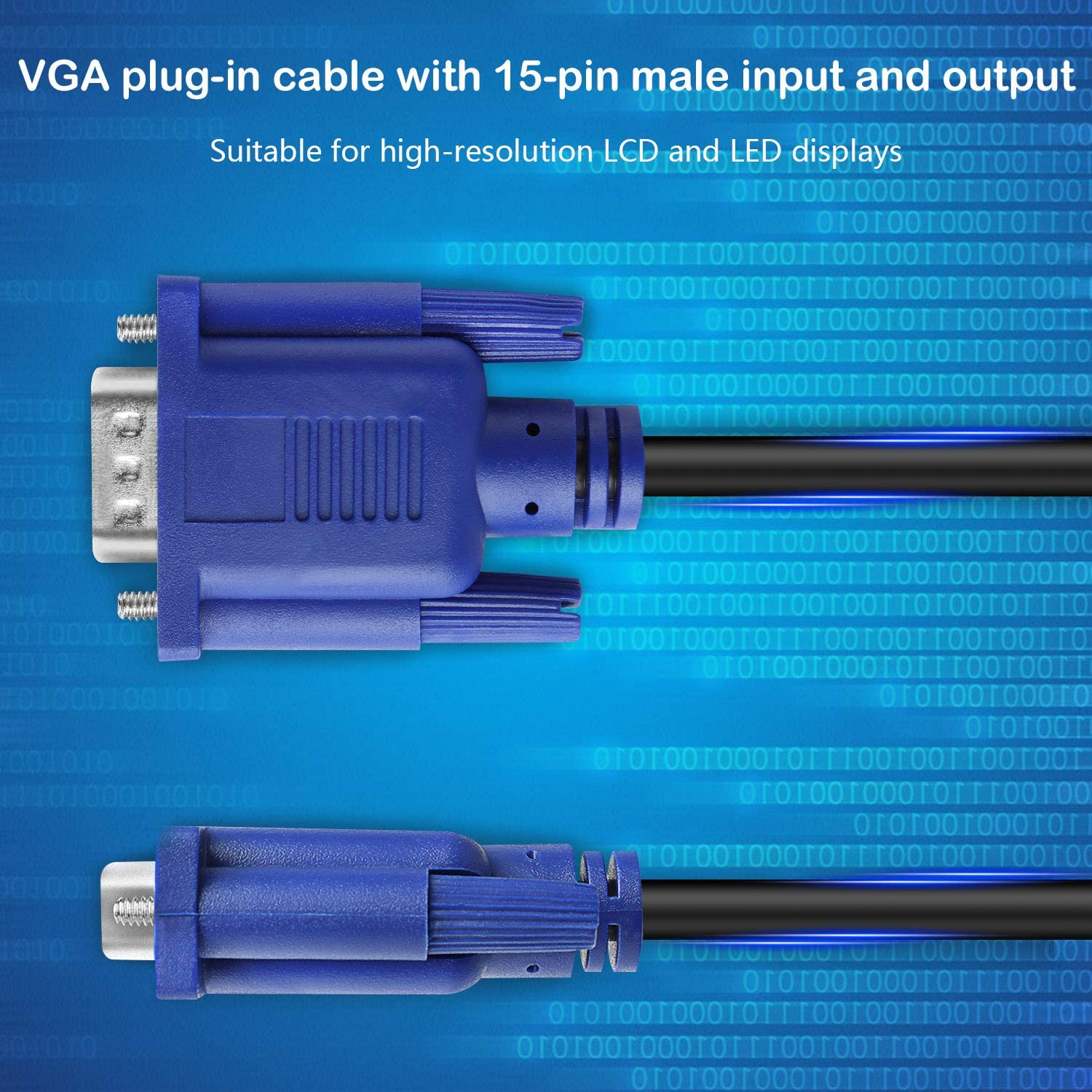
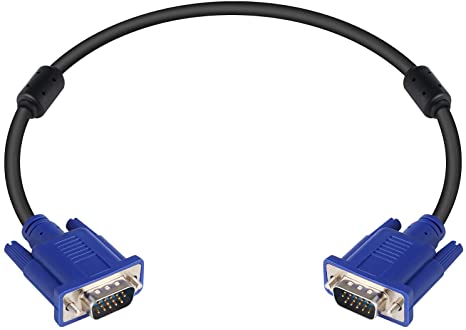
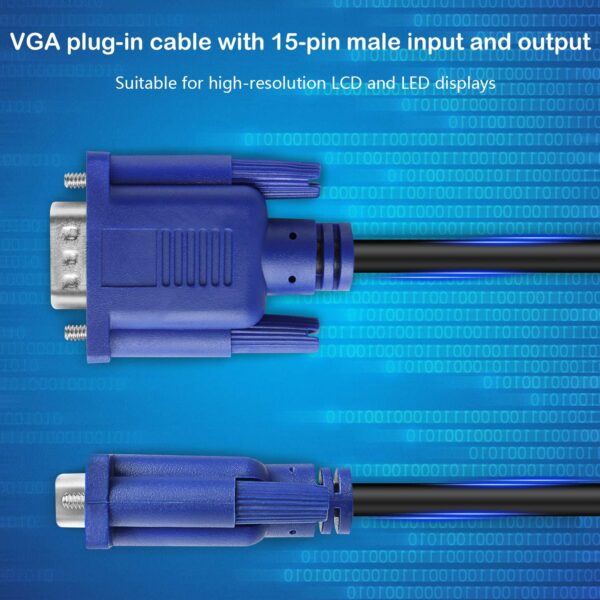
| Content | Connector: Male to male VGA
Resolution: Supports resolutions up to 1920x1200 at 60Hz
Features: Supports TFT, Plasma, LCD, and LED displays
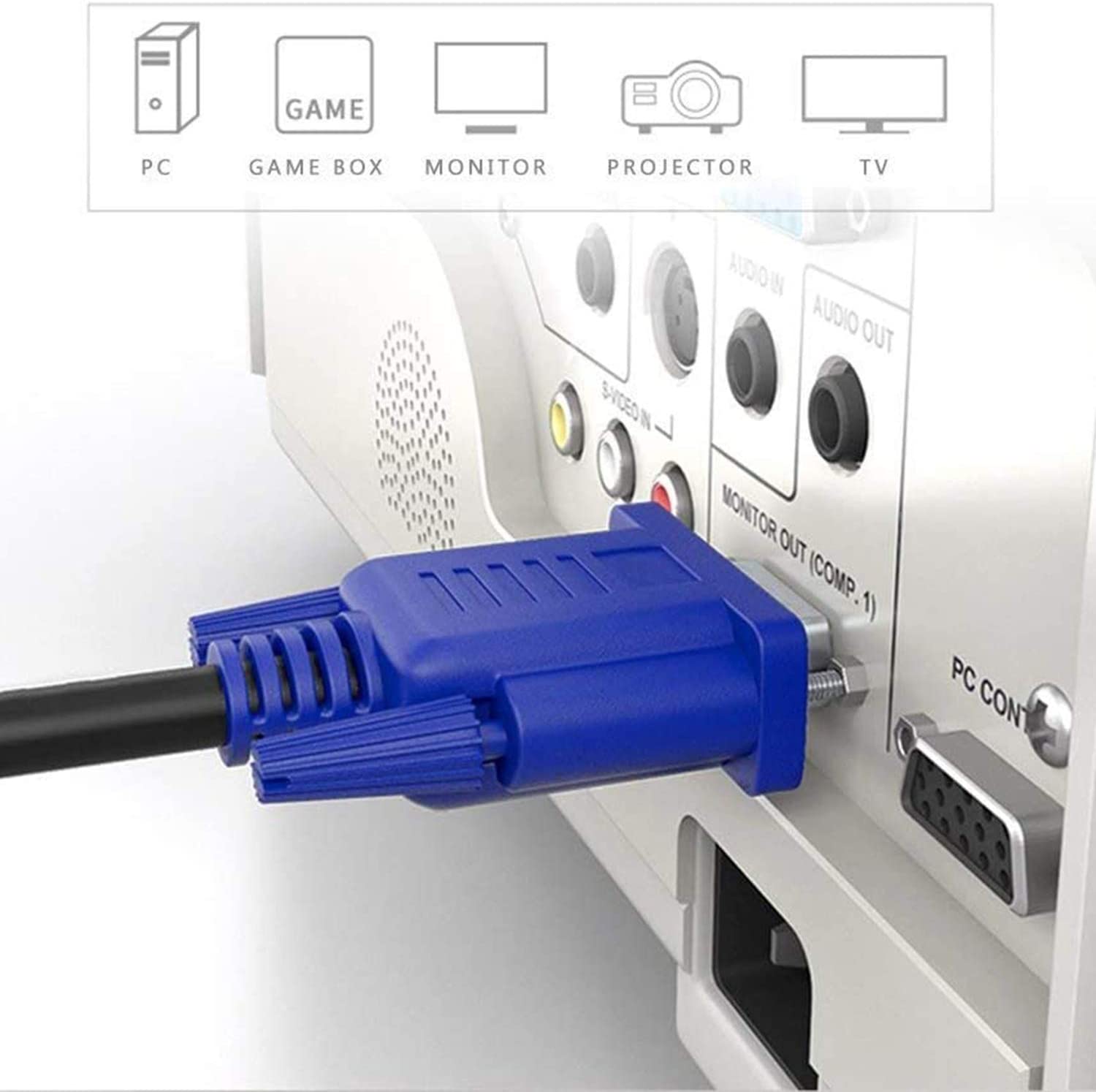
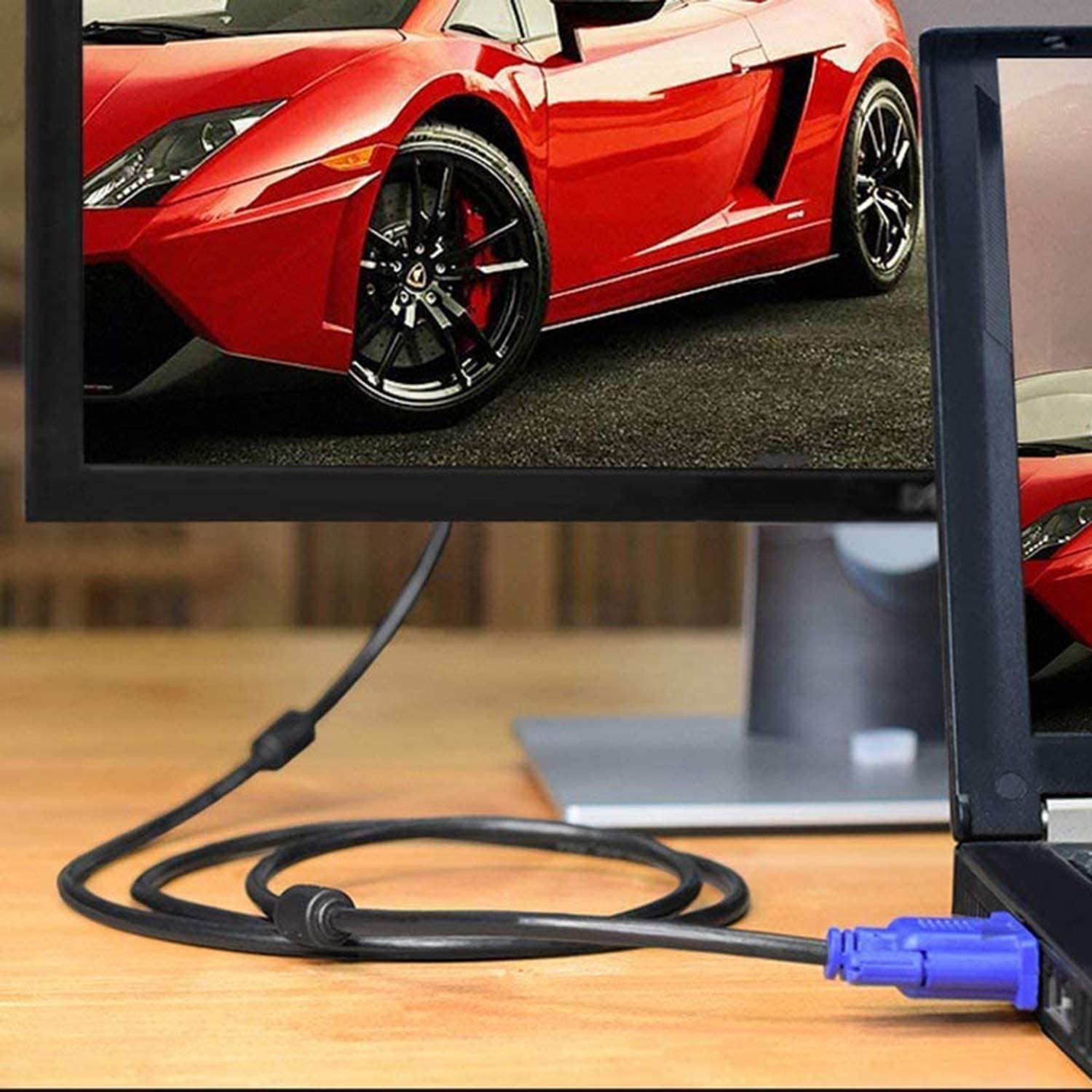
Compatibility: Compatible with most VGA-enabled devices, including computers, laptops, media players, game consoles, and projectors
Color: Black
This VGA cable is a great way to connect your devices to your display. It is long enough to reach most locations, and it supports the latest high-definition resolutions. It also supports TFT, Plasma, LCD, and LED displays, which makes it a versatile cable for a variety of applications.Here are some of the benefits of using the Male to Male VGA Cable 1.5 Meter, Support PC/Monitor/LCD/LED, Plasma, Projector, TFT. VGA to VGA Converter Adapter Cable:Long length of 1.5 meters (5 feet) makes it ideal for connecting devices that are far apart
Supports resolutions up to 1920x1200 at 60Hz
Supports TFT, Plasma, LCD, and LED displays
Compatible with most VGA-enabled devices
Black color blends in with most devices
If you are looking for a long, high-quality VGA cable that supports the latest features, the Male to Male VGA Cable 1.5 Meter, Support PC/Monitor/LCD/LED, Plasma, Projector, TFT. VGA to VGA Converter Adapter Cable is a great option.Here are some additional details about the cable:The cable is made of high-quality materials that are durable and long-lasting.
The connectors are gold-plated, which provides corrosion resistance and ensures a good signal connection.
The cable is lightweight and easy to carry.
The cable is backed by a satisfaction guarantee.
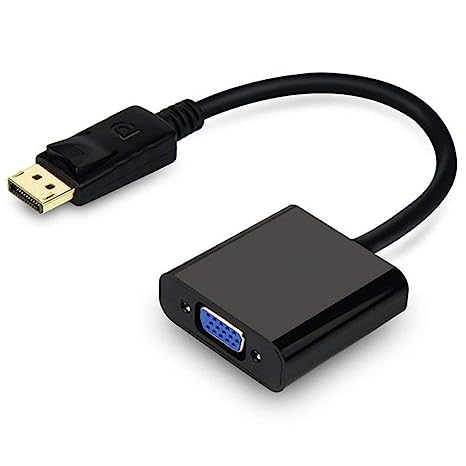
If you are looking for a reliable and high-quality VGA cable, the Male to Male VGA Cable 1.5 Meter, Support PC/Monitor/LCD/LED, Plasma, Projector, TFT. VGA to VGA Converter Adapter Cable is a great option. | A DisplayPort to VGA converter cable is a device that allows you to connect a DisplayPort-equipped device to a VGA-equipped display. DisplayPort is a newer, more advanced video interface than VGA, and it offers a number of advantages, such as higher resolutions, refresh rates, and color depth. However, not all displays support DisplayPort, so a DisplayPort to VGA converter cable can be used to connect a DisplayPort-equipped device to a VGA-equipped display.To use a DisplayPort to VGA converter cable, simply connect one end of the cable to the DisplayPort output port on the source device and the other end of the cable to the VGA input port on the display. Once the cable is connected, the source device and display should automatically detect each other and begin transmitting video and audio signals.DisplayPort to VGA converter cables are available at a variety of prices, so you can find one that fits your budget. If you are looking for a way to connect a DisplayPort-equipped device to a VGA-equipped display, then a DisplayPort to VGA converter cable is a great option.Here are some of the benefits of using a DisplayPort to VGA converter cable:It allows you to connect a DisplayPort-equipped device to a VGA-equipped display.
It supports high-definition video resolutions.
It supports high refresh rates.
It supports high color depth.
It is a relatively inexpensive solution.
If you are looking for a way to connect a DisplayPort-equipped device to a VGA-equipped display, then a DisplayPort to VGA converter cable is a great option.Here are some of the things to consider when choosing a DisplayPort to VGA converter cable:The length of the cable.
The resolution and refresh rate that the cable supports.
The color depth that the cable supports.
The price of the cable.
It is important to choose a DisplayPort to VGA converter cable that is compatible with your DisplayPort-equipped device and your VGA-equipped display. It is also important to choose a cable that is the appropriate length for your needs. | The TP-Link UE300C USB Type-C to RJ45 Gigabit Ethernet Network Adapter is a small, portable adapter that allows you to connect your USB Type-C devices to a wired network. It supports speeds of up to 1000Mbps, making it ideal for streaming HD video, gaming, and transferring large files.The UE300C is easy to use. Simply plug it into your USB Type-C port and connect an Ethernet cable to the other end. The adapter will automatically be detected by your computer and you will be able to connect to the internet.The UE300C is a great option for anyone who wants to add wired connectivity to their USB Type-C devices. It is small, portable, and easy to use. It is also backed by a 2-year warranty.Here are some of the key features of the TP-Link UE300C:Supports speeds of up to 1000Mbps
Plug and play
USB Type-C connector
Foldable and portable design
2-year warranty
Here are some of the benefits of using the TP-Link UE300C:Fast speeds: The UE300C supports speeds of up to 1000Mbps, making it ideal for streaming HD video, gaming, and transferring large files.
Easy to use: The UE300C is easy to use. Simply plug it into your USB Type-C port and connect an Ethernet cable to the other end. The adapter will automatically be detected by your computer and you will be able to connect to the internet.
Portable: The UE300C is small and portable, so you can easily take it with you wherever you go.
Durable: The UE300C is backed by a 2-year warranty.
If you are looking for a way to add wired connectivity to your USB Type-C devices, the TP-Link UE300C is a great option. It is small, portable, easy to use | The TP-Link Omada AC1350 Wireless Ceiling Mount Access Point is a high-performance access point that provides reliable and secure wireless connectivity for businesses and homes. It supports the 802.11ac standard and offers speeds of up to 1350Mbps. The EAP225 is easy to install and configure, and it comes with a free PoE injector. It also features a secure guest network and centralized management.Here are some of the key features of the TP-Link Omada AC1350 Wireless Ceiling Mount Access Point:Supports the 802.11ac standard for speeds up to 1350Mbps
Ceiling-mounted for easy installation
Includes a free PoE injector
Secure guest network
Centralized management
The TP-Link Omada AC1350 Wireless Ceiling Mount Access Point is a great choice for businesses and homes that need a reliable and secure wireless network. It is easy to install and configure, and it offers a variety of features that make it a great value for the price.Here are some of the benefits of using the TP-Link Omada AC1350 Wireless Ceiling Mount Access Point:Increased coverage: The EAP225 can provide wireless coverage over a large area, making it ideal for businesses and homes with multiple rooms.
Improved security: The EAP225 includes a secure guest network, which allows you to create a separate network for guests that is isolated from your main network. This helps to protect your data from unauthorized access.
Centralized management: The EAP225 can be managed centrally using the TP-Link Omada Controller software. This software allows you to configure and monitor all of your TP-Link devices from a single location.
If you are looking for a reliable and secure wireless network, the TP-Link Omada AC1350 Wireless Ceiling Mount Access Point is a great option. It is easy to install and configure, and it offers a variety of features that make it a great value for the price.Here are some additional details about the TP-Link Omada AC1350 Wireless Ceiling Mount Access Point:Dual-band: The EAP225 supports both the 2.4 GHz and 5 GHz bands, which allows you to connect to devices that only support one of these bands.
MU-MIMO: The EAP225 supports MU-MIMO technology, which allows multiple devices to transmit data at the same time, which can improve overall network performance.
Beamforming: The EAP225 supports beamforming technology, which focuses the wireless signal towards devices, which can improve range and reliability.
PoE: The EAP225 supports PoE, which allows you to power the access point using an Ethernet cable.
Guest network: The EAP225 includes a secure guest network, which allows you to create a separate network for guests that is isolated from your main network.
Centralized management: The EAP225 can be managed centrally using the TP-Link Omada Controller software. This software allows you to configure and monitor all of your TP-Link devices from a single location.
I hope this information is helpful. Please let me know if you have any other questions. | A USB to VGA adapter is a device that allows you to connect a VGA monitor or projector to a computer that does not have a VGA port. The adapter converts the digital signal from the computer to an analog signal that can be displayed on the VGA device.The USB to VGA adapter is a simple device that is easy to use. To use the adapter, simply connect the adapter to the USB port on your computer and then connect the VGA cable from the adapter to the VGA port on your monitor or projector. Once the adapter is connected, you should be able to see the image from your computer on the VGA device.The USB to VGA adapter is a great way to add a second monitor to your computer or to connect a projector to your computer for presentations. The adapter is also a great way to use an older VGA monitor or projector with a newer computer that does not have a VGA port.Here are some of the features of the USB to VGA adapter:Supports resolutions up to 1920x1080
Plug and play installation
Compatible with Windows 7/8/8.1/10
Gold-plated connectors for corrosion resistance
Durable construction for long life
Here are some of the benefits of using a USB to VGA adapter:Allows you to connect a VGA monitor or projector to a computer that does not have a VGA port
Easy to use
Affordable
Compatible with a wide range of computers and monitors
Durable construction
If you are looking for a way to connect a VGA monitor or projector to your computer, then the USB to VGA adapter is a great option. The adapter is easy to use, affordable, and compatible with a wide range of computers and monitors. | The Logitech H111 is a wired on-ear headset with a microphone. It is a simple and affordable headset that is perfect for making calls, listening to music, or watching videos. The headset has a standard 3.5mm audio jack and is compatible with most devices, including computers, smartphones, and tablets.The H111 has a sturdy yet lightweight design. The headband is adjustable to fit most head sizes, and the ear cups are made of soft foam for a comfortable fit. The microphone is located on the left ear cup and can be rotated to the right side if desired.The H111 produces clear sound with good bass response. The microphone is also clear and picks up sound well. The headset is comfortable to wear for long periods of time.Overall, the Logitech H111 is a great value for the price. It is a simple and affordable headset that delivers good sound quality and a comfortable fit.Here are some of the features of the Logitech H111:Standard 3.5mm audio jack
Compatible with most devices
Adjustable headband
Soft foam ear cups
Rotatable microphone
Clear sound quality
Comfortable fit
Here are some of the benefits of using the Logitech H111:Affordable
Easy to use
Comfortable to wear
Good sound quality
Clear microphone
Here are some of the drawbacks of the Logitech H111:Not noise-canceling
Not wireless
Not high-end sound quality
Overall, the Logitech H111 is a great value for the price. It is a simple and affordable headset that delivers good sound quality and a comfortable fit. If you are looking for a basic headset for making calls, listening to music, or watching videos, the Logitech H111 is a great option. |









Reviews
There are no reviews yet.