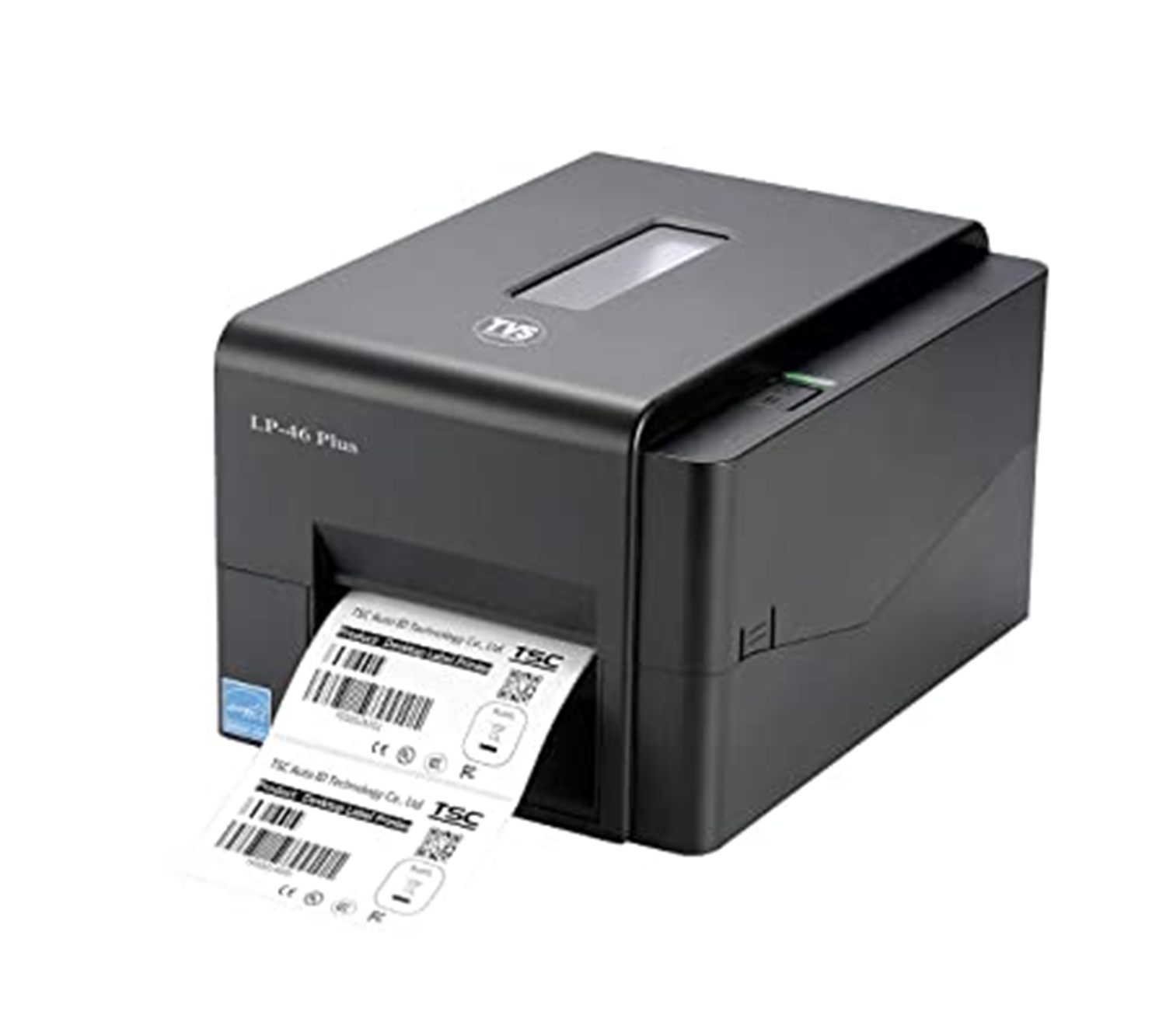
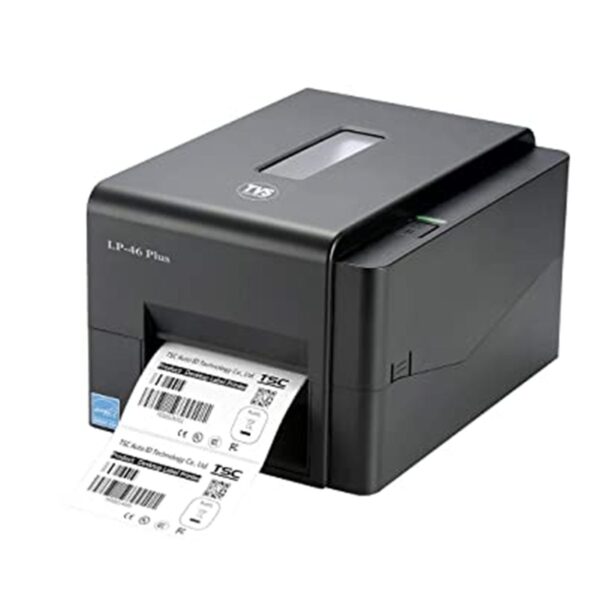
| Description | Here are some of the key features of the TVS BAR Code Label Printer LP 46 LITE:Print speed of 6 ips
Resolution of 203 dpi
Supports direct thermal and thermal transfer labels
Supports a variety of barcodes, including Code 39, Code 128, and UPC-A
Built-in cutter
USB interface | Here is a more detailed description of the Honeywell EDA51 Mobile Computer Barcode Scanner:Scanner: The EDA51 features a powerful integrated scanner that can read 1D and 2D barcodes. The scanner has a working range of up to 12 inches and can scan barcodes in even the most challenging conditions.
Display: The EDA51 features a 5-inch color touchscreen display. The display is bright and clear, making it easy to view even in direct sunlight. The display also supports multi-touch gestures, making it easy to navigate the device's user interface.
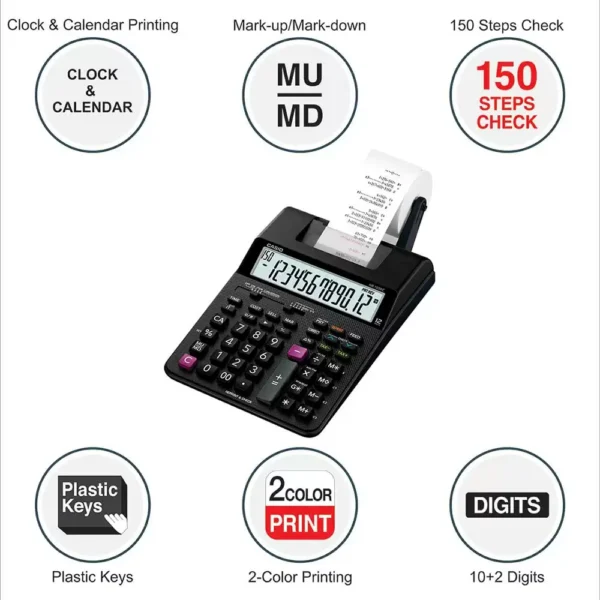
Battery: The EDA51 is powered by a long-lasting battery that can provide up to 12 hours of continuous use. The battery is also easily removable, making it easy to replace. | Here are some additional details about the Casio HR-100RC-BK:Dimensions: 295 x 165 x 64.6 mm
Weight: 570 g
Power supply: 4 AA batteries
Display: 12-digit LCD
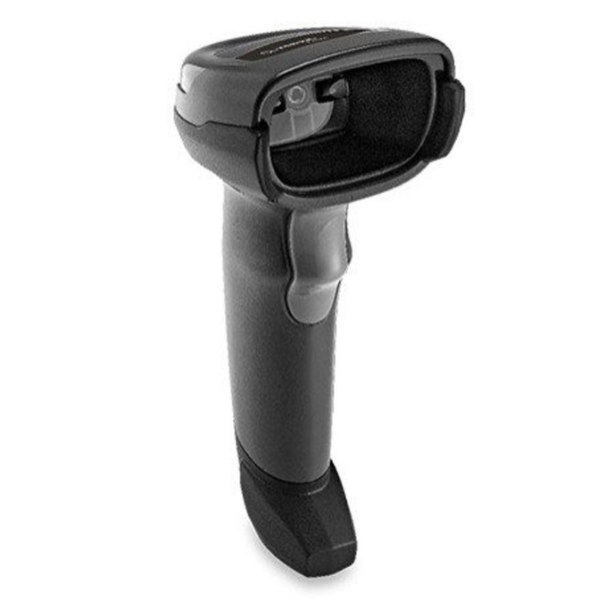
Functions: Grand total, item counter, average, mark-up/mark-down, tax calculation, exchange calculation, clock/calendar | Here are some of the features of the Zebra Symbol DS2208 SR Corded 2D/1D Handheld Barcode Scanner/Imager with USB Cord:2D imager that can read all major barcode types
Long-range scanning capability
IP65 rated for dust and water resistance
Easy to use and configure
Backed by a one-year warranty
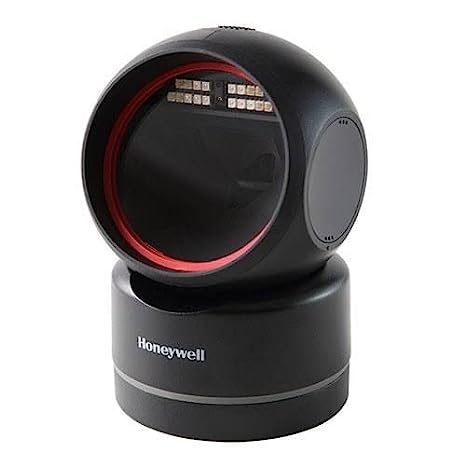
Here are some of the benefits of using the Zebra Symbol DS2208 SR Corded 2D/1D Handheld Barcode Scanner/Imager with USB Cord: | Here are some of the key features of the Honeywell HF680:2D barcode scanning
Working range of up to 18 inches
Hands-free presentation mode
USB connection
Scan speed of up to 150 scans per second
Resolution of 3 mil
IP65 dust and water resistance
MIL-STD-810G shock and vibration resistance
The Honeywell HF680 is a reliable and versatile barcode scanner that is ideal for a variety of applications. It is easy to use and maintain, and it offers a long lifespan. | Here are some additional details about the Casio KL-G2:Print speed: 20mm/sec
Print resolution: 200 dpi
Compatible tape widths: 6mm, 9mm, 12mm, 18mm, 24mm
Maximum print width: 16mm
Maximum printed lines: 3
Battery life: Up to 100 labels on alkaline batteries
Dimensions: 170 x 110 x 55mm
Weight: 450g |
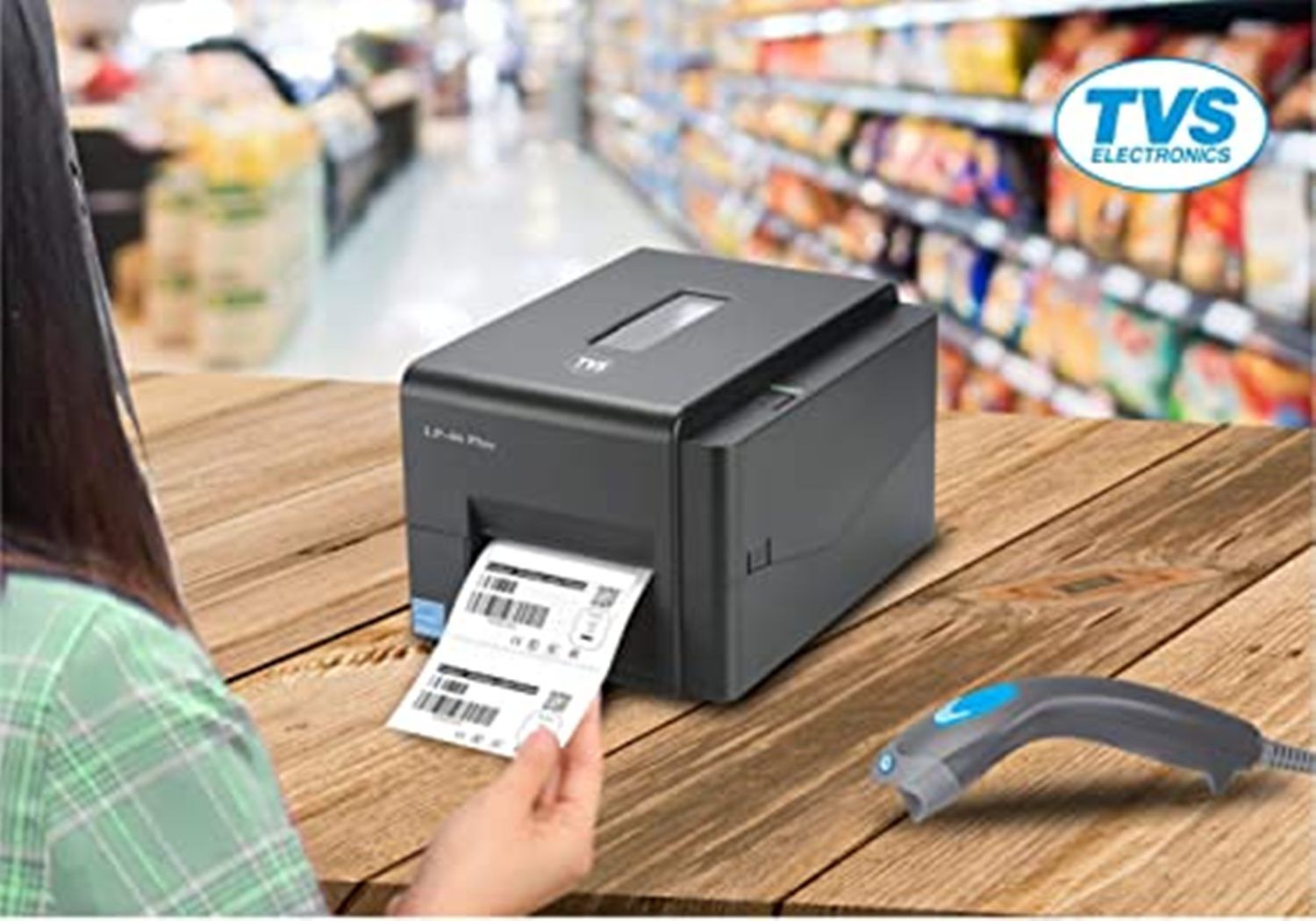
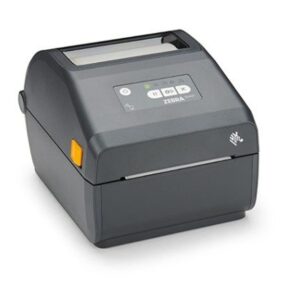
| Content | The TVS BAR Code Label Printer LP 46 LITE is a thermal label printer that is designed for small businesses and home offices. It has a print speed of 6 ips and a resolution of 203 dpi, and it can print on a variety of label media, including direct thermal and thermal transfer labels. The printer also supports a variety of barcodes, including Code 39, Code 128, and UPC-A.The TVS BAR Code Label Printer LP 46 LITE is a small and compact printer that is easy to set up and use. It comes with a built-in cutter, so you can easily cut your labels to size. The printer also has a USB interface, so you can connect it to your computer or laptop.The TVS BAR Code Label Printer LP 46 LITE is a reliable and affordable label printer that is perfect for small businesses and home offices. It is easy to use and can print on a variety of label media. The printer also supports a variety of barcodes, making it a versatile option for a variety of applications.Here are some of the key features of the TVS BAR Code Label Printer LP 46 LITE:Print speed of 6 ips
Resolution of 203 dpi
Supports direct thermal and thermal transfer labels
Supports a variety of barcodes, including Code 39, Code 128, and UPC-A
Built-in cutter
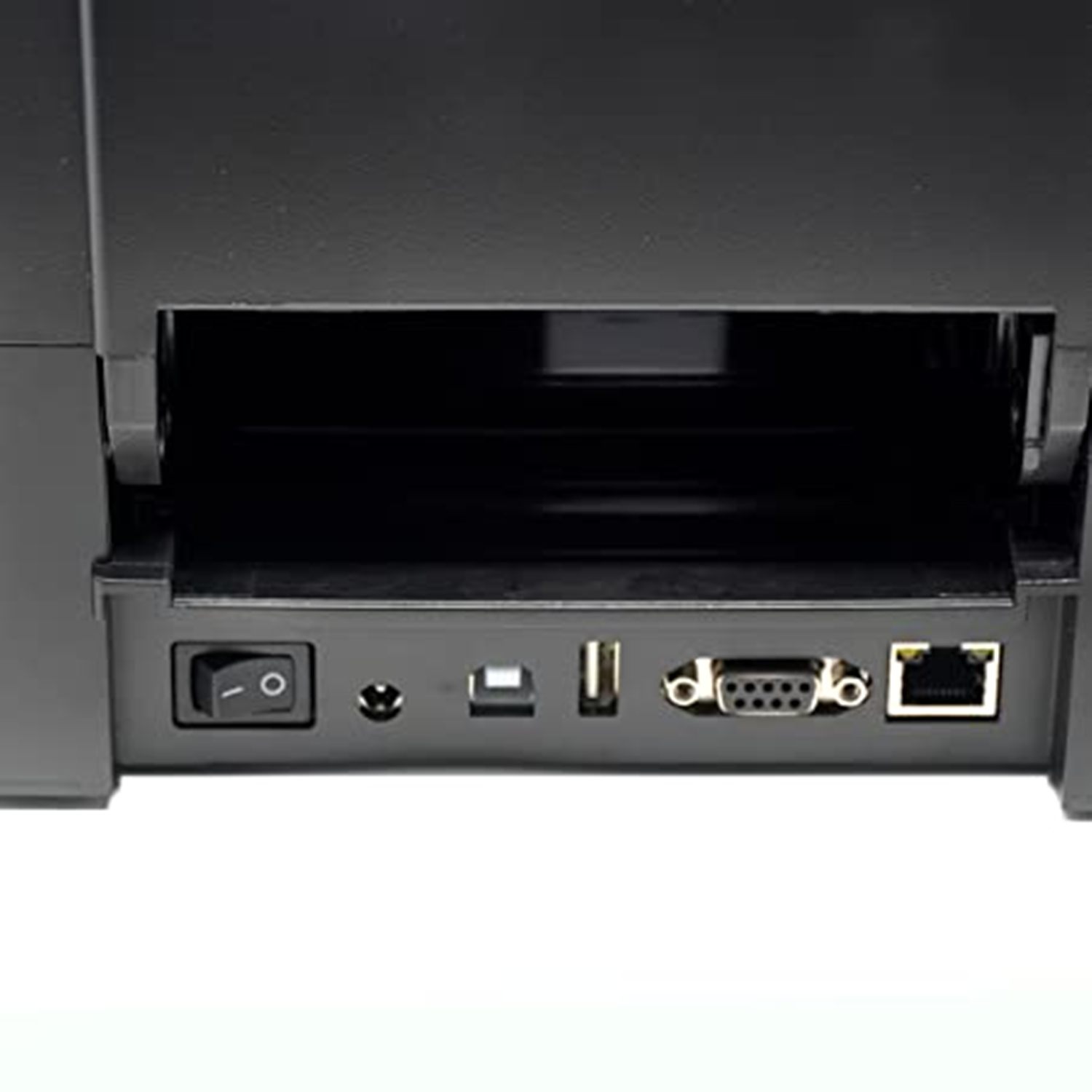
USB interface
Small and compact design
Easy to set up and use
Affordable price
If you are looking for a reliable and affordable label printer for your small business or home office, the TVS BAR Code Label Printer LP 46 LITE is a great option. | The Honeywell EDA51 Mobile Computer Barcode Scanner is a rugged, handheld device that is designed for use in a variety of environments. It features a 5-inch color touchscreen display, a powerful integrated scanner, and a long-lasting battery. The EDA51 is also water-resistant and dust-proof, making it ideal for use in harsh conditions.Here is a more detailed description of the Honeywell EDA51 Mobile Computer Barcode Scanner:Scanner: The EDA51 features a powerful integrated scanner that can read 1D and 2D barcodes. The scanner has a working range of up to 12 inches and can scan barcodes in even the most challenging conditions.
Display: The EDA51 features a 5-inch color touchscreen display. The display is bright and clear, making it easy to view even in direct sunlight. The display also supports multi-touch gestures, making it easy to navigate the device's user interface.
Battery: The EDA51 is powered by a long-lasting battery that can provide up to 12 hours of continuous use. The battery is also easily removable, making it easy to replace.
Environment: The EDA51 is water-resistant and dust-proof, making it ideal for use in harsh conditions. The device is also drop-resistant, making it durable enough to withstand even the most accidental drops.
Overall, the Honeywell EDA51 Mobile Computer Barcode Scanner is a powerful and versatile device that is ideal for use in a variety of environments. The device is rugged, reliable, and easy to use, making it a great choice for businesses that need a reliable barcode scanner.Here is a link to the product page for the Honeywell EDA51 Mobile Computer Barcode Scanner: https://sps.honeywell.com/us/en/products/productivity/mobile-computers/handheld-computers/scanpal-eda51-handheld-computerI hope this helps! Let me know if you have any other questions. | The Casio HR-100RC-BK is a 150 steps check & correct printing calculator with reprint feature. It is a compact and easy-to-use calculator that is perfect for a variety of business and personal use. The HR-100RC-BK has a large, easy-to-read display and a number of features that make it a versatile and efficient tool.Some of the key features of the Casio HR-100RC-BK include:150 steps check & correct: This feature allows you to review your calculations up to 150 steps back, so you can easily check for errors.
Reprint feature: This feature allows you to reprint your calculations, so you can keep a record of your work.
Large, easy-to-read display: The large, backlit display makes it easy to see your calculations, even in low-light conditions.
Number of features: The HR-100RC-BK has a number of features that make it a versatile and efficient tool, including a grand total, item counter, and average function.
The Casio HR-100RC-BK is a reliable and efficient calculator that is perfect for a variety of business and personal use. It is a compact and easy-to-use calculator with a number of features that make it a versatile and powerful tool.Here are some additional details about the Casio HR-100RC-BK:Dimensions: 295 x 165 x 64.6 mm
Weight: 570 g
Power supply: 4 AA batteries
Display: 12-digit LCD
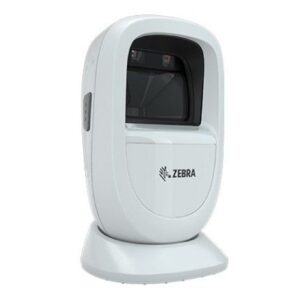
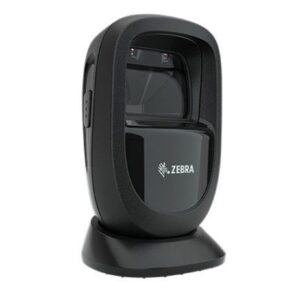
Functions: Grand total, item counter, average, mark-up/mark-down, tax calculation, exchange calculation, clock/calendarThe Casio HR-100RC-BK is a great choice for anyone looking for a reliable and efficient calculator. It is a compact and easy-to-use calculator with a number of features that make it a versatile and powerful tool | The Zebra Symbol DS2208 SR Corded 2D/1D Handheld Barcode Scanner/Imager with USB Cord is a high-performance barcode scanner that is designed for a variety of applications, including retail, warehouse, and manufacturing. The scanner features a 2D imager that can read all major barcode types, including 1D, 2D, and PDF417 barcodes. The scanner also features a long-range scanning capability that allows it to read barcodes from up to 30 inches away. The scanner is also IP65 rated, making it dust- and water-resistant.The Zebra Symbol DS2208 SR Corded 2D/1D Handheld Barcode Scanner/Imager with USB Cord is a reliable and durable scanner that is perfect for a variety of applications. The scanner is easy to use and can be configured to meet the specific needs of your application. The scanner is also backed by a one-year warranty.Here are some of the features of the Zebra Symbol DS2208 SR Corded 2D/1D Handheld Barcode Scanner/Imager with USB Cord:2D imager that can read all major barcode types
Long-range scanning capability
IP65 rated for dust and water resistance
Easy to use and configure
Backed by a one-year warranty
Here are some of the benefits of using the Zebra Symbol DS2208 SR Corded 2D/1D Handheld Barcode Scanner/Imager with USB Cord:Increased productivity
Reduced errors
Improved customer service
Increased accuracy
Enhanced security
If you are looking for a reliable and durable barcode scanner that can help you improve your business, then the Zebra Symbol DS2208 SR Corded 2D/1D Handheld Barcode Scanner/Imager with USB Cord is the perfect option for you. |
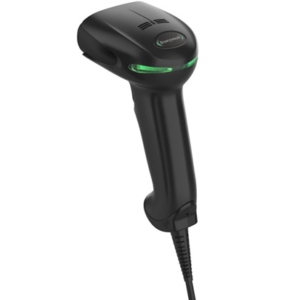
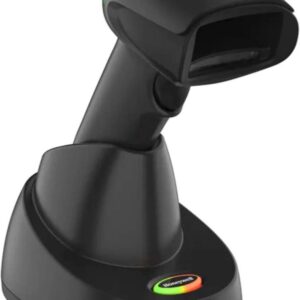
The Honeywell HF680 is a 2D hands-free/presentation scanner that is the perfect blend of affordability, performance, and style. With the HF680, retailers no longer have to compromise their budgets to get scanning performance in a modern design.Here are some of the key features of the Honeywell HF680:2D barcode scanning
Working range of up to 18 inches
Hands-free presentation mode
USB connection
Scan speed of up to 150 scans per second
Resolution of 3 mil
IP65 dust and water resistance
MIL-STD-810G shock and vibration resistance
The Honeywell HF680 is a reliable and versatile barcode scanner that is ideal for a variety of applications. It is easy to use and maintain, and it offers a long lifespan.Here are some of the pros and cons of the Honeywell HF680:Pros:2D barcode scanning
Hands-free presentation mode
USB connection
Fast scan speed
High resolution
Durable and reliable
Affordable price
Cons:Some users have reported that the scanner can be slow to start up
The presentation mode can be difficult to use in some environments
Overall, the Honeywell HF680 is a good value for the price. It is a reliable and versatile barcode scanner that is ideal for a variety of applications.Here are some additional details about the Honeywell HF680:The scanner is powered by a USB connection, so there are no batteries to replace.
The scanner is compatible with a variety of operating systems, including Windows, macOS, and Linux.
The scanner comes with a variety of software features, including EZConfig, which allows you to configure the scanner's settings.
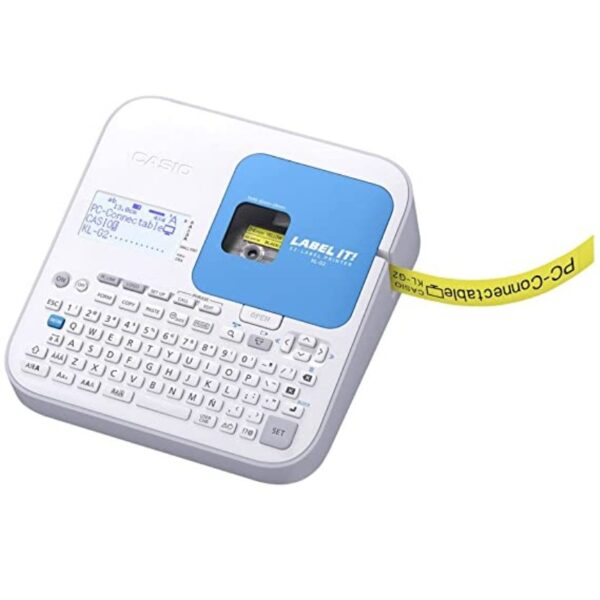
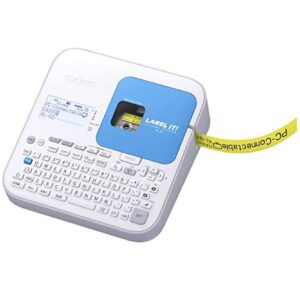
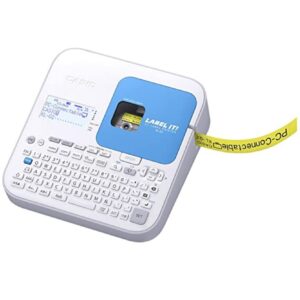
If you are looking for a reliable and affordable barcode scanner, the Honeywell HF680 is a great option. It is easy to use and maintain, and it offers a long lifespan. | The Casio KL-G2 is a label printer that is designed to be easy to use and efficient. It has a number of features that make it a good choice for both personal and business use.Some of the key features of the Casio KL-G2 include:A large, backlit LCD display that makes it easy to see what you are doing, even in low light conditions.
A QWERTY keyboard that makes it easy to type quickly and accurately.
A variety of fonts and styles to choose from, so you can create labels that look just the way you want them.
A built-in cutter that automatically cuts your labels to size.
A USB connection that allows you to connect the printer to your computer and print labels from a variety of sources.
The Casio KL-G2 is a versatile label printer that can be used for a variety of tasks, including:Creating labels for files, folders, and CDs.
Creating labels for products and inventory.
Creating labels for shipping and mailing.
Creating labels for home and office organization.
Creating labels for crafts and hobbies.
The Casio KL-G2 is a reliable and affordable label printer that is a good choice for both personal and business use.Here are some additional details about the Casio KL-G2:Print speed: 20mm/sec
Print resolution: 200 dpi
Compatible tape widths: 6mm, 9mm, 12mm, 18mm, 24mm
Maximum print width: 16mm
Maximum printed lines: 3
Battery life: Up to 100 labels on alkaline batteries
Dimensions: 170 x 110 x 55mm
Weight: 450g
The Casio KL-G2 is available in a variety of colors, including black, white, and blue. It is also available in a variety of bundles, including a bundle with a carrying case and a bundle with a variety of label tapes. |





Reviews
There are no reviews yet.