| Description | Here are some of the key features of the TP-Link Archer MR200:Supports both the 2.4 GHz and 5 GHz bands
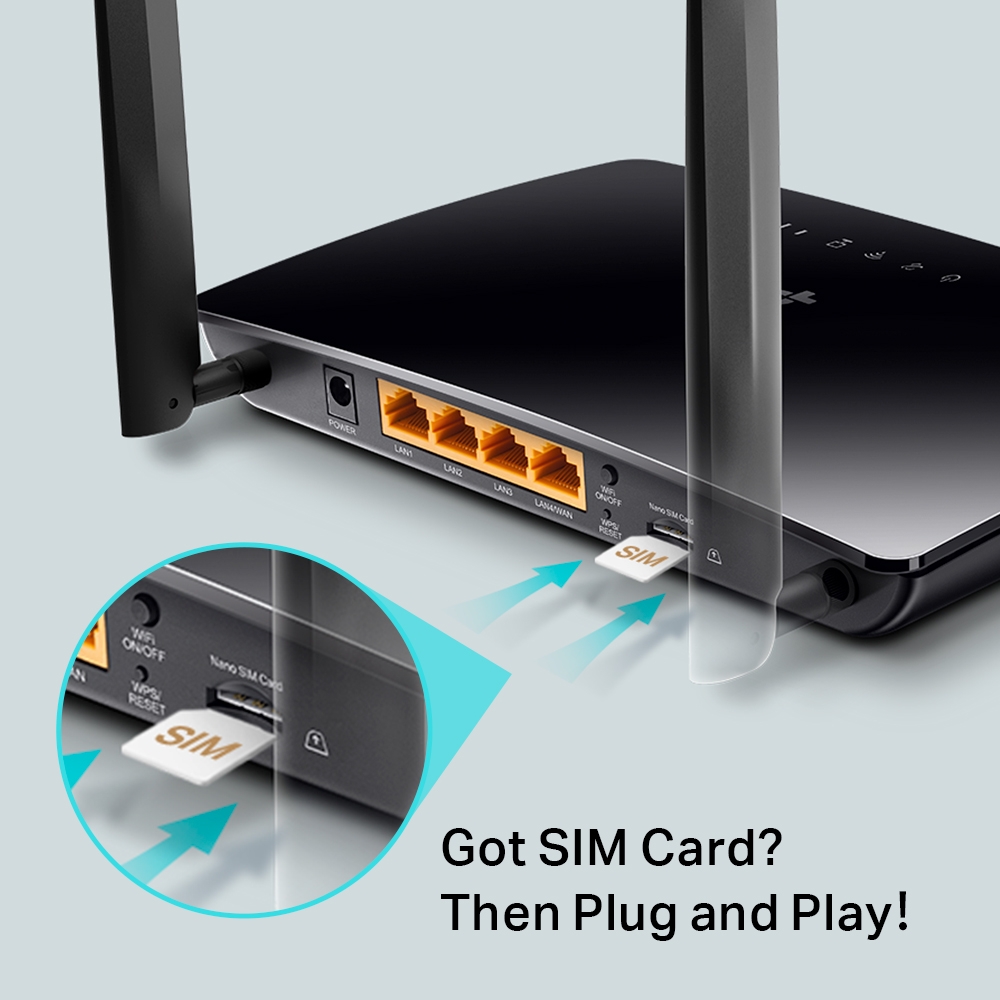
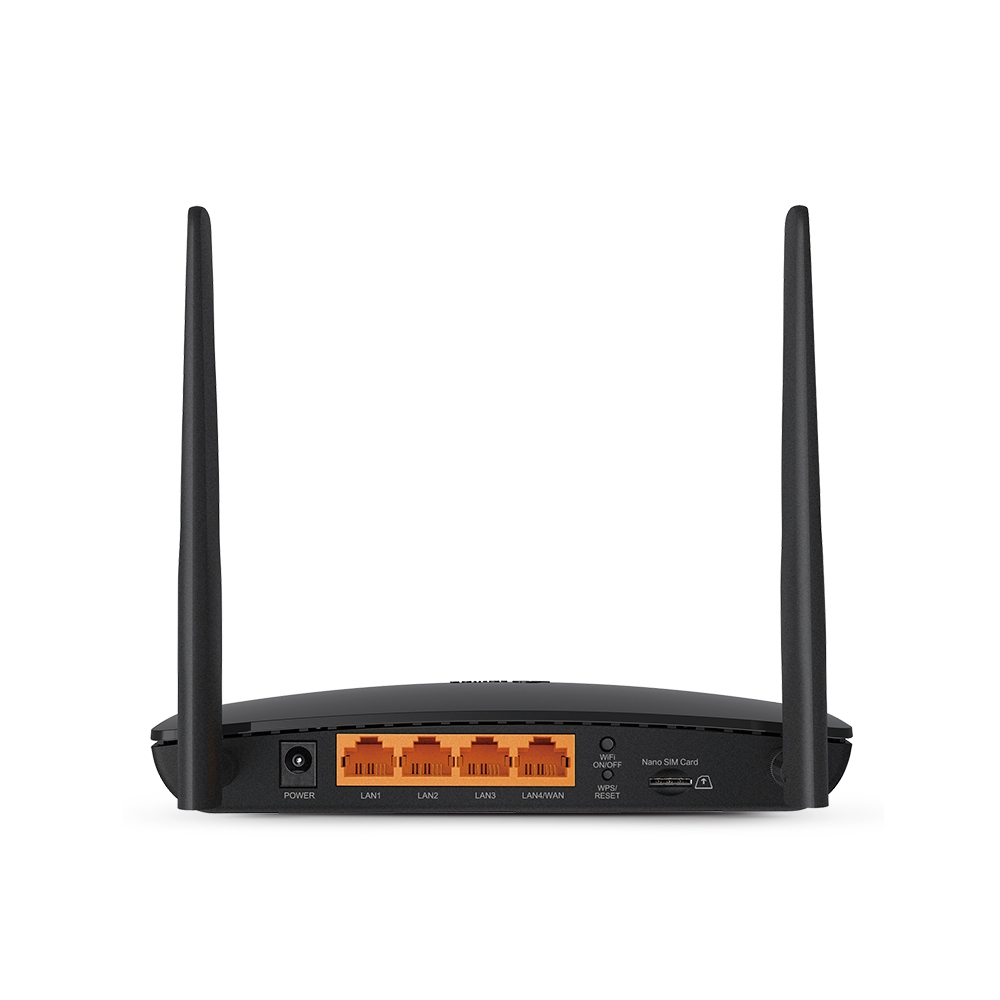
SIM slot for 4G LTE connectivity
Easy to set up and use
Built-in web interface for configuration
Portable and lightweight
Here are some of the benefits of using the TP-Link Archer MR200: | Here are some of the benefits of using a VGA to HDMI with Audio Adapter:Allows you to connect VGA devices to HDMI monitors or projectors
Small and lightweight
Made of durable materials
Compatible with a variety of devices
Affordable
If you have a VGA device and a new monitor or projector that only has HDMI ports, then a VGA to HDMI with Audio Adapter is a great way to connect the two devices. | Here are some of the key features of the TP-Link LS1008:8 Gigabit Ethernet ports
Auto MDI/MDIX
Energy-efficient technology
Plug and play
The TP-Link LS1008 is a great choice for anyone looking to expand their wired network. It is easy to use and reliable, and it offers a variety of features that make it a great value for the price. | Here are some of the benefits of using a USB to DB9 RS-232 adapter cable:Allows you to connect older devices to your computer
Easy to use
Relatively inexpensive
Can be used with a variety of devices
If you are looking for a way to connect an older device to your computer, a USB to DB9 RS-232 adapter cable is a great option. It is easy to use and can be used with a variety of devices. | Here are some of the benefits of using a CC Pendrive 16 GB:You can easily transfer data between computers and laptops.
You can use it to store important files, such as documents, photos, and videos.
It is a great way to back up your data.
It is a small and portable device that you can take with you wherever you go.
CC Pendrives are a great way to store data and transfer it between computers and laptops. They are small, portable, and easy to use. If you are looking for a way to store your data, a CC Pendrive is a great option.
stolen. | |
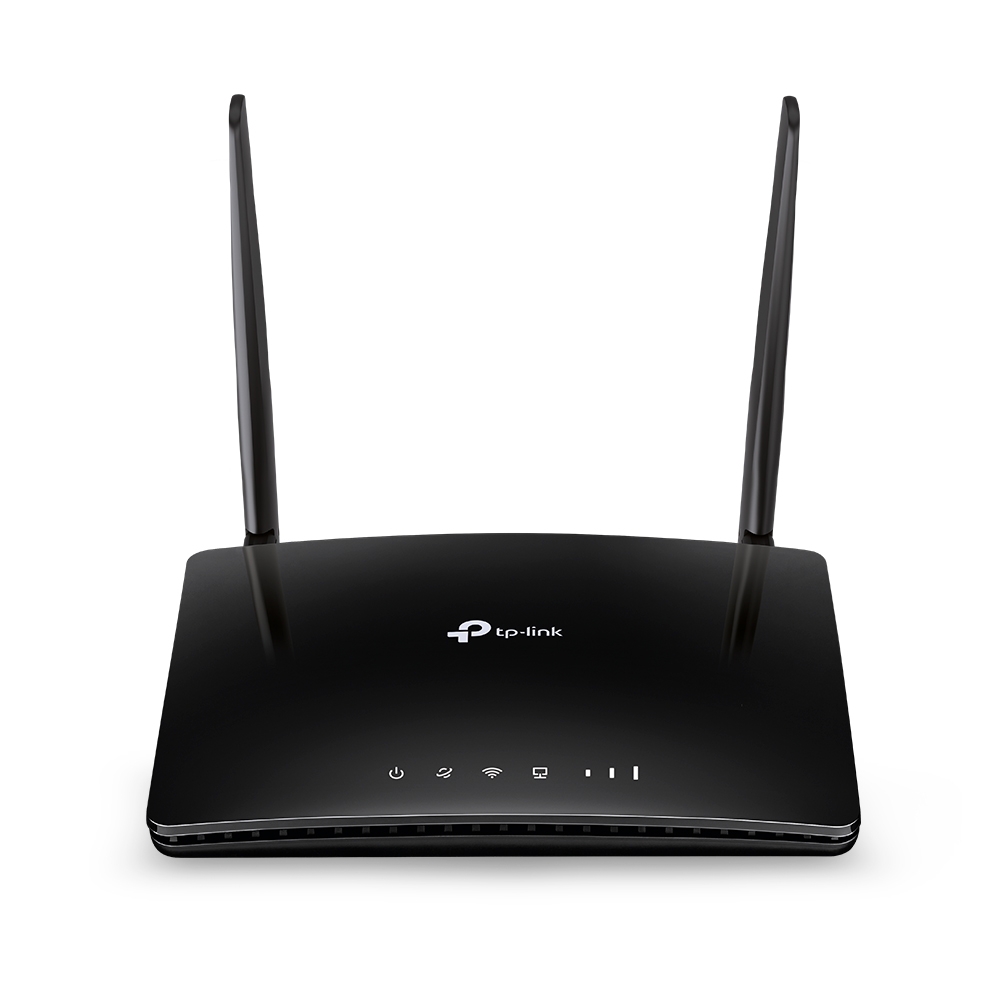
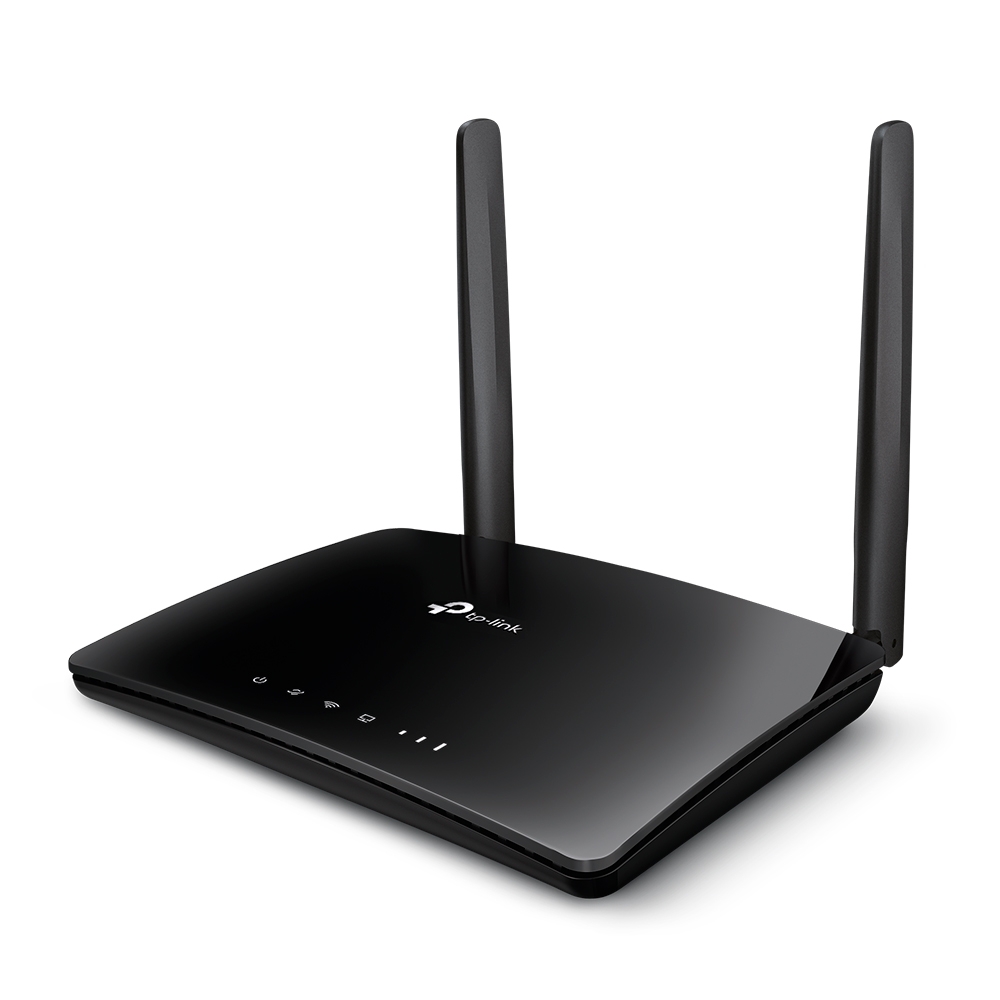
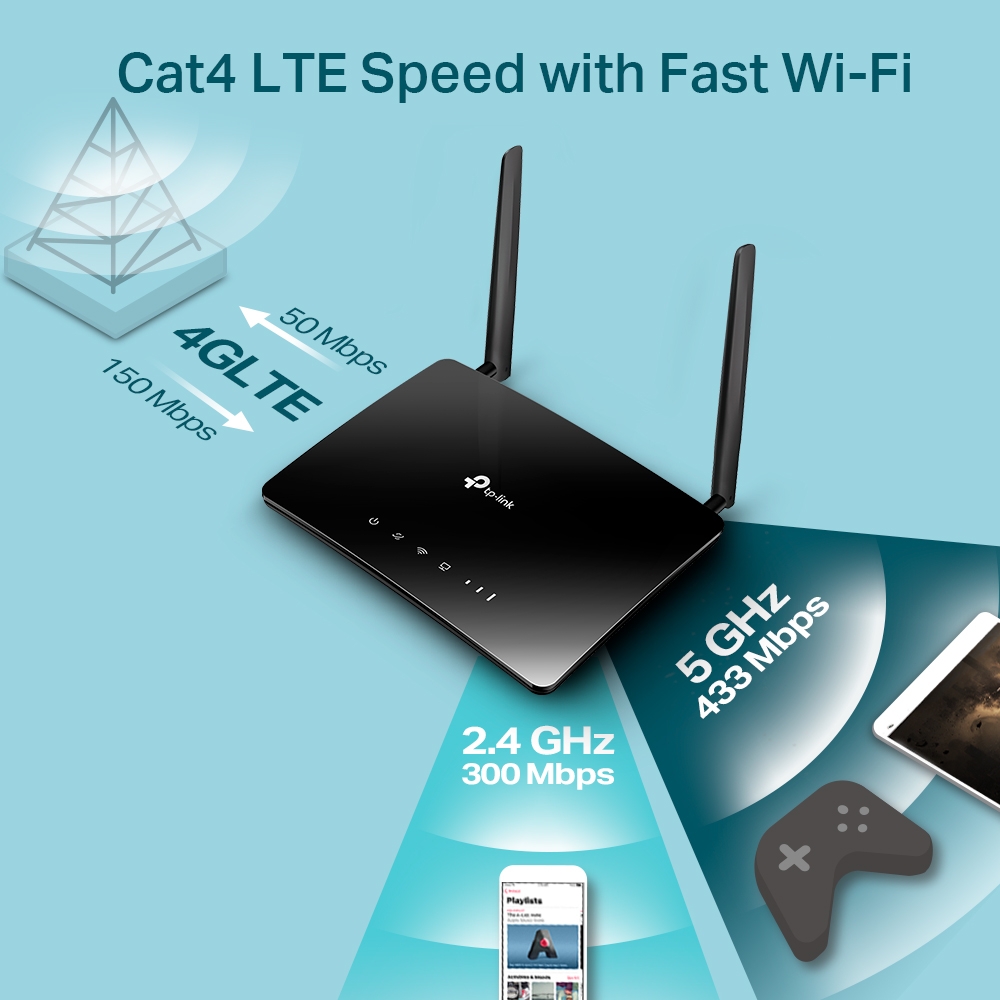
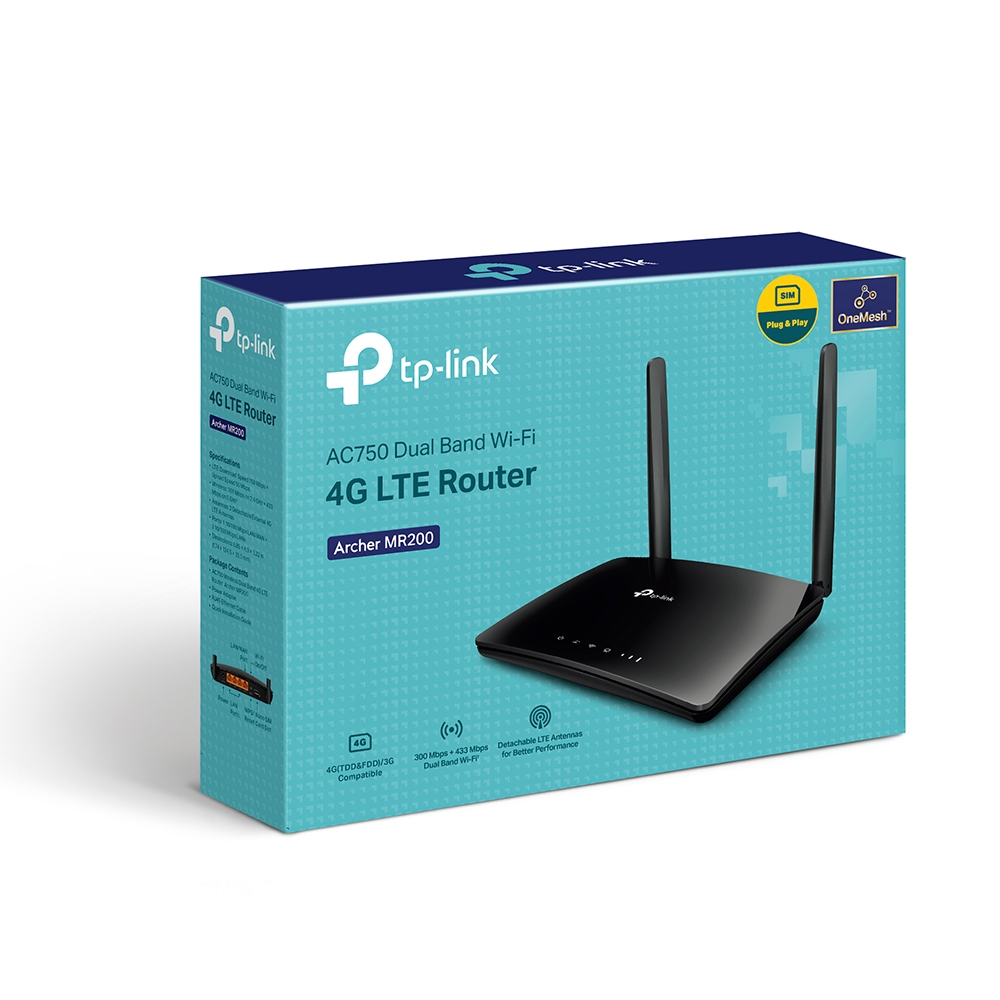
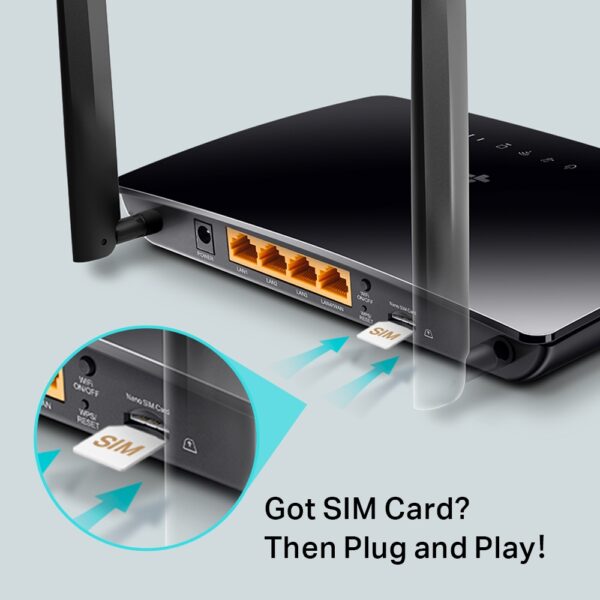
| Content | The TP-Link Archer MR200 AC750 2.4GHz 750Mbps Dual Band 4G LTE Mobile Wi-Fi is a portable router that allows you to create a Wi-Fi hotspot wherever you go. It supports both the 2.4 GHz and 5 GHz bands, which allows you to connect to devices that only support one of these bands. It also has a SIM slot, so you can use it with a 4G LTE SIM card to get internet access anywhere there is cellular coverage.The Archer MR200 is easy to set up and use. Just insert a SIM card and turn it on, and you'll be able to connect to the internet in minutes. It also has a built-in web interface that allows you to configure its settings, such as the Wi-Fi network name and password.The Archer MR200 is a great option for anyone who needs a portable router that can provide reliable internet access. It's perfect for travelers, students, and anyone else who needs to stay connected on the go.Here are some of the key features of the TP-Link Archer MR200:Supports both the 2.4 GHz and 5 GHz bands
SIM slot for 4G LTE connectivity
Easy to set up and use
Built-in web interface for configuration
Portable and lightweight
Here are some of the benefits of using the TP-Link Archer MR200:Stay connected on the go: The Archer MR200 allows you to create a Wi-Fi hotspot wherever you go, so you can stay connected to the internet even when you're not at home or work.
Reliable internet access: The Archer MR200 supports both the 2.4 GHz and 5 GHz bands, which allows you to connect to devices that only support one of these bands. It also has a SIM slot, so you can use it with a 4G LTE SIM card to get internet access anywhere there is cellular coverage.
Easy to set up and use: The Archer MR200 is easy to set up and use. Just insert a SIM card and turn it on, and you'll be able to connect to the internet in minutes. It also has a built-in web interface that allows you to configure its settings, such as the Wi-Fi network name and password.
Portable and lightweight: The Archer MR200 is portable and lightweight, so you can easily take it with you wherever you go.
If you're looking for a portable router that can provide reliable internet access, the TP-Link Archer MR200 is a great option. It's perfect for travelers, students, and anyone else who needs to stay connected on the go. | A VGA to HDMI with Audio Adapter is a device that allows you to connect a VGA device to an HDMI monitor or projector. This can be useful if you have a new monitor or projector that only has HDMI ports, but you still have an older device that uses a VGA port.The adapter is small and lightweight, making it easy to carry with you. It is also made of durable materials, so it can withstand the wear and tear of everyday use.The adapter is compatible with a variety of devices, including:Laptops
Computers
Projectors
Monitors
To use the adapter, simply plug the VGA cable into the adapter and then plug the adapter into the HDMI port.The adapter is a great way to connect your older devices to new devices that have HDMI ports. It is also a great way to avoid having to buy new cables for all of your devices.Here are some of the benefits of using a VGA to HDMI with Audio Adapter:Allows you to connect VGA devices to HDMI monitors or projectors
Small and lightweight
Made of durable materials
Compatible with a variety of devices
Affordable
If you have a VGA device and a new monitor or projector that only has HDMI ports, then a VGA to HDMI with Audio Adapter is a great way to connect the two devices.Here are some additional details about the adapter:Supports resolutions up to 1080p
Includes a 3.5mm audio lead for connecting to speakers or headphones
Requires a USB power supply (not included)
The adapter is a great way to connect your older devices to new devices that have HDMI ports. It is also a great way to avoid having to buy new cables for all of your devices. |
1
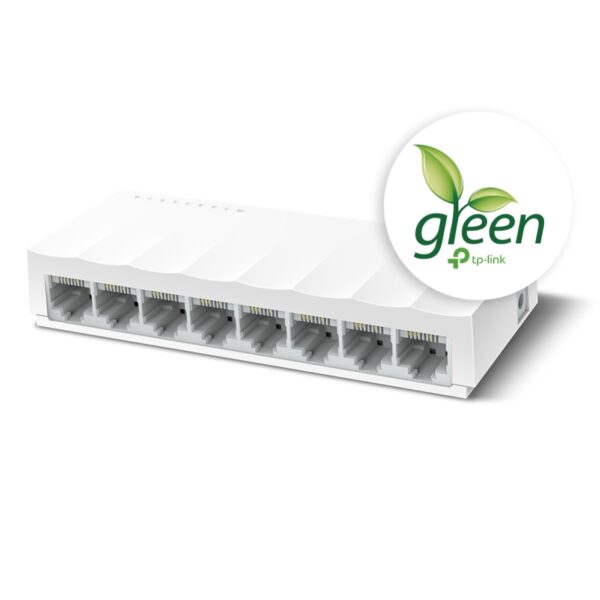
The TP-Link LS1008 is an 8-port 10/100Mbps desktop switch that offers an easy and affordable way to expand your wired network. It is easy to use and reliable, and with all ports supporting Auto-MDI/MDIX, there's no need to worry about the type of cable to use. The LiteWave Series also supports energy-efficient technology, helping you save power and money.Here are some of the key features of the TP-Link LS1008:8 Gigabit Ethernet ports
Auto MDI/MDIX
Energy-efficient technology
Plug and play
The TP-Link LS1008 is a great choice for anyone looking to expand their wired network. It is easy to use and reliable, and it offers a variety of features that make it a great value for the price.Here are some of the benefits of using the TP-Link LS1008:Easy to use: The LS1008 is a plug-and-play device, so there's no need to configure anything. Just connect your devices to the ports and you're good to go.
Reliable: The LS1008 is a reliable device that has been designed to withstand the rigors of everyday use. It is also backed by a 2-year warranty.
Affordable: The LS1008 is an affordable device that offers great value for the price.
If you are looking to expand your wired network, the TP-Link LS1008 is a great option. It is easy to use, reliable, and affordable. | A USB to DB9 RS-232 adapter cable is a type of cable that allows you to connect a USB device to a serial port. Serial ports are older ports that were used for connecting devices such as modems, printers, and scanners. USB ports are the newer standard for connecting devices, and they are much faster than serial ports.If you have a device that only has a serial port, you can use a USB to DB9 RS-232 adapter cable to connect it to your computer. The cable will have a USB connector on one end and a DB9 connector on the other end. The DB9 connector will fit into the serial port on your device, and the USB connector will plug into your computer.Once the cable is connected, you should be able to use your device as normal. However, you may need to install drivers for the device before it will work properly. Drivers are software that tells your computer how to communicate with the device. You can usually find drivers for your device on the manufacturer's website.USB to DB9 RS-232 adapter cables are a great way to connect older devices to your computer. They are relatively inexpensive and easy to use. If you have a device that only has a serial port, I recommend using a USB to DB9 RS-232 adapter cable to connect it to your computer.Here are some of the benefits of using a USB to DB9 RS-232 adapter cable:Allows you to connect older devices to your computer
Easy to use
Relatively inexpensive
Can be used with a variety of devices
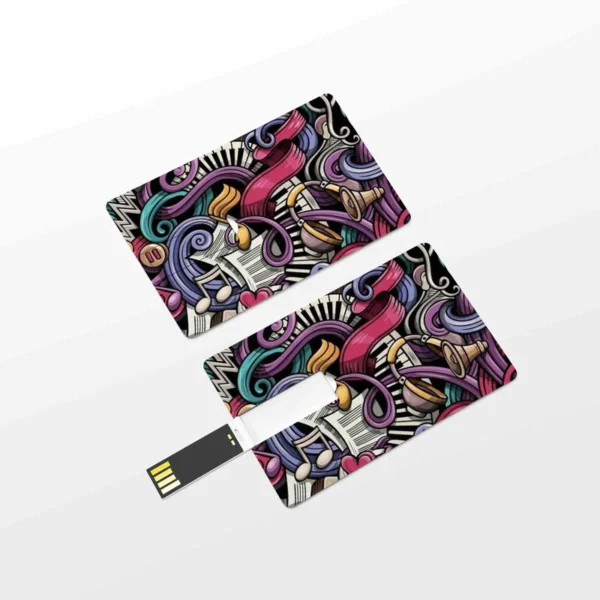
If you are looking for a way to connect an older device to your computer, a USB to DB9 RS-232 adapter cable is a great option. It is easy to use and can be used with a variety of devices. | A CC Pendrive 16 GB is a USB flash drive that has a capacity of 16 gigabytes. It is a small, portable device that can be used to store data, such as files, music, videos, and photos. CC Pendrives are available in a variety of colors and designs, and they are compatible with most computers and laptops.Here are some of the features of a CC Pendrive 16 GB:Small and portable
High capacity
Compatible with most computers and laptops
Available in a variety of colors and designs
Durable
Easy to use
Here are some of the benefits of using a CC Pendrive 16 GB:You can easily transfer data between computers and laptops.
You can use it to store important files, such as documents, photos, and videos.
It is a great way to back up your data.
It is a small and portable device that you can take with you wherever you go.
CC Pendrives are a great way to store data and transfer it between computers and laptops. They are small, portable, and easy to use. If you are looking for a way to store your data, a CC Pendrive is a great option.
stolen.
They can be damaged if they are dropped or mishandled.
They can be infected with viruses or malware.
It is important to take precautions to protect your data from loss or damage when using a CC Pendrive. You should always back up your data regularly, and you should be careful not to drop or mishandle your pendrive. You should also scan your pendrive for viruses and malware before using it.Here are some of the drawbacks of using a CC Pendrive 16 GB:They can be easily lost or
Overall, CC Pendrives are a great way to store data and transfer it between computers and laptops. They are small, portable, and easy to use. However, it is important to take precautions to protect your data from loss or damage when using a CC Pendrive. | A USB 3.0/2.0 Male to SATA Male Cable Hard Disk Drive Convert Adapter Support 4TB SATA Hard Disk Drive Converter (Black) is a device that allows you to connect a SATA hard drive to a computer using a USB port. This can be useful if you want to use an older hard drive with a newer computer, or if you want to use a hard drive as an external storage device.The adapter is very easy to use. Simply connect the SATA hard drive to the adapter, and then connect the adapter to a USB port on your computer. The hard drive will then be recognized by your computer and you will be able to access the data on it.The adapter supports hard drives up to 4TB in size. It is also compatible with both USB 3.0 and USB 2.0 ports.Here are some of the key features of a USB 3.0/2.0 Male to SATA Male Cable Hard Disk Drive Convert Adapter Support 4TB SATA Hard Disk Drive Converter (Black):Supports hard drives up to 4TB in size
Compatible with USB 3.0 and USB 2.0 ports
Easy to use
Portable and lightweight
Here are some of the benefits of using a USB 3.0/2.0 Male to SATA Male Cable Hard Disk Drive Convert Adapter Support 4TB SATA Hard Disk Drive Converter (Black):Allows you to use an older hard drive with a newer computer
Allows you to use a hard drive as an external storage device
Easy to use
Portable and lightweight
If you are looking for a way to connect a SATA hard drive to your computer, a USB 3.0/2.0 Male to SATA Male Cable Hard Disk Drive Convert Adapter Support 4TB SATA Hard Disk Drive Converter (Black) is a great option. It is easy to use, portable, and compatible with a wide range of devices |










Reviews
There are no reviews yet.