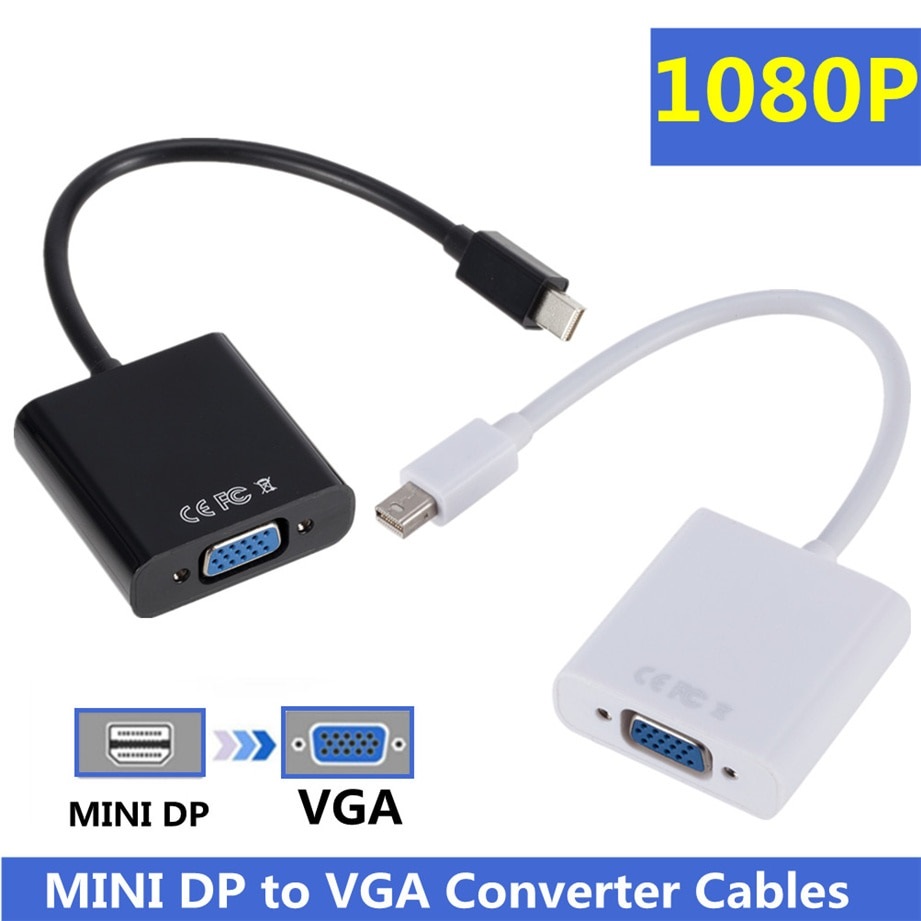
| Description | Here are some of the features of the Mini DisplayPort to VGA Adapter Mini DP to VGA Converter - 1080p Video - mDP or Thunderbolt 1/2 Mac/PC to VGA Monitor/Projector/Display - mDP 1.2 to VGA Dongle:Supports resolutions up to 1920x1080 at 60Hz
Passive adapter, no drivers or software required
Small and lightweight design
Black in color
Compatible with a wide range of devices
Here are some of the benefits of using the Mini DisplayPort to VGA Adapter Mini DP to VGA Converter - 1080p Video - mDP or Thunderbolt 1/2 Mac/PC to VGA Monitor/Projector/Display - mDP 1.2 to VGA Dongle: | Here are some of the benefits of using a VGA to HDMI with Audio Adapter:Allows you to connect VGA devices to HDMI monitors or projectors
Small and lightweight
Made of durable materials
Compatible with a variety of devices
Affordable
If you have a VGA device and a new monitor or projector that only has HDMI ports, then a VGA to HDMI with Audio Adapter is a great way to connect the two devices. | The adapter is compatible with a variety of devices, including:iPhone
Samsung S20 ultra/S21/S10/S8/S9
MacBook Pro
iPad
To use the adapter, simply plug the Mini USB cable into the adapter and then plug the adapter into the USB Type C port.The adapter is a great way to connect your older devices to new devices that have USB Type C ports. It is also a great way to avoid having to buy new cables for all of your devices. | Here are some of the key features of the Exide Powersafe Battery:7 amp-hour capacity
12 volt voltage
Maintenance-free
1-year warranty
The Exide Powersafe Battery is a great option for anyone who is looking for a reliable and affordable UPS backup battery. It is perfect for small to medium-sized UPS systems | Here are some of the features and benefits of the TP-Link Archer C50 AC1200 Dual Band Wireless Cable Router:Supports 802.11ac standard for up to 1200 Mbps wireless speeds
Simultaneous 2.4 GHz 300 Mbps and 5GHz 867 Mbps connections
2 external antennas for stable wireless connections and optimal coverage
Supports Parental Control, Guest Wi-Fi, and VPN
Easy to set up and use | Here are some of the benefits of using a USB to DB9 RS-232 adapter cable:Allows you to connect older devices to your computer
Easy to use
Relatively inexpensive
Can be used with a variety of devices
If you are looking for a way to connect an older device to your computer, a USB to DB9 RS-232 adapter cable is a great option. It is easy to use and can be used with a variety of devices. |
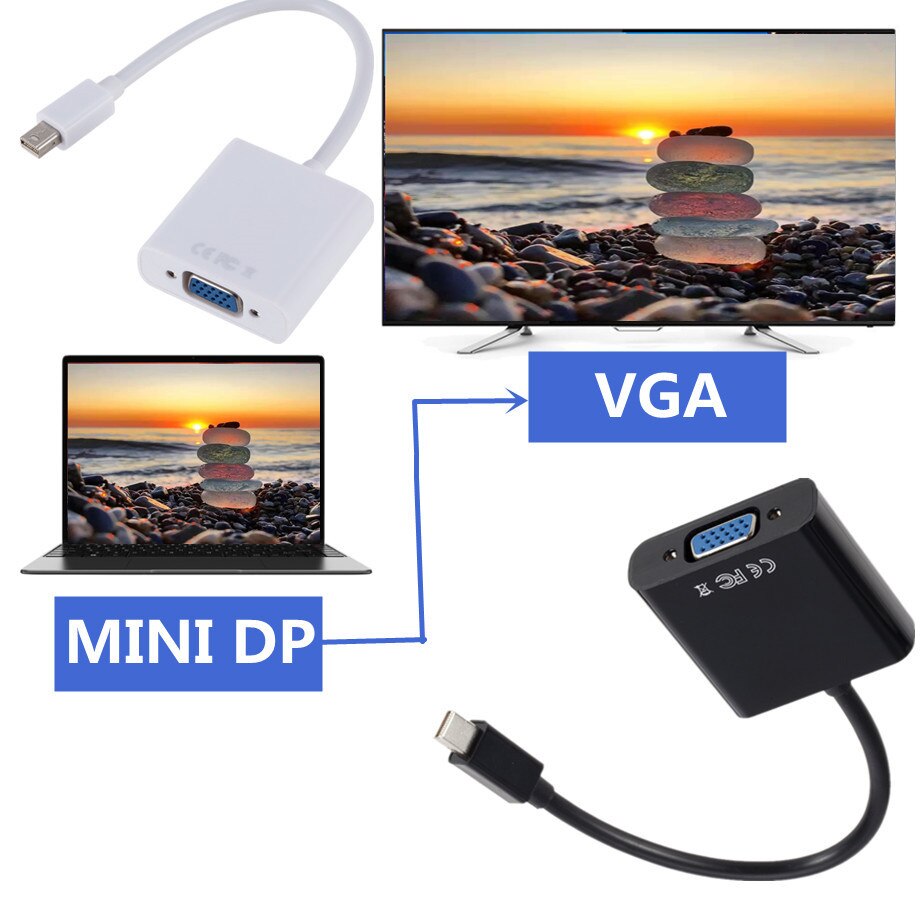
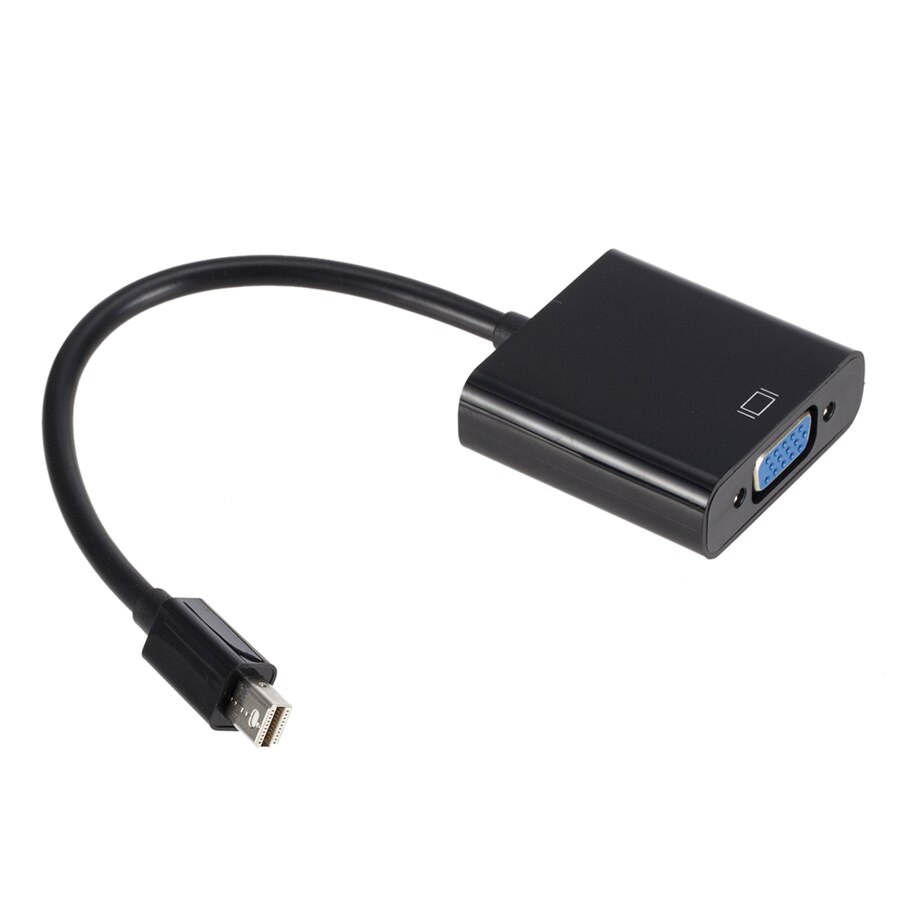
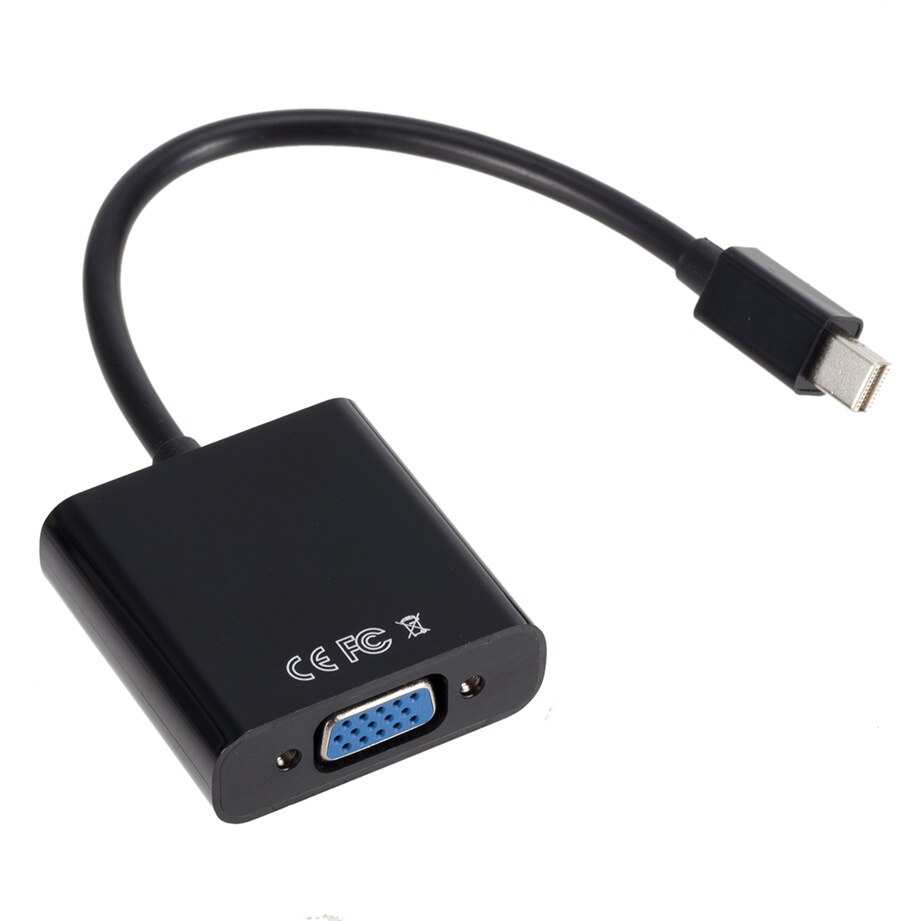
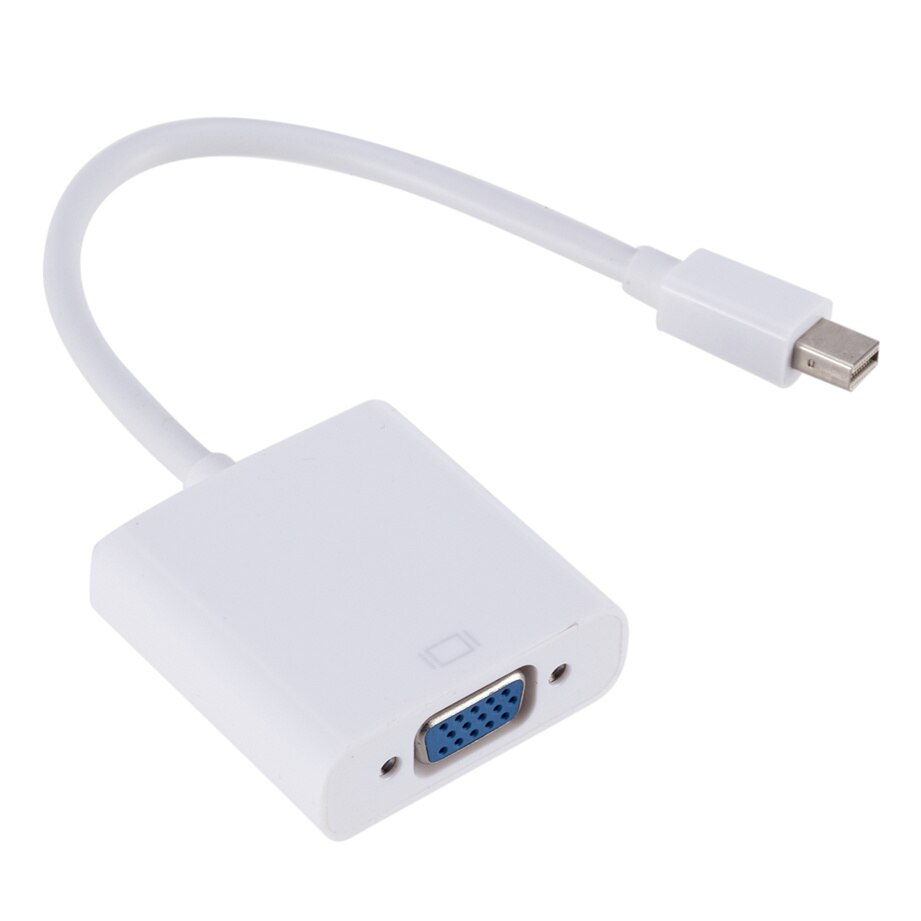
| Content | The Mini DisplayPort to VGA Adapter Mini DP to VGA Converter - 1080p Video - mDP or Thunderbolt 1/2 Mac/PC to VGA Monitor/Projector/Display - mDP 1.2 to VGA Dongle is a device that allows you to connect a Mini DisplayPort (mDP)-enabled device to a VGA-enabled display. It is a passive adapter, which means that it does not require any drivers or software to be installed.The adapter supports resolutions up to 1920x1080 at 60Hz, which is the standard resolution for Full HD displays. It is compatible with a wide range of devices, including MacBooks, iMacs, Windows laptops, and other devices with mDP or Thunderbolt ports.The adapter is a small and lightweight design, making it easy to carry and store. It is also black in color, which makes it blend in with most devices.Here are some of the features of the Mini DisplayPort to VGA Adapter Mini DP to VGA Converter - 1080p Video - mDP or Thunderbolt 1/2 Mac/PC to VGA Monitor/Projector/Display - mDP 1.2 to VGA Dongle:Supports resolutions up to 1920x1080 at 60Hz
Passive adapter, no drivers or software required
Small and lightweight design
Black in color
Compatible with a wide range of devices
Here are some of the benefits of using the Mini DisplayPort to VGA Adapter Mini DP to VGA Converter - 1080p Video - mDP or Thunderbolt 1/2 Mac/PC to VGA Monitor/Projector/Display - mDP 1.2 to VGA Dongle:Allows you to connect a mDP-enabled device to a VGA-enabled display
Supports high resolutions up to 1920x1080 at 60Hz
Is a plug-and-play device, so there is no need to install any drivers or software
Is small and lightweight, making it easy to carry and store
Is black in color, which makes it blend in with most devices
If you are looking for a way to connect a mDP-enabled device to a VGA-enabled display, the Mini DisplayPort to VGA Adapter Mini DP to VGA Converter - 1080p Video - mDP or Thunderbolt 1/2 Mac/PC to VGA Monitor/Projector/Display - mDP 1.2 to VGA Dongle is a great option. It is a small, affordable, and easy-to-use adapter that supports high resolutions. | A VGA to HDMI with Audio Adapter is a device that allows you to connect a VGA device to an HDMI monitor or projector. This can be useful if you have a new monitor or projector that only has HDMI ports, but you still have an older device that uses a VGA port.The adapter is small and lightweight, making it easy to carry with you. It is also made of durable materials, so it can withstand the wear and tear of everyday use.The adapter is compatible with a variety of devices, including:Laptops
Computers
Projectors
Monitors
To use the adapter, simply plug the VGA cable into the adapter and then plug the adapter into the HDMI port.The adapter is a great way to connect your older devices to new devices that have HDMI ports. It is also a great way to avoid having to buy new cables for all of your devices.Here are some of the benefits of using a VGA to HDMI with Audio Adapter:Allows you to connect VGA devices to HDMI monitors or projectors
Small and lightweight
Made of durable materials
Compatible with a variety of devices
Affordable
If you have a VGA device and a new monitor or projector that only has HDMI ports, then a VGA to HDMI with Audio Adapter is a great way to connect the two devices.Here are some additional details about the adapter:Supports resolutions up to 1080p
Includes a 3.5mm audio lead for connecting to speakers or headphones
Requires a USB power supply (not included)
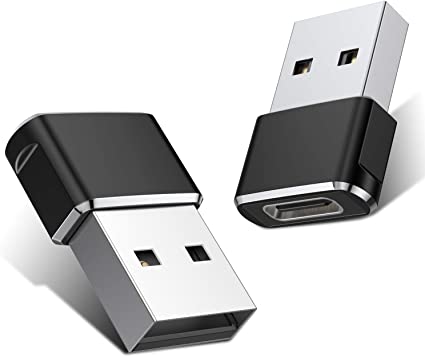
The adapter is a great way to connect your older devices to new devices that have HDMI ports. It is also a great way to avoid having to buy new cables for all of your devices. | A Mini USB C Type C Adapter Plug, Type C Female to USB A Male Charger Charging Cable Adapter Converter is a device that allows you to connect a Mini USB device to a USB Type C port. This can be useful if you have a new device that only has a USB Type C port, but you still have older devices that use Mini USB cables.The adapter is small and lightweight, making it easy to carry with you. It is also made of durable materials, so it can withstand the wear and tear of everyday use.The adapter is compatible with a variety of devices, including:iPhone
Samsung S20 ultra/S21/S10/S8/S9
MacBook Pro
iPad
To use the adapter, simply plug the Mini USB cable into the adapter and then plug the adapter into the USB Type C port.The adapter is a great way to connect your older devices to new devices that have USB Type C ports. It is also a great way to avoid having to buy new cables for all of your devices.Here are some of the benefits of using a Mini USB C Type C Adapter Plug, Type C Female to USB A Male Charger Charging Cable Adapter Converter:Allows you to connect Mini USB devices to USB Type C ports
Small and lightweight
Made of durable materials
Compatible with a variety of devices
Affordable
If you have a Mini USB device and a new device that only has a USB Type C port, then a Mini USB C Type C Adapter Plug, Type C Female to USB A Male Charger Charging Cable Adapter Converter is a great way to connect the two devices. | The Exide 12 Volt/ 7 Ah Powersafe Battery (Sealed),Original Replacement To Ups Battery is a sealed lead-acid battery that is designed to provide backup power for uninterruptible power supplies (UPS). It has a capacity of 7 amp-hours and a voltage of 12 volts, making it a good choice for small to medium-sized UPS systems. The battery is also maintenance-free, so you don't have to worry about adding water or acid.The Exide Powersafe Battery is a reliable and affordable option for UPS backup. It is backed by a 1-year warranty, so you can be confident in its performance.Here are some of the key features of the Exide Powersafe Battery:7 amp-hour capacity
12 volt voltage
Maintenance-free
1-year warranty
The Exide Powersafe Battery is a great option for anyone who is looking for a reliable and affordable UPS backup battery. It is perfect for small to medium-sized UPS systems and is backed by a 1-year warranty.Here are some of the benefits of using the Exide Powersafe Battery:Reliable performance: The Exide Powersafe Battery is a reliable and proven battery that is backed by a 1-year warranty.
Affordable price: The Exide Powersafe Battery is an affordable option for UPS backup.
Maintenance-free: The Exide Powersafe Battery is maintenance-free, so you don't have to worry about adding water or acid.
Easy to install: The Exide Powersafe Battery is easy to install and can be replaced quickly and easily.
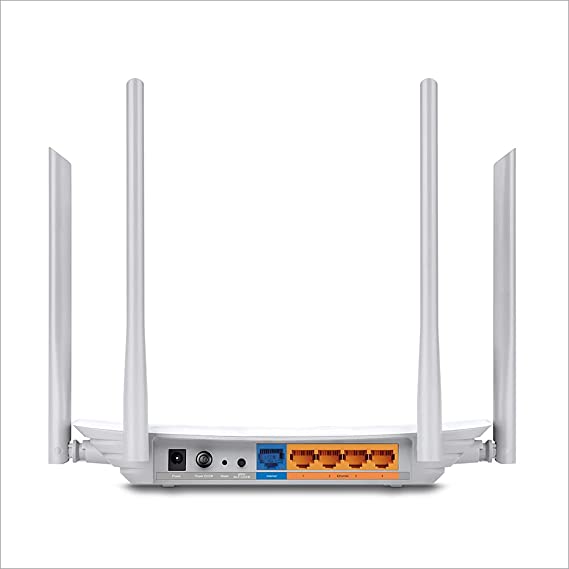
If you are looking for a reliable, affordable, and easy-to-install UPS backup battery, then the Exide Powersafe Battery is a great option. | TP-Link Archer C50 AC1200 Dual Band Wireless Cable Router, Wi-Fi Speed Up to 867 Mbps/5 GHz + 300 Mbps/2.4 GHz, Supports Parental Control, Guest Wi-Fi, VPN (White)The TP-Link Archer C50 AC1200 Dual Band Wireless Cable Router is a high-speed router that can provide you with seamless HD streaming, online gaming, and other bandwidth-intensive tasks. It supports 802.11ac standard and can simultaneously provide you with 2.4 GHz 300 Mbps and 5GHz 867 Mbps connections. It also has 2 external antennas that provide stable wireless connections and optimal coverage.The Archer C50 also supports Parental Control, Guest Wi-Fi, and VPN. Parental Control allows you to restrict access to certain websites and applications, while Guest Wi-Fi allows you to create a separate Wi-Fi network for guests. VPN allows you to securely connect to a remote network, such as a corporate network or a public Wi-Fi network.Here are some of the features and benefits of the TP-Link Archer C50 AC1200 Dual Band Wireless Cable Router:Supports 802.11ac standard for up to 1200 Mbps wireless speeds
Simultaneous 2.4 GHz 300 Mbps and 5GHz 867 Mbps connections
2 external antennas for stable wireless connections and optimal coverage
Supports Parental Control, Guest Wi-Fi, and VPN
Easy to set up and use
The TP-Link Archer C50 AC1200 Dual Band Wireless Cable Router is a great choice for anyone looking for a high-speed router that can provide seamless HD streaming, online gaming, and other bandwidth-intensive tasks. It is also a good choice for families who want to use parental controls to restrict access to certain websites and applications. | A USB to DB9 RS-232 adapter cable is a type of cable that allows you to connect a USB device to a serial port. Serial ports are older ports that were used for connecting devices such as modems, printers, and scanners. USB ports are the newer standard for connecting devices, and they are much faster than serial ports.If you have a device that only has a serial port, you can use a USB to DB9 RS-232 adapter cable to connect it to your computer. The cable will have a USB connector on one end and a DB9 connector on the other end. The DB9 connector will fit into the serial port on your device, and the USB connector will plug into your computer.Once the cable is connected, you should be able to use your device as normal. However, you may need to install drivers for the device before it will work properly. Drivers are software that tells your computer how to communicate with the device. You can usually find drivers for your device on the manufacturer's website.USB to DB9 RS-232 adapter cables are a great way to connect older devices to your computer. They are relatively inexpensive and easy to use. If you have a device that only has a serial port, I recommend using a USB to DB9 RS-232 adapter cable to connect it to your computer.Here are some of the benefits of using a USB to DB9 RS-232 adapter cable:Allows you to connect older devices to your computer
Easy to use
Relatively inexpensive
Can be used with a variety of devices
If you are looking for a way to connect an older device to your computer, a USB to DB9 RS-232 adapter cable is a great option. It is easy to use and can be used with a variety of devices. |










Reviews
There are no reviews yet.