| Description | Here are some of the benefits of using DP to DP connectors:They support high-definition video and audio resolutions.
They can support HDR video.
They are reliable and efficient.
They are available at a variety of prices.
If you are looking for a high-quality way to connect your DisplayPort devices, then a DP to DP connector is a great option. | Here are some of the benefits of using the AmazonBasics Mini DisplayPort (Thunderbolt) to VGA Adapter:Affordable
Easy to use
Compatible with a wide range of devices
Supports high resolutions
Here are some of the drawbacks of the AmazonBasics Mini DisplayPort (Thunderbolt) to VGA Adapter: | Here are some of the benefits of using a USB 2.0 cable:Simple and easy to use: The cable is plug-and-play, so you can connect your devices without any hassle.
Cost-effective: The cable is much cheaper than buying a new device with the appropriate ports.
High-speed data transfer: The cable supports a data transfer rate of up to 480 Mbps, so you can transfer data quickly between devices. | Here are some of the benefits of using a VGA to HDMI with Audio Adapter:Allows you to connect VGA devices to HDMI monitors or projectors
Small and lightweight
Made of durable materials
Compatible with a variety of devices
Affordable
If you have a VGA device and a new monitor or projector that only has HDMI ports, then a VGA to HDMI with Audio Adapter is a great way to connect the two devices. | Here are some of the benefits of using a Mini DisplayPort to HDMI cable:Simple and easy to use: The cable is plug-and-play, so you can connect your devices without any hassle.
Cost-effective: The cable is much cheaper than buying a new device with the appropriate ports.
High-quality video: The cable supports Full HD (1920 x 1080) resolution at 60Hz, so you can watch videos or play games in high definition. | Here are some of the key features of a USB 2.0 High Speed Printer Cable Scanner Cable A Male to B Male for HP, Canon, Etc. GREY:Supports speeds of up to 480 Mbps
Backward compatible with USB 1.1 and USB 1.0 devices
Shielded to protect against interference
Easy to use
Compatible with a wide range of printers and scanners
Here are some of the benefits of using a USB 2.0 High Speed Printer Cable Scanner Cable A Male to B Male for HP, Canon, Etc. GREY: |
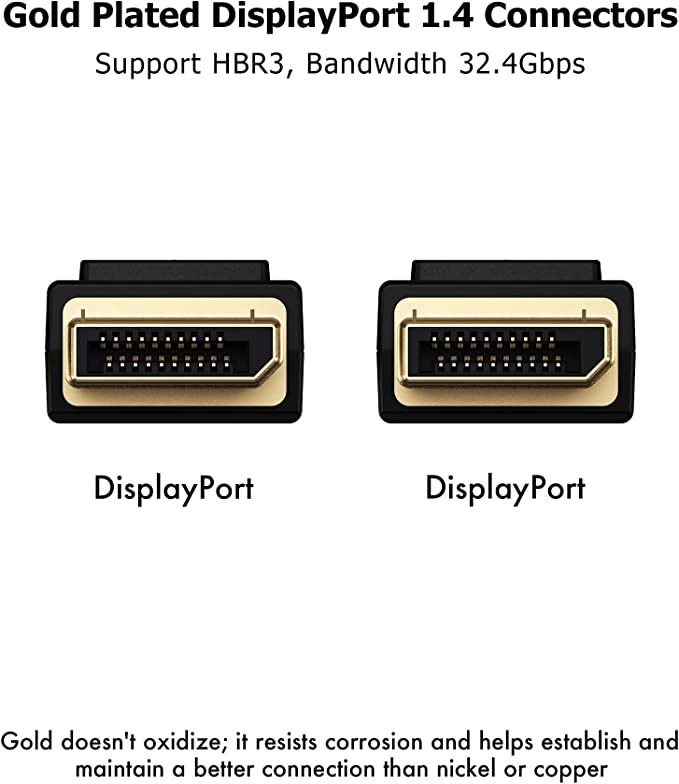
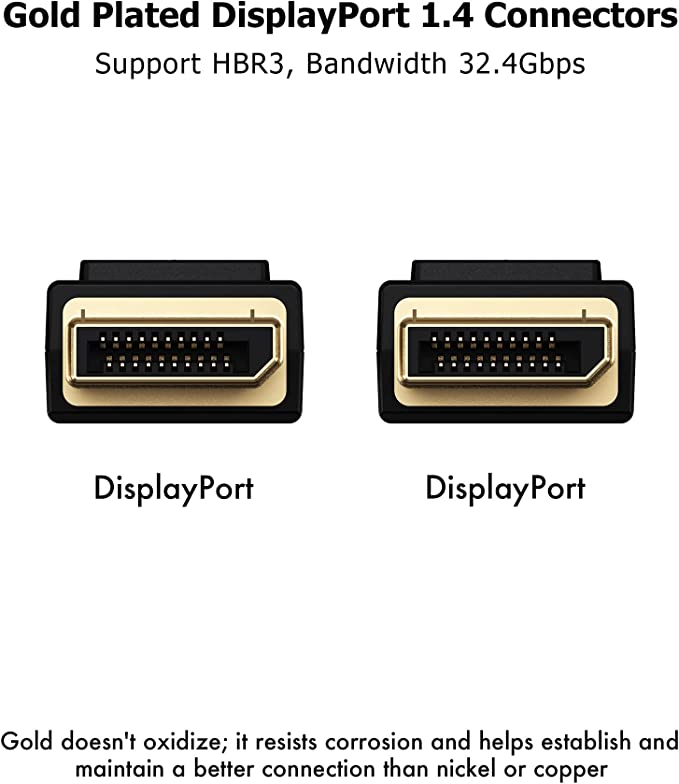
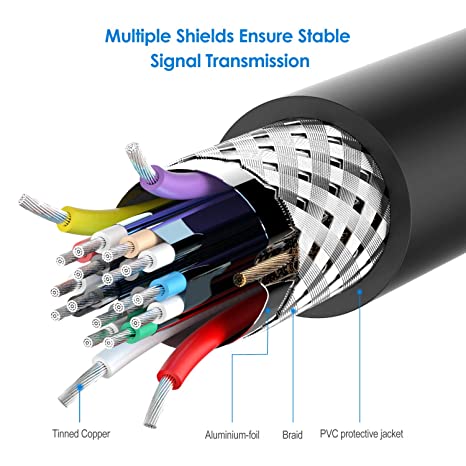
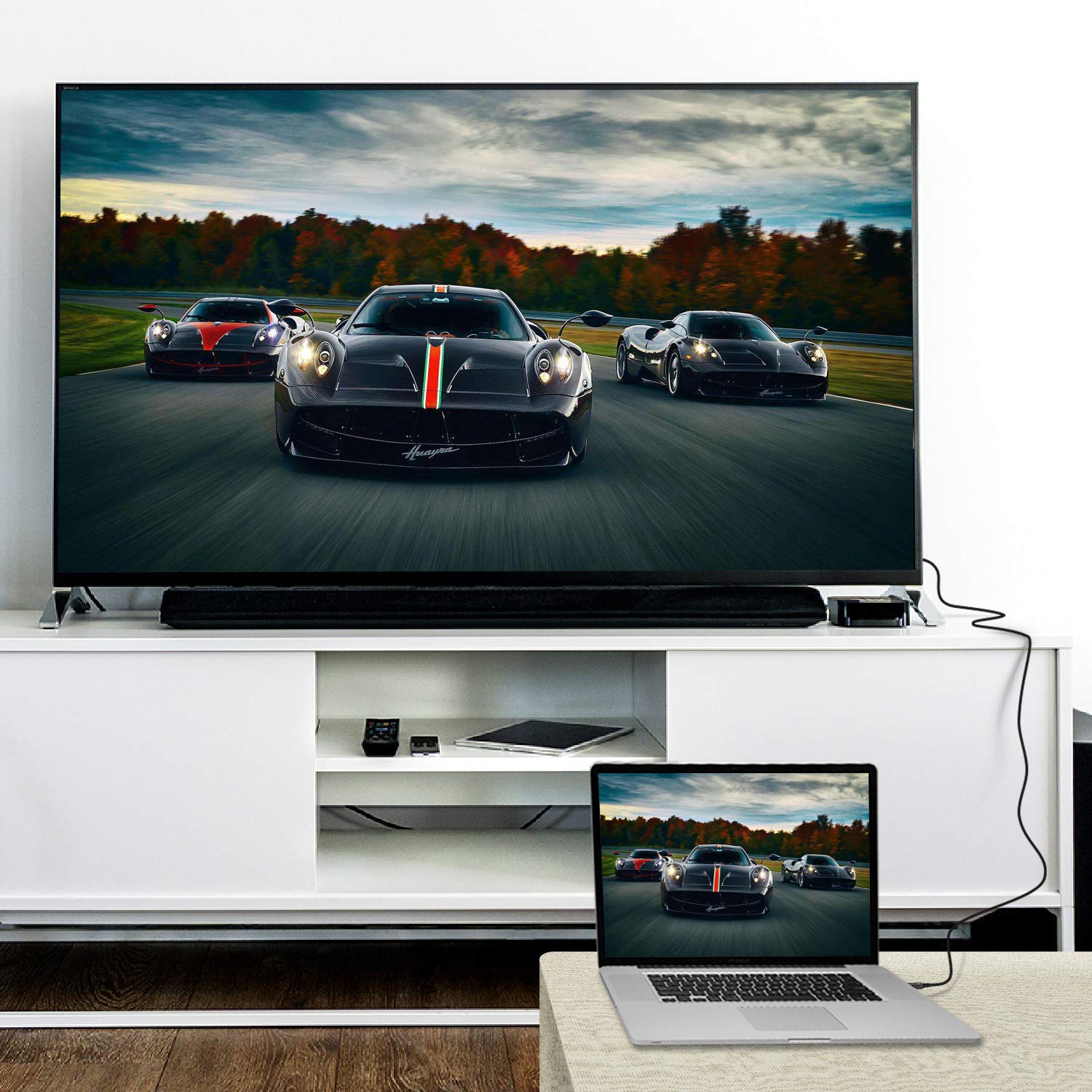
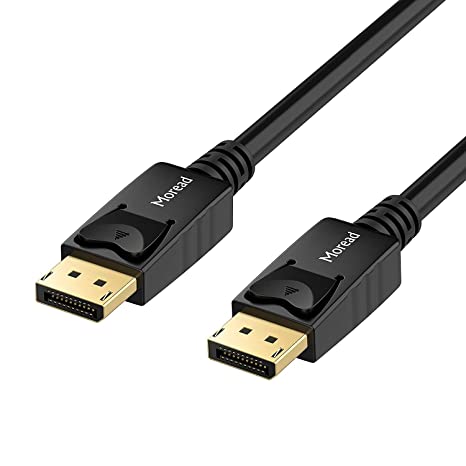
| Content | A DP to DP connector is a type of cable that is used to connect a DisplayPort source device to a DisplayPort sink device. DisplayPort is a digital audio/video interface that is used to connect computers, laptops, and other devices to displays such as monitors, TVs, and projectors. DP to DP connectors are available in a variety of lengths, typically ranging from 1 to 10 meters.DP to DP connectors are typically used to transmit high-definition video and audio signals. They can support resolutions up to 4K Ultra HD (3840 x 2160 pixels) at 60 frames per second (fps). DP to DP connectors can also support HDR (high dynamic range) video, which provides a wider range of colors and contrast than standard video.To use a DP to DP connector, simply connect one end of the cable to the DisplayPort output port on the source device and the other end of the cable to the DisplayPort input port on the sink device. Once the cable is connected, the source device and sink device should automatically detect each other and begin transmitting video and audio signals.DP to DP connectors are a reliable and efficient way to connect DisplayPort devices. They are available at a variety of prices, so you can find one that fits your budget. If you are looking for a high-quality way to connect your DisplayPort devices, then a DP to DP connector is a great option.Here are some of the benefits of using DP to DP connectors:They support high-definition video and audio resolutions.
They can support HDR video.
They are reliable and efficient.
They are available at a variety of prices.
If you are looking for a high-quality way to connect your DisplayPort devices, then a DP to DP connector is a great option. | The AmazonBasics Mini DisplayPort (Thunderbolt) to VGA Adapter is a simple and affordable way to connect your computer to a VGA monitor or projector. The adapter is small and lightweight, making it easy to carry with you. It also supports resolutions up to 1920x1200, so you can enjoy high-quality images on your display.The AmazonBasics Mini DisplayPort (Thunderbolt) to VGA Adapter is compatible with most computers that have a Mini DisplayPort or Thunderbolt port. It is also compatible with a wide range of VGA monitors and projectors. The adapter is easy to use. Simply connect it to your computer and your VGA display, and you will be ready to start using your computer on your display.The AmazonBasics Mini DisplayPort (Thunderbolt) to VGA Adapter is a great value for the price. It is a simple and affordable way to connect your computer to a VGA monitor or projector. The adapter is small and lightweight, making it easy to carry with you. It also supports resolutions up to 1920x1200, so you can enjoy high-quality images on your display.Here are some of the features of the AmazonBasics Mini DisplayPort (Thunderbolt) to VGA Adapter:Supports resolutions up to 1920x1200
Compatible with most computers with a Mini DisplayPort or Thunderbolt port
Compatible with a wide range of VGA monitors and projectors
Small and lightweight
Easy to use
Here are some of the benefits of using the AmazonBasics Mini DisplayPort (Thunderbolt) to VGA Adapter:Affordable
Easy to use
Compatible with a wide range of devices
Supports high resolutions
Here are some of the drawbacks of the AmazonBasics Mini DisplayPort (Thunderbolt) to VGA Adapter:Not compatible with all Mini DisplayPort or Thunderbolt ports
May not support all resolutions on all devices
Overall, the AmazonBasics Mini DisplayPort (Thunderbolt) to VGA Adapter is a great value for the price. It is a simple and affordable way to connect your computer to a VGA monitor or projector. The adapter is small and lightweight, making it easy to carry with you. It also supports resolutions up to 1920x1200, so you can enjoy high-quality images on your display. | A USB 2.0 cable is a type of cable that is used to connect a device with a USB-A port to a device with a USB-B port. This can be useful for connecting a printer to a computer, a scanner to a computer, or an external hard drive to a computer.The USB 2.0 cable supports a data transfer rate of up to 480 Mbps. This means that you can use it to transfer data quickly between devices.The cable is also backward compatible with USB 1.1 devices. This means that you can use it to connect a USB 1.1 device to a USB 2.0 port.The USB 2.0 cable is a simple and easy way to connect your devices. It is also a cost-effective solution, as it is much cheaper than buying a new device with the appropriate ports.Here are some of the benefits of using a USB 2.0 cable:Simple and easy to use: The cable is plug-and-play, so you can connect your devices without any hassle.
Cost-effective: The cable is much cheaper than buying a new device with the appropriate ports.
High-speed data transfer: The cable supports a data transfer rate of up to 480 Mbps, so you can transfer data quickly between devices.
Backward compatible: The cable is backward compatible with USB 1.1 devices, so you can use it to connect older devices to newer ports.
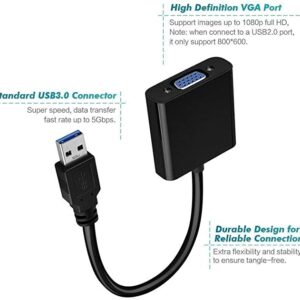
If you are looking for a way to connect your devices with a USB-A port to a device with a USB-B port, a USB 2.0 cable is a great option. | A VGA to HDMI with Audio Adapter is a device that allows you to connect a VGA device to an HDMI monitor or projector. This can be useful if you have a new monitor or projector that only has HDMI ports, but you still have an older device that uses a VGA port.The adapter is small and lightweight, making it easy to carry with you. It is also made of durable materials, so it can withstand the wear and tear of everyday use.The adapter is compatible with a variety of devices, including:Laptops
Computers
Projectors
Monitors
To use the adapter, simply plug the VGA cable into the adapter and then plug the adapter into the HDMI port.The adapter is a great way to connect your older devices to new devices that have HDMI ports. It is also a great way to avoid having to buy new cables for all of your devices.Here are some of the benefits of using a VGA to HDMI with Audio Adapter:Allows you to connect VGA devices to HDMI monitors or projectors
Small and lightweight
Made of durable materials
Compatible with a variety of devices
Affordable
If you have a VGA device and a new monitor or projector that only has HDMI ports, then a VGA to HDMI with Audio Adapter is a great way to connect the two devices.Here are some additional details about the adapter:Supports resolutions up to 1080p
Includes a 3.5mm audio lead for connecting to speakers or headphones
Requires a USB power supply (not included)
The adapter is a great way to connect your older devices to new devices that have HDMI ports. It is also a great way to avoid having to buy new cables for all of your devices. | A Mini DisplayPort to HDMI cable is a cable that allows you to connect a device with a Mini DisplayPort output to a device with an HDMI input. This can be useful for connecting a laptop to a TV, a monitor, or a projector.The Mini DisplayPort to HDMI cable supports Full HD (1920 x 1080) resolution at 60Hz. This means that you can use it to watch videos or play games in high definition.The cable is also HDCP compliant, which means that it can be used to connect to devices that require HDCP protection, such as Blu-ray players and streaming devices.The Mini DisplayPort to HDMI cable is a simple and easy way to connect your devices. It is also a cost-effective solution, as it is much cheaper than buying a new device with the appropriate ports.Here are some of the benefits of using a Mini DisplayPort to HDMI cable:Simple and easy to use: The cable is plug-and-play, so you can connect your devices without any hassle.
Cost-effective: The cable is much cheaper than buying a new device with the appropriate ports.
High-quality video: The cable supports Full HD (1920 x 1080) resolution at 60Hz, so you can watch videos or play games in high definition.
HDCP compliant: The cable can be used to connect to devices that require HDCP protection, such as Blu-ray players and streaming devices.
If you are looking for a way to connect your devices with a Mini DisplayPort output to a device with an HDMI input, a Mini DisplayPort to HDMI cable is a great option. | A USB 2.0 High Speed Printer Cable Scanner Cable A Male to B Male for HP, Canon, Etc. GREY is a type of cable that is used to connect printers and scanners to computers. It is a high-speed cable that can transfer data at speeds of up to 480 Mbps. The cable is also backward compatible with USB 1.1 and USB 1.0 devices.The cable is made of high-quality materials and is designed to last. It is also shielded to protect against interference. The cable is easy to use and can be plugged in and unplugged without any difficulty.The cable is compatible with a wide range of printers and scanners. It is also compatible with a variety of computers, including Windows, Mac, and Linux computers.The cable is a great way to connect your printer or scanner to your computer. It is a high-quality cable that is easy to use and compatible with a wide range of devices.Here are some of the key features of a USB 2.0 High Speed Printer Cable Scanner Cable A Male to B Male for HP, Canon, Etc. GREY:Supports speeds of up to 480 Mbps
Backward compatible with USB 1.1 and USB 1.0 devices
Shielded to protect against interference
Easy to use
Compatible with a wide range of printers and scanners
Here are some of the benefits of using a USB 2.0 High Speed Printer Cable Scanner Cable A Male to B Male for HP, Canon, Etc. GREY:Fast speeds: The cable supports speeds of up to 480 Mbps, which allows you to transfer data quickly and easily.
Backward compatibility: The cable is backward compatible with USB 1.1 and USB 1.0 devices, so you can use it with older devices.
Shielding: The cable is shielded to protect against interference, which can help to improve the quality of your data transfer.
Easy to use: The cable is easy to use and can be plugged in and unplugged without any difficulty.
Compatibility: The cable is compatible with a wide range of printers and scanners, so you can use it with most devices.
If you are looking for a high-quality cable to connect your printer or scanner to your computer, a USB 2.0 High Speed Printer Cable Scanner Cable A Male to B Male for HP, Canon, Etc. GREY is a great option. It is a fast, backward compatible, shielded, easy to use, and compatible cable that is perfect for most users. |












Reviews
There are no reviews yet.