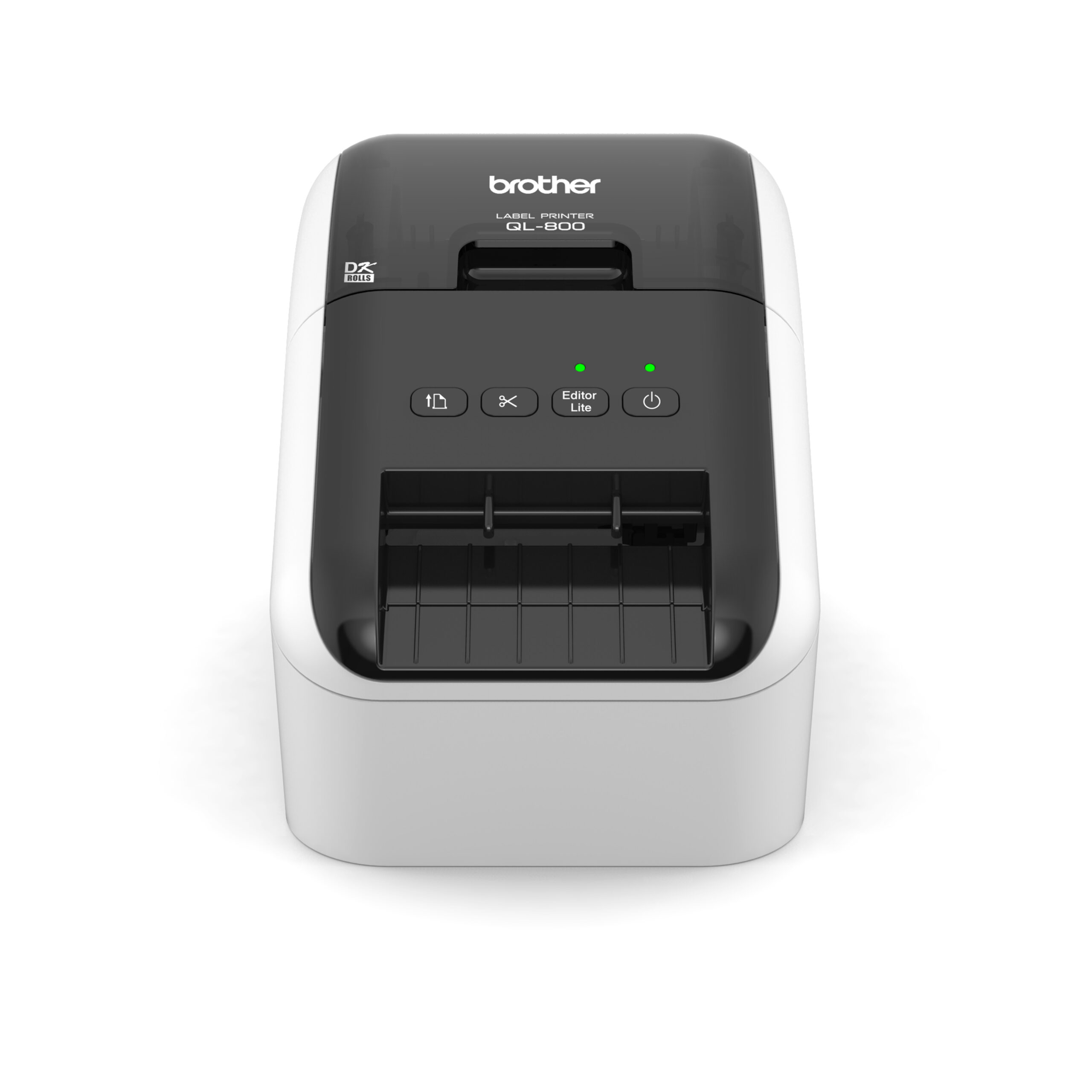
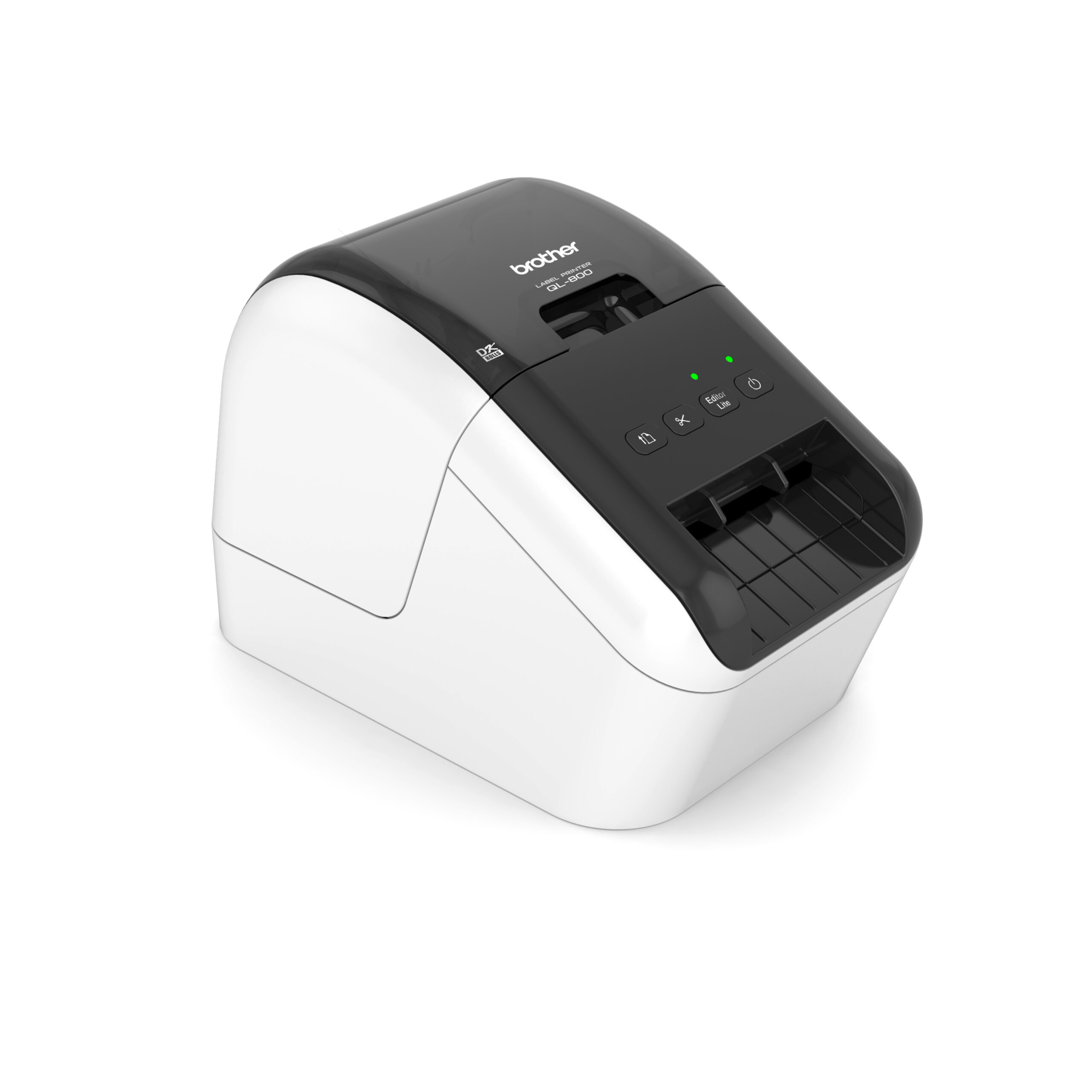
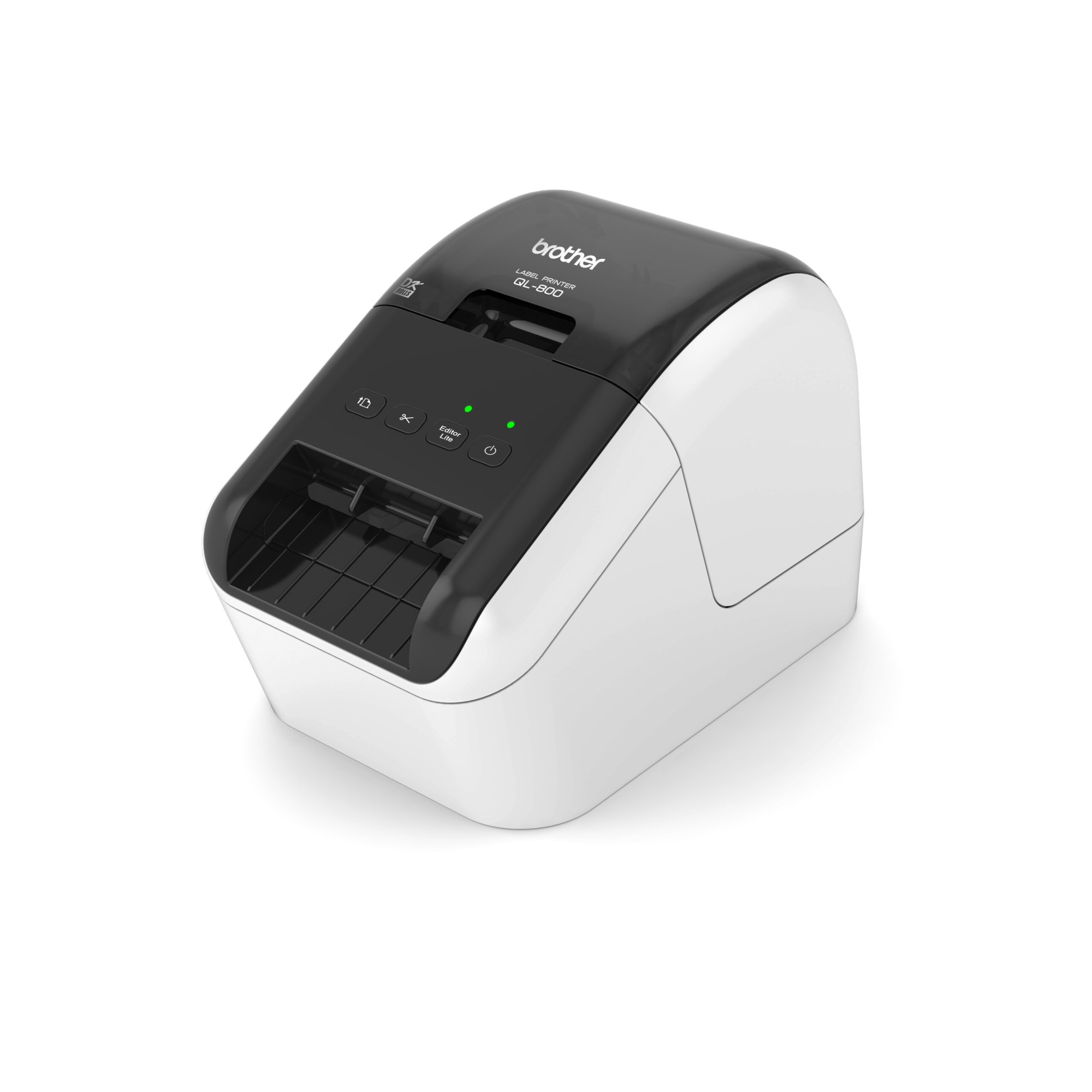
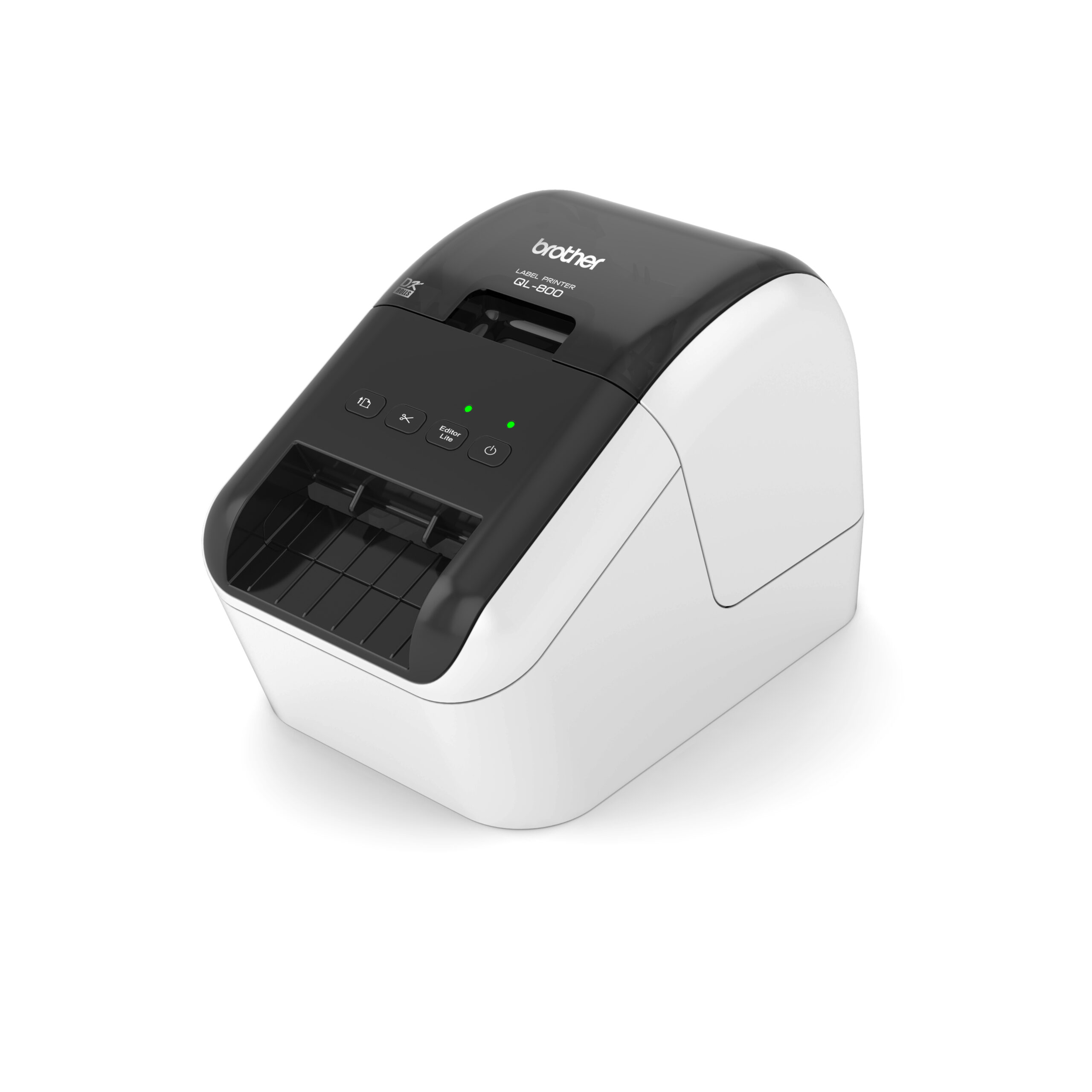
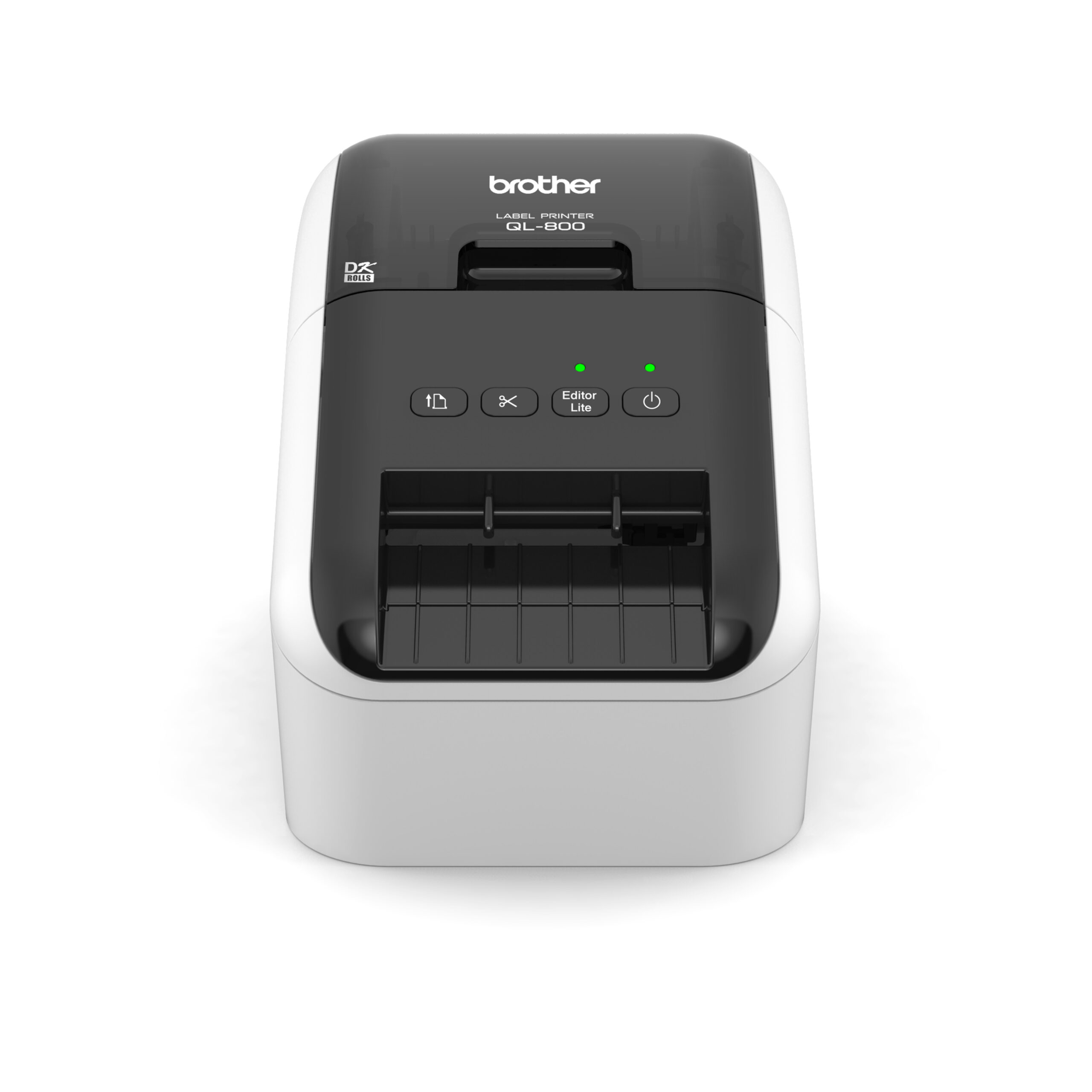
| Description | Here are some of the key features of the Brother QL-800 Professional Label Printer:High-speed printing: The QL-800 can print labels at a speed of up to 93 labels per minute.
High-quality printing: The QL-800 can print labels at a resolution of up to 600 dpi.
Wide range of label types: The QL-800 can print a variety of label types, including address labels, shipping labels, and barcode labels.
Built-in cutter: The QL-800 features a built-in cutter, so you can easily cut your labels to size.
Easy to use: The QL-800 is easy to use and can be connected to your computer via USB or wirelessly.
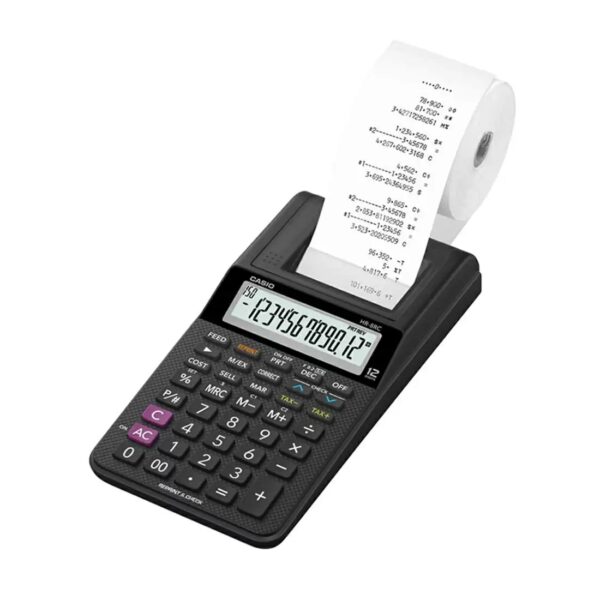
The Brother QL-800 Professional Label Printer is a great option for businesses and organizations that need a high-speed, high-quality label printer that is easy to use. It is also a good choice for people who need to print a variety of label types, including address labels, shipping labels, and barcode labels | Here are some additional details about the Casio HR-8RC-BK:Dimensions: 239 x 102 x 81.6 mm
Weight: 345 g
Display: 12 digits
Power supply: AA batteries (4)
Memory: Independent memory
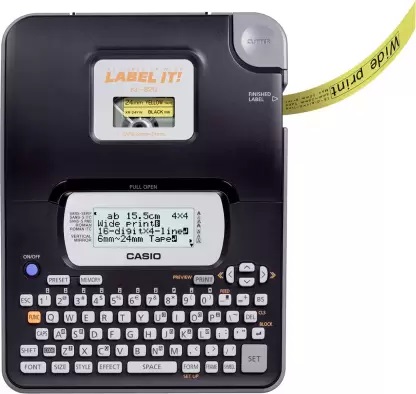
Functions: Reprint/after print, cost/sell/margin, tax and exchange | Here are some of the key features of the Casio KL-820:Compatible with a variety of label tapes
Large, easy-to-read display
QWERTY keyboard
Built-in cutter
High-quality printing
Affordable price
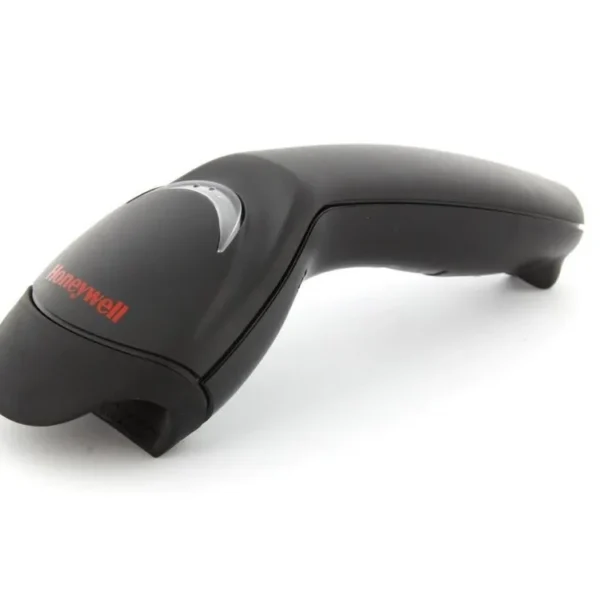
The Casio KL-820 is a great choice for anyone who needs to create and print labels on a regular basis. It is easy to use and produces high-quality labels. The printer is also very affordable, making it a great value for the price. | Here are some of the key features of the Honeywell Eclipse 5145:Single-line laser scanner
CodeGate technology
USB connection
Scan speed of up to 150 scans per second
Resolution of 3 mil
Working range of up to 12 inches
IP42 dust and water resistance
MIL-STD-810G shock and vibration resistance
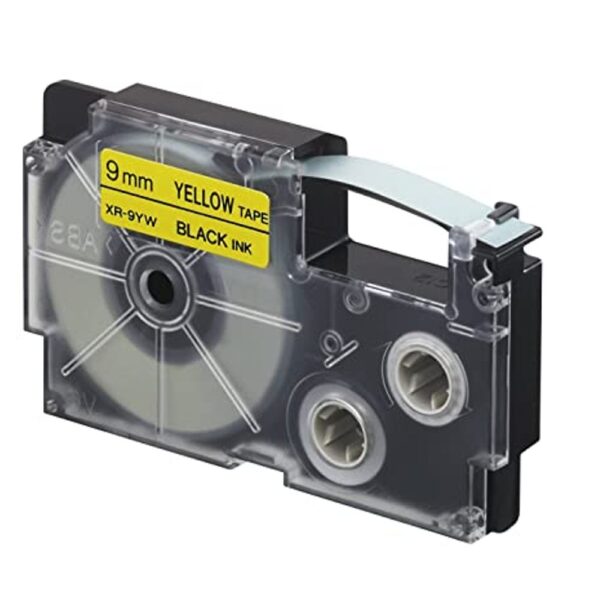
The Honeywell Eclipse 5145 is a versatile and reliable barcode scanner that is ideal for a variety of applications. It is easy to use and maintain, and it offers a long lifespan. | Here are some of the things you can use the Casio XR-9BUI-W-DJ Label Printer Tape for:Labeling your belongings
Organizing your workspace
Creating custom labels
Marking your property
Creating signs
Making labels for your business
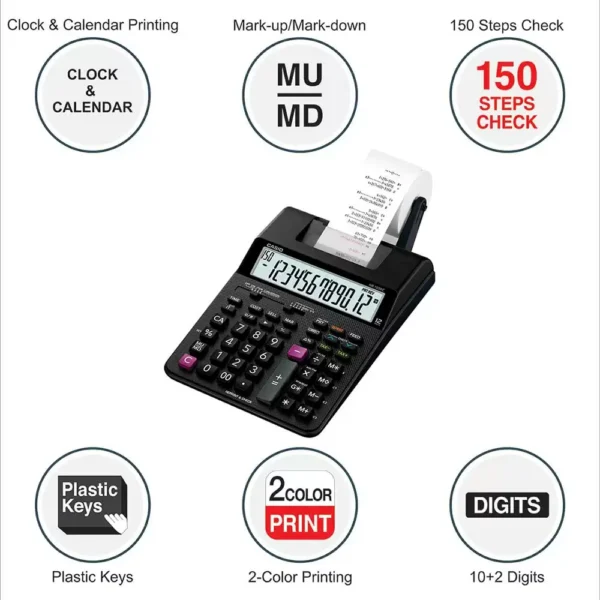
Personalizing your belongings | Here are some additional details about the Casio HR-100RC-BK:Dimensions: 295 x 165 x 64.6 mm
Weight: 570 g
Power supply: 4 AA batteries
Display: 12-digit LCD
Functions: Grand total, item counter, average, mark-up/mark-down, tax calculation, exchange calculation, clock/calendar |
| Content | The Brother QL-800 Professional Label Printer is a high-speed, high-quality label printer that is perfect for a variety of applications, including shipping, inventory management, and asset tracking. It is easy to use and can be connected to your computer via USB or wirelessly. The QL-800 can print labels up to 4 inches wide and 600 dpi, and it supports a variety of label types, including address labels, shipping labels, and barcode labels. It also features a built-in cutter, so you can easily cut your labels to size.Here are some of the key features of the Brother QL-800 Professional Label Printer:High-speed printing: The QL-800 can print labels at a speed of up to 93 labels per minute.
High-quality printing: The QL-800 can print labels at a resolution of up to 600 dpi.
Wide range of label types: The QL-800 can print a variety of label types, including address labels, shipping labels, and barcode labels.
Built-in cutter: The QL-800 features a built-in cutter, so you can easily cut your labels to size.
Easy to use: The QL-800 is easy to use and can be connected to your computer via USB or wirelessly.
The Brother QL-800 Professional Label Printer is a great option for businesses and organizations that need a high-speed, high-quality label printer that is easy to use. It is also a good choice for people who need to print a variety of label types, including address labels, shipping labels, and barcode labels.Here are some of the benefits of using the Brother QL-800 Professional Label Printer:Fast printing speed: This allows you to print labels quickly and efficiently, which can save you time and money.
High-quality printing: The QL-800 produces sharp, clear labels that are resistant to fading and moisture.
Wide range of label types: This allows you to print labels for a variety of applications, such as shipping, inventory management, and asset tracking.
Built-in cutter: This allows you to easily cut your labels to size.
Easy to use: The QL-800 is easy to set up and use, even for beginners.
Affordable: The QL-800 is a great value for the price.
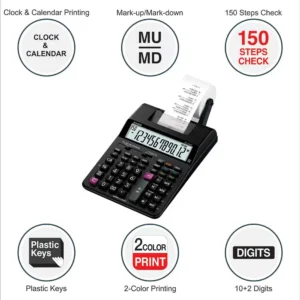
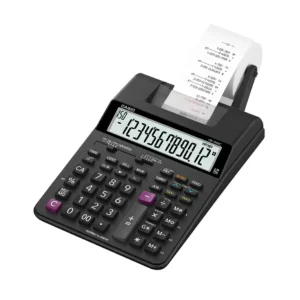
If you are looking for a high-speed, high-quality label printer that is easy to use and affordable, then the Brother QL-800 Professional Label Printer is a great option. | The Casio HR-8RC-BK 150 Steps Check & Correct Printing Calculator with Reprint Feature is a compact and portable calculator that is perfect for everyday use. It features a 12-digit display, a reprint/after print function, and a cost/sell/margin function. The HR-8RC-BK also has a tax and exchange function, making it ideal for small businesses and individuals who need to calculate taxes and exchange currencies.Here are some of the key features of the Casio HR-8RC-BK:12-digit display: The large, easy-to-read display makes it easy to see your calculations.
Reprint/after print function: This function allows you to print multiple copies of your calculations or print them later even in print off mode.
Cost/sell/margin function: This function allows you to calculate the cost, selling price, or margin of profit on an item.
Tax and exchange function: This function allows you to calculate taxes and exchange currencies.
The Casio HR-8RC-BK is a great choice for anyone who needs a compact and portable calculator with a variety of features. It is perfect for everyday use, small businesses, and individuals who need to calculate taxes and exchange currencies.Here are some additional details about the Casio HR-8RC-BK:Dimensions: 239 x 102 x 81.6 mm
Weight: 345 g
Display: 12 digits
Power supply: AA batteries (4)
Memory: Independent memory
Functions: Reprint/after print, cost/sell/margin, tax and exchangeThe Casio HR-8RC-BK is a great value for the price. It is a compact and portable calculator with a variety of features that make it perfect for everyday use | The Casio KL-820 Label Printer is a small, portable label printer that is designed for home and office use. It is compatible with a variety of label tapes, including address labels, shipping labels, and product labels. The KL-820 has a large, easy-to-read display and a QWERTY keyboard, making it easy to create and print labels. The printer also has a built-in cutter, so you can easily trim your labels to size.The KL-820 is a great choice for anyone who needs to create and print labels on a regular basis. It is easy to use and produces high-quality labels. The printer is also very affordable, making it a great value for the price.Here are some of the key features of the Casio KL-820:Compatible with a variety of label tapes
Large, easy-to-read display
QWERTY keyboard
Built-in cutter
High-quality printing
Affordable price
The Casio KL-820 is a great choice for anyone who needs to create and print labels on a regular basis. It is easy to use and produces high-quality labels. The printer is also very affordable, making it a great value for the price.Here are some of the benefits of using the Casio KL-820:Increased productivity: The KL-820 can help you save time by automating many of your label printing tasks.
Improved accuracy: The KL-820's large, easy-to-read display and QWERTY keyboard help you to avoid errors.
Enhanced efficiency: The KL-820's built-in cutter can help you to quickly and easily trim your labels to size.
Reduced costs: The KL-820 is a cost-effective solution for anyone who needs to print labels on a regular basis.
If you are looking for a reliable and efficient label printer, the Casio KL-820 is a great choice. | The Honeywell MK5145-31A38 Eclipse 5145 is a single-line, hand-held laser scanner with a compact form factor perfect for retail applications. It is equipped with CodeGate technology, which allows the user to easily target the desired barcode and complete data transmission with a simple press of a button. This makes the Eclipse 5145 a perfect selection for menu scanning, point-of-sale, document processing and inventory control.Here are some of the key features of the Honeywell Eclipse 5145:Single-line laser scanner
CodeGate technology
USB connection
Scan speed of up to 150 scans per second
Resolution of 3 mil
Working range of up to 12 inches
IP42 dust and water resistance
MIL-STD-810G shock and vibration resistance
The Honeywell Eclipse 5145 is a versatile and reliable barcode scanner that is ideal for a variety of applications. It is easy to use and maintain, and it offers a long lifespan.Here are some of the pros and cons of the Honeywell Eclipse 5145:Pros:Compact and lightweight design
Easy to use
Durable and reliable
Affordable price
Cons:Only scans 1D barcodes
Not as fast as some other laser scanners
Can be difficult to scan barcodes in poor lighting conditions
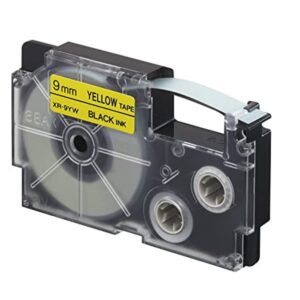
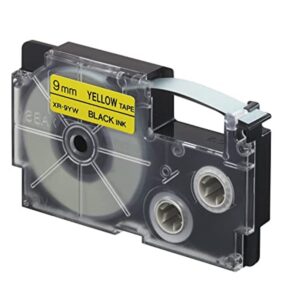
Overall, the Honeywell Eclipse 5145 is a good value for the price. It is a reliable and easy-to-use barcode scanner that is ideal for a variety of applications. | The Casio XR-9BUI-W-DJ Label Printer Tape is a 9mm wide, 8m long roll of black and yellow label tape that is compatible with the Casio KL-820 and KL-821 label printers. The tape is made from a durable polyethylene material and has a strong adhesive backing that makes it easy to apply to a variety of surfaces. The tape is also water-resistant and fade-resistant, so your labels will last for years to come.The Casio XR-9BUI-W-DJ Label Printer Tape is a great way to label your belongings, organize your workspace, and create custom labels for a variety of purposes. The tape is available in a variety of colors, so you can choose the perfect color to match your needs.Here are some of the features of the Casio XR-9BUI-W-DJ Label Printer Tape:9mm wide, 8m long
Black and yellow color
Compatible with Casio KL-820 and KL-821 label printers
Made from durable polyethylene material
Strong adhesive backing
Water-resistant and fade-resistant
Here are some of the benefits of using the Casio XR-9BUI-W-DJ Label Printer Tape:Easy to apply
Durable
Water-resistant and fade-resistant
Available in a variety of colors
If you are looking for a reliable and affordable way to label your belongings, organize your workspace, or create custom labels, then the Casio XR-9BUI-W-DJ Label Printer Tape is a good option. The tape is easy to use and can be used for a variety of purposes.Here are some of the things you can use the Casio XR-9BUI-W-DJ Label Printer Tape for:Labeling your belongings
Organizing your workspace
Creating custom labels
Marking your property
Creating signs
Making labels for your business
Personalizing your belongings
And more! | The Casio HR-100RC-BK is a 150 steps check & correct printing calculator with reprint feature. It is a compact and easy-to-use calculator that is perfect for a variety of business and personal use. The HR-100RC-BK has a large, easy-to-read display and a number of features that make it a versatile and efficient tool.Some of the key features of the Casio HR-100RC-BK include:150 steps check & correct: This feature allows you to review your calculations up to 150 steps back, so you can easily check for errors.
Reprint feature: This feature allows you to reprint your calculations, so you can keep a record of your work.
Large, easy-to-read display: The large, backlit display makes it easy to see your calculations, even in low-light conditions.
Number of features: The HR-100RC-BK has a number of features that make it a versatile and efficient tool, including a grand total, item counter, and average function.
The Casio HR-100RC-BK is a reliable and efficient calculator that is perfect for a variety of business and personal use. It is a compact and easy-to-use calculator with a number of features that make it a versatile and powerful tool.Here are some additional details about the Casio HR-100RC-BK:Dimensions: 295 x 165 x 64.6 mm
Weight: 570 g
Power supply: 4 AA batteries
Display: 12-digit LCD
Functions: Grand total, item counter, average, mark-up/mark-down, tax calculation, exchange calculation, clock/calendarThe Casio HR-100RC-BK is a great choice for anyone looking for a reliable and efficient calculator. It is a compact and easy-to-use calculator with a number of features that make it a versatile and powerful tool |



Reviews
There are no reviews yet.