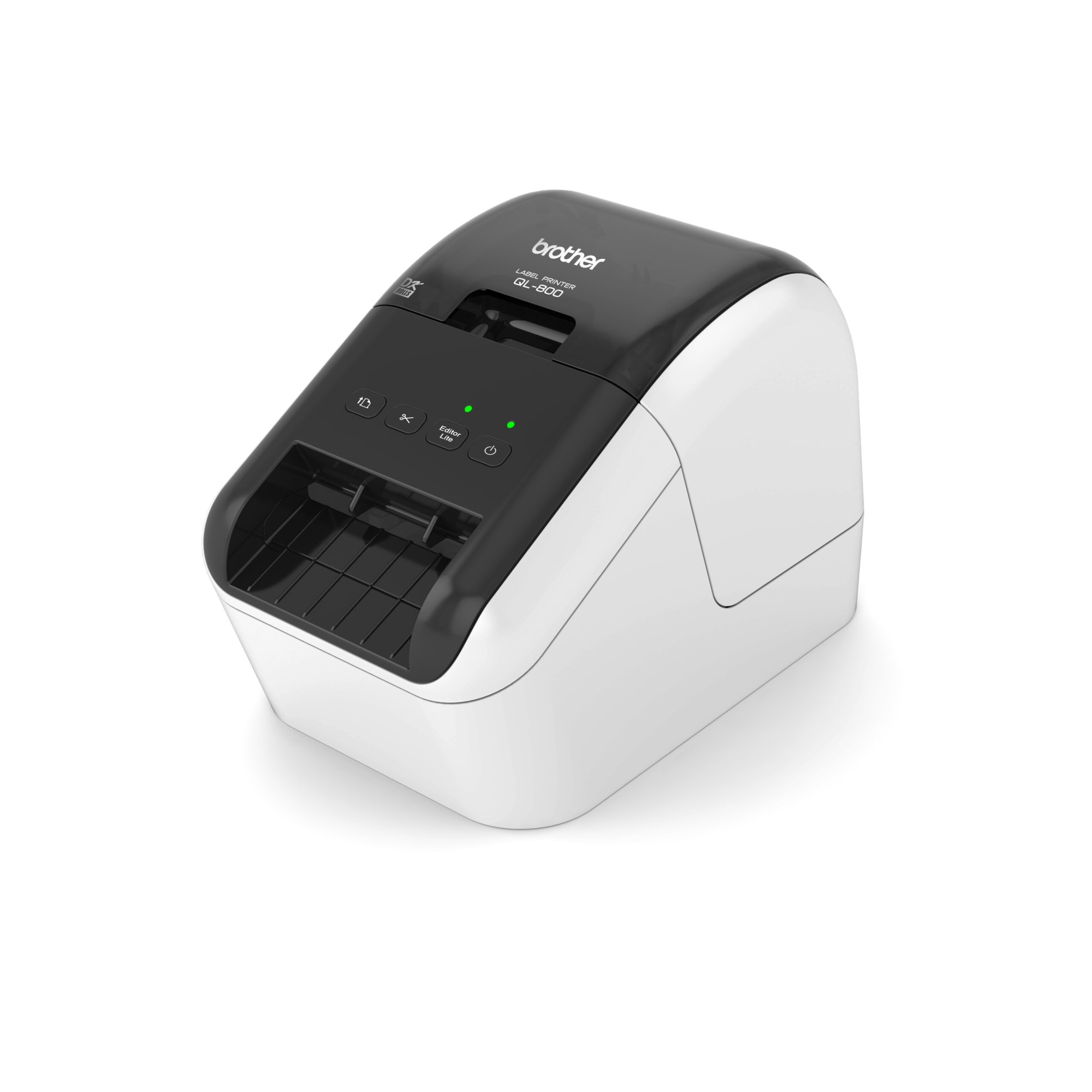
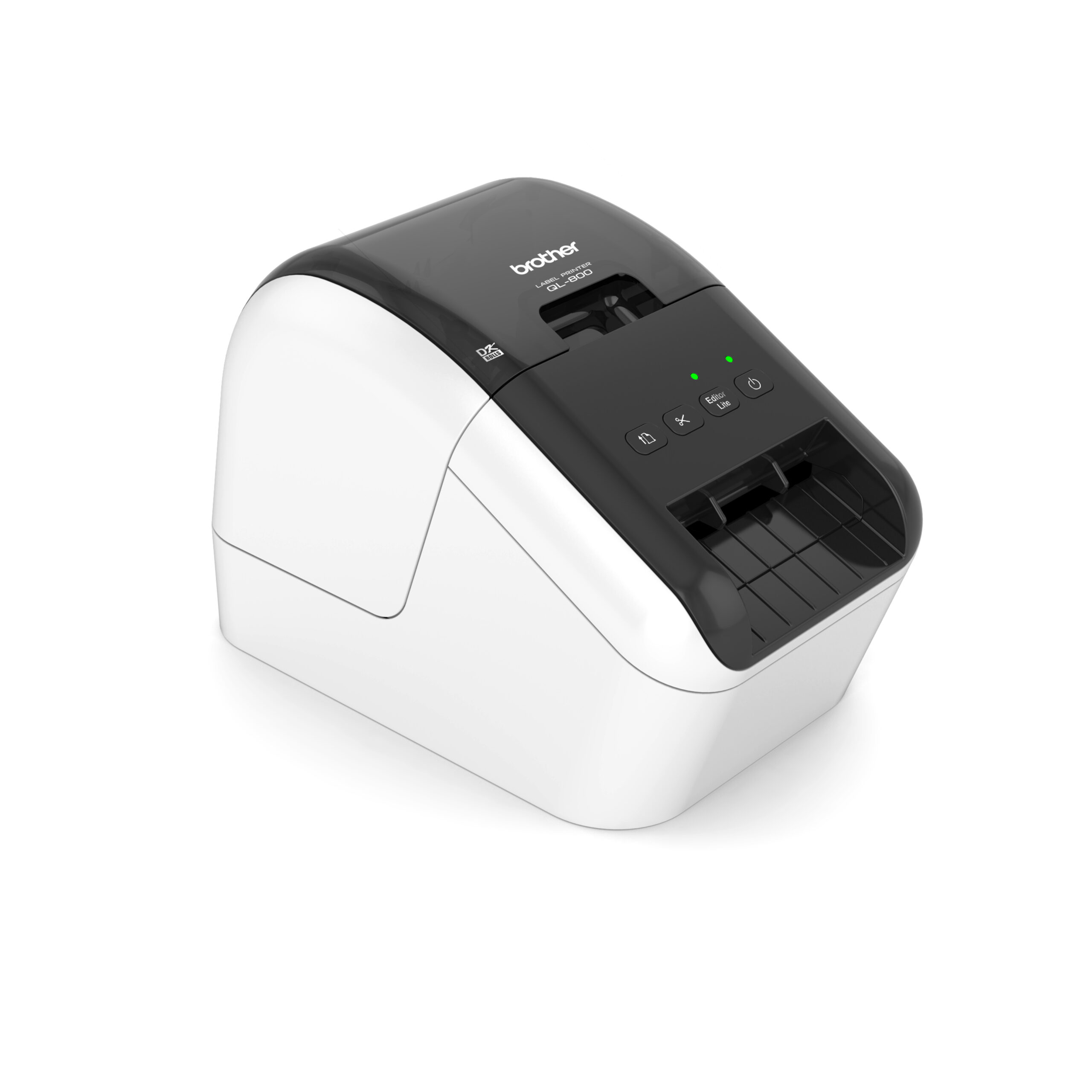
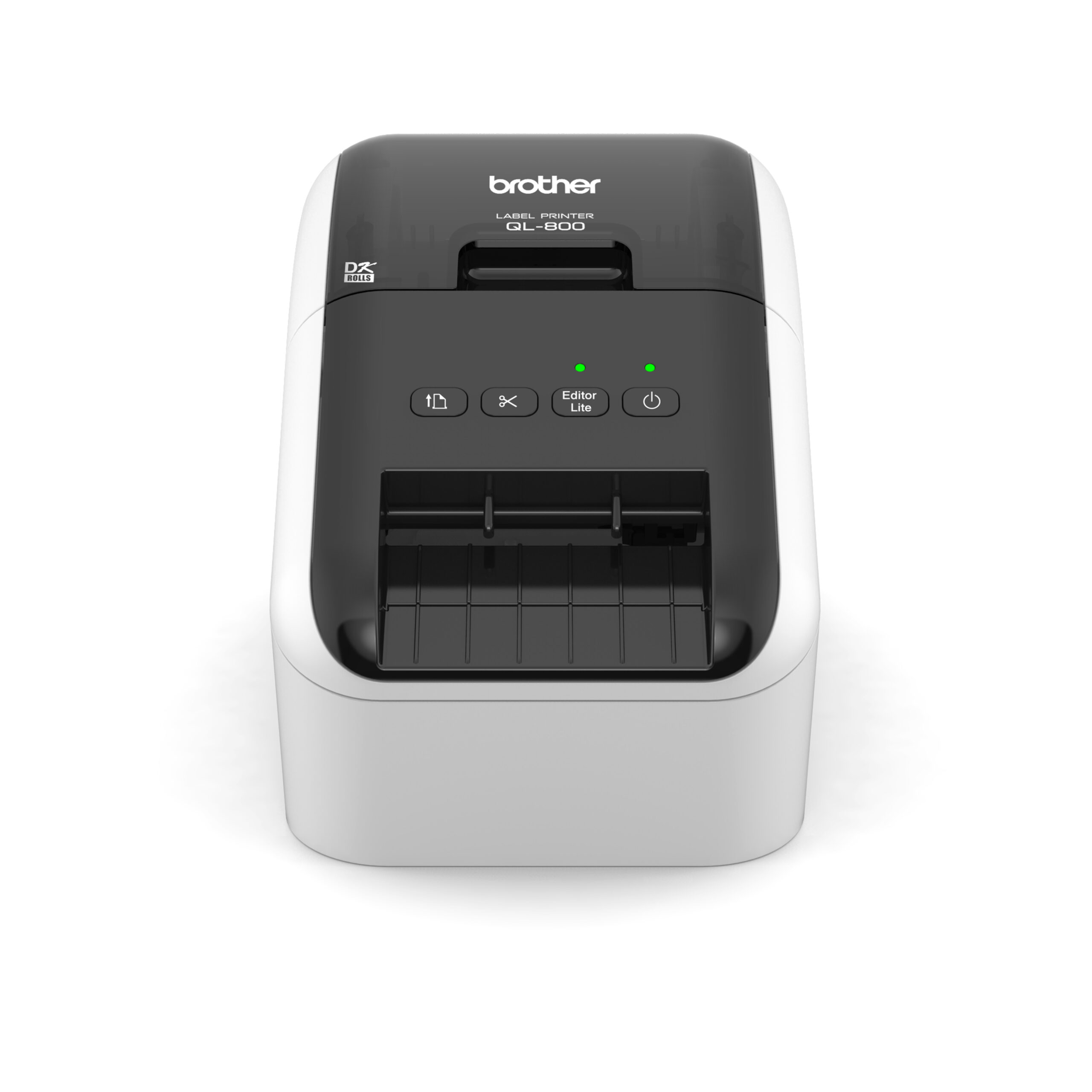
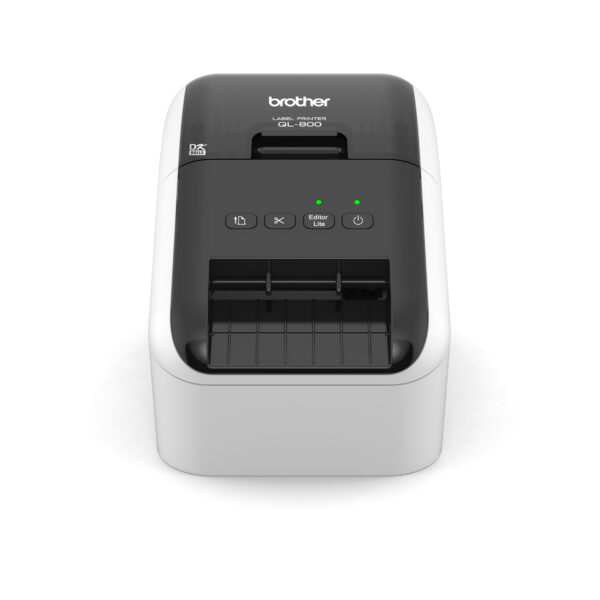
| Description | Here are some of the key features of the Brother QL-800 Professional Label Printer:High-speed printing: The QL-800 can print labels at a speed of up to 93 labels per minute.
High-quality printing: The QL-800 can print labels at a resolution of up to 600 dpi.
Wide range of label types: The QL-800 can print a variety of label types, including address labels, shipping labels, and barcode labels.
Built-in cutter: The QL-800 features a built-in cutter, so you can easily cut your labels to size.
Easy to use: The QL-800 is easy to use and can be connected to your computer via USB or wirelessly.
The Brother QL-800 Professional Label Printer is a great option for businesses and organizations that need a high-speed, high-quality label printer that is easy to use. It is also a good choice for people who need to print a variety of label types, including address labels, shipping labels, and barcode labels | Here are some of the specifications of the Casio XR-12BU1 Label Printer Tape:Model number: XR-12BU1
Color: Blue
Width: 12mm
Length: 8m
Compatible with: Casio KL-820 and KL-821 label printers
Material: Durable polyethylene
Adhesive: Strong
Water-resistant: Yes
Fade-resistant: Yes | Here are some of the key features of the Honeywell Voyager Extreme Performance 1470g:Powerful laser scanner
Long working range (up to 21 inches)
Dust-proof and water-resistant
Drop-resistant
USB connection
Scan speed of up to 200 scans per second
Resolution of 3 mil
IP65 dust and water resistance
MIL-STD-810G shock and vibration resistance
The Honeywell Voyager Extreme Performance 1470g is a reliable and versatile barcode scanner that is ideal for a variety of applications. It is easy to use and maintain, and it offers a long lifespan. | Here are some of the things you can use the Casio XR-9BUI-W-DJ Label Printer Tape for:Labeling your belongings
Organizing your workspace
Creating custom labels
Marking your property
Creating signs
Making labels for your business
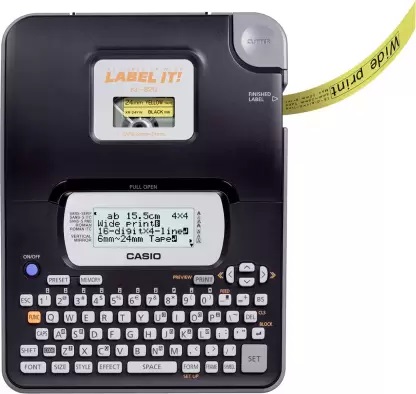
Personalizing your belongings | Here are some of the key features of the Casio KL-820:Compatible with a variety of label tapes
Large, easy-to-read display
QWERTY keyboard
Built-in cutter
High-quality printing
Affordable price
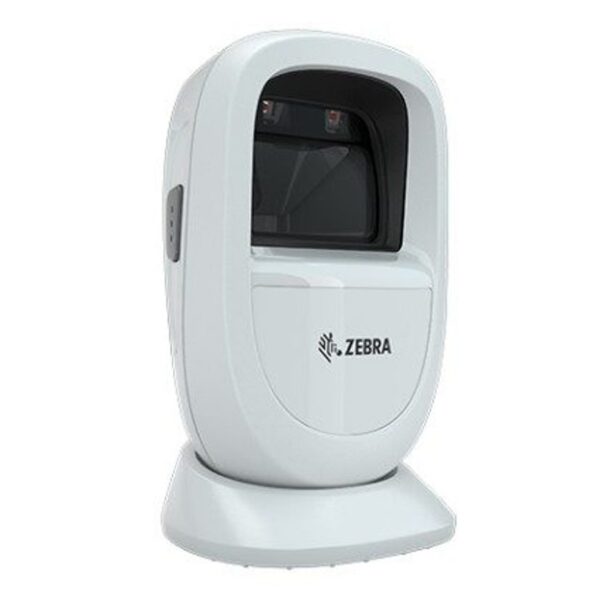
The Casio KL-820 is a great choice for anyone who needs to create and print labels on a regular basis. It is easy to use and produces high-quality labels. The printer is also very affordable, making it a great value for the price. | Here are some of the key features of the Zebra DS9308:Scans virtually any barcode in any condition, on any media
Fast and accurate scanning with 800 MHz microprocessor, high-resolution megapixel sensor, and exclusive PRZM Intelligent Imaging technology
Near-zero footprint for compact and space-saving design
Recessed LEDs for reduced eye annoyance
Ratcheting base for convenient scanning |
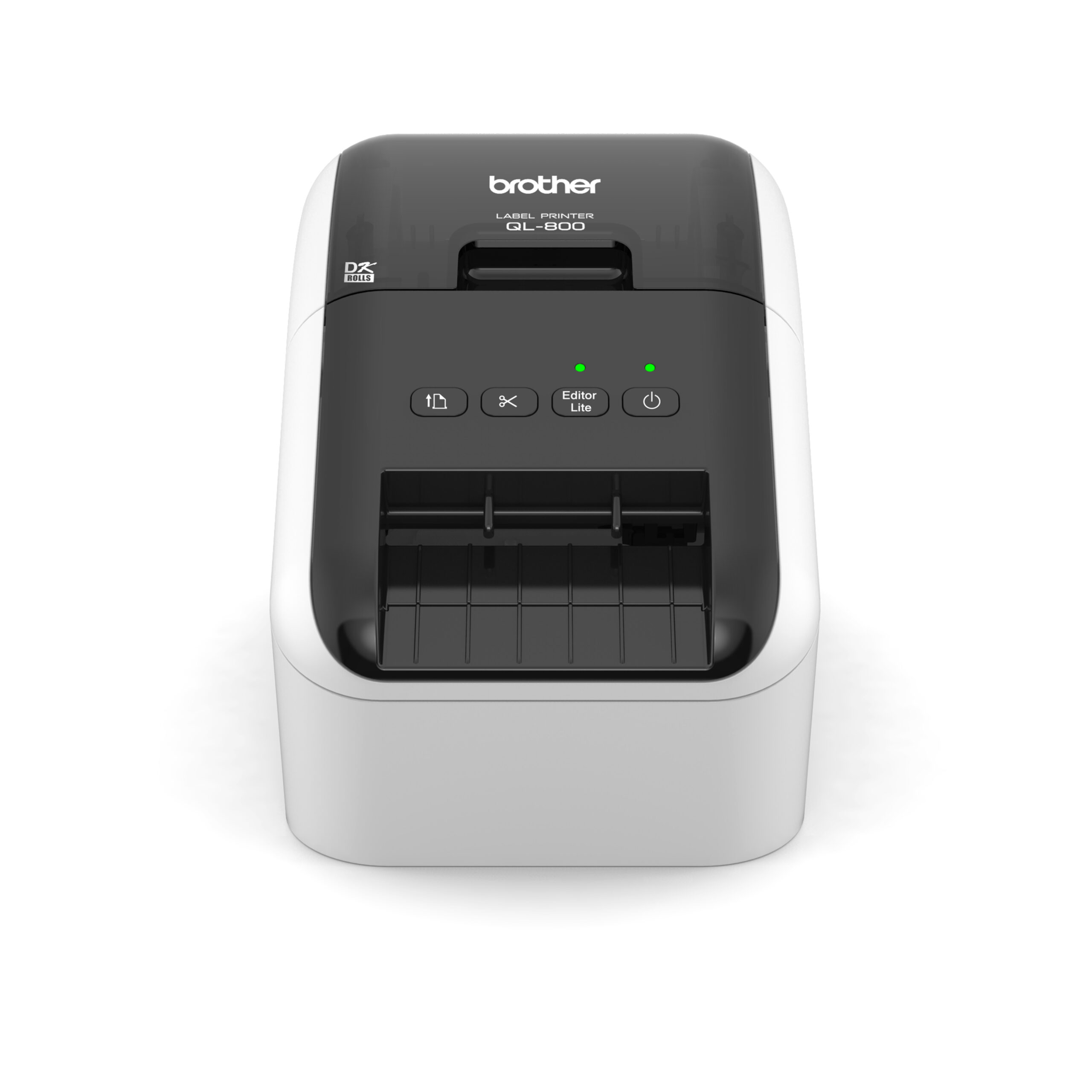
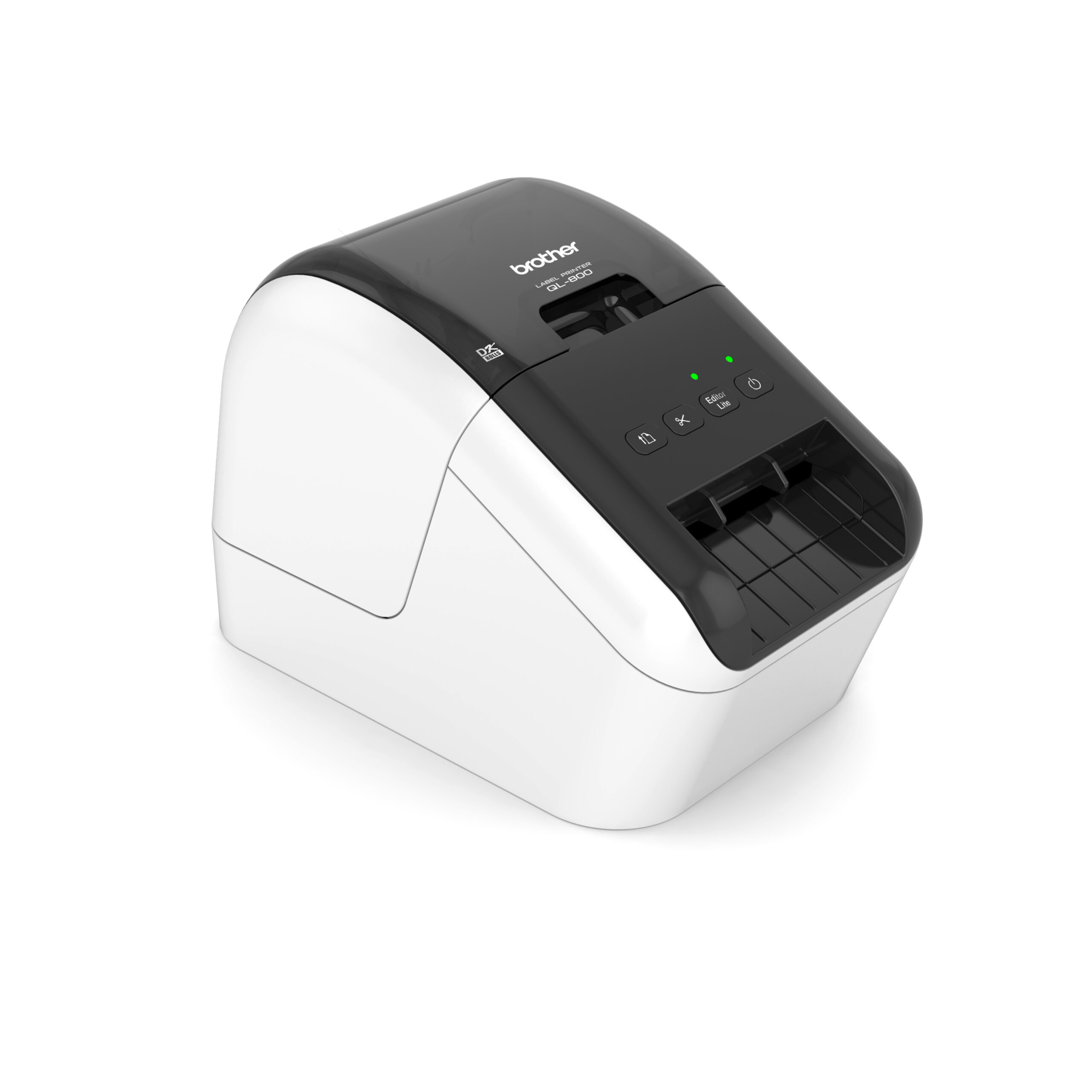
| Content | The Brother QL-800 Professional Label Printer is a high-speed, high-quality label printer that is perfect for a variety of applications, including shipping, inventory management, and asset tracking. It is easy to use and can be connected to your computer via USB or wirelessly. The QL-800 can print labels up to 4 inches wide and 600 dpi, and it supports a variety of label types, including address labels, shipping labels, and barcode labels. It also features a built-in cutter, so you can easily cut your labels to size.Here are some of the key features of the Brother QL-800 Professional Label Printer:High-speed printing: The QL-800 can print labels at a speed of up to 93 labels per minute.
High-quality printing: The QL-800 can print labels at a resolution of up to 600 dpi.
Wide range of label types: The QL-800 can print a variety of label types, including address labels, shipping labels, and barcode labels.
Built-in cutter: The QL-800 features a built-in cutter, so you can easily cut your labels to size.
Easy to use: The QL-800 is easy to use and can be connected to your computer via USB or wirelessly.
The Brother QL-800 Professional Label Printer is a great option for businesses and organizations that need a high-speed, high-quality label printer that is easy to use. It is also a good choice for people who need to print a variety of label types, including address labels, shipping labels, and barcode labels.Here are some of the benefits of using the Brother QL-800 Professional Label Printer:Fast printing speed: This allows you to print labels quickly and efficiently, which can save you time and money.
High-quality printing: The QL-800 produces sharp, clear labels that are resistant to fading and moisture.
Wide range of label types: This allows you to print labels for a variety of applications, such as shipping, inventory management, and asset tracking.
Built-in cutter: This allows you to easily cut your labels to size.
Easy to use: The QL-800 is easy to set up and use, even for beginners.
Affordable: The QL-800 is a great value for the price.
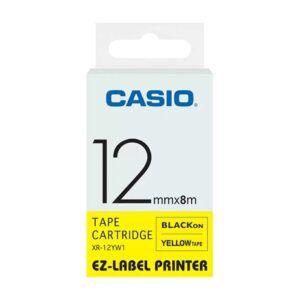
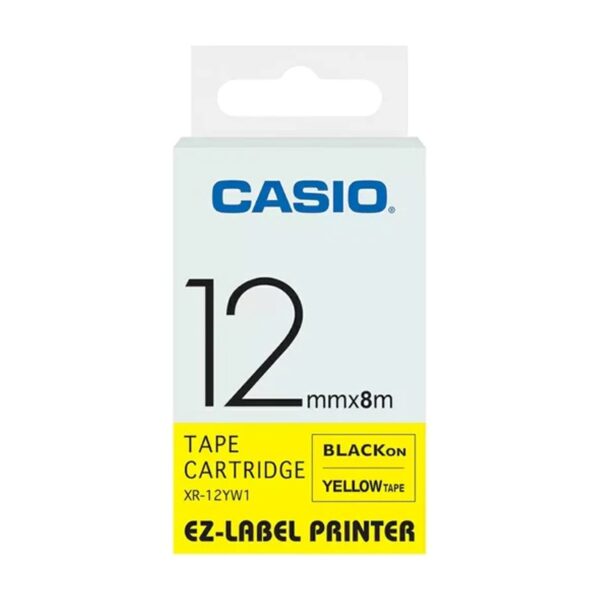
If you are looking for a high-speed, high-quality label printer that is easy to use and affordable, then the Brother QL-800 Professional Label Printer is a great option. | The Casio XR-12BU1 Label Printer Tape is a 12mm wide, 8m long roll of blue label tape that is compatible with the Casio KL-820 and KL-821 label printers. The tape is made from a durable polyethylene material and has a strong adhesive backing that makes it easy to apply to a variety of surfaces. The tape is also water-resistant and fade-resistant, so your labels will last for years to come.The Casio XR-12BU1 Label Printer Tape is a great way to label your belongings, organize your workspace, and create custom labels for a variety of purposes. The tape is available in a variety of colors, so you can choose the perfect color to match your needs.Here are some of the features of the Casio XR-12BU1 Label Printer Tape:12mm wide, 8m long
Blue color
Compatible with Casio KL-820 and KL-821 label printers
Made from durable polyethylene material
Strong adhesive backing
Water-resistant and fade-resistant
Here are some of the benefits of using the Casio XR-12BU1 Label Printer Tape:Easy to apply
Durable
Water-resistant and fade-resistant
Available in a variety of colors
If you are looking for a reliable and affordable way to label your belongings, organize your workspace, or create custom labels, then the Casio XR-12BU1 Label Printer Tape is a good option. The tape is easy to use and can be used for a variety of purposes.Here are some of the things you can use the Casio XR-12BU1 Label Printer Tape for:Labeling your belongings
Organizing your workspace
Creating custom labels
Marking your property
Creating signs
Making labels for your business
Personalizing your belongings
And more!
Here are some of the specifications of the Casio XR-12BU1 Label Printer Tape:Model number: XR-12BU1
Color: Blue
Width: 12mm
Length: 8m
Compatible with: Casio KL-820 and KL-821 label printers
Material: Durable polyethylene
Adhesive: Strong
Water-resistant: Yes
Fade-resistant: Yes |
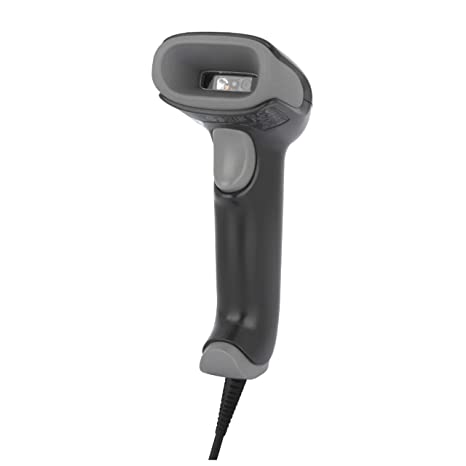
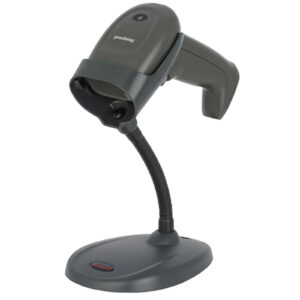
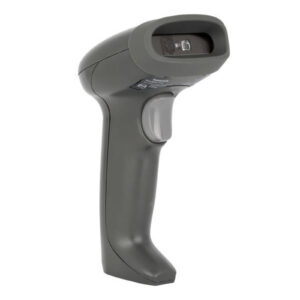
The Honeywell Voyager Extreme Performance 1470g is a rugged, high-performance barcode scanner that is designed for use in demanding retail and industrial environments. It features a powerful laser scanner that can read 1D and 2D barcodes from up to 21 inches away, even in poor lighting conditions. The scanner is also dust-proof and water-resistant, making it ideal for use in harsh environments.Here are some of the key features of the Honeywell Voyager Extreme Performance 1470g:Powerful laser scanner
Long working range (up to 21 inches)
Dust-proof and water-resistant
Drop-resistant
USB connection
Scan speed of up to 200 scans per second
Resolution of 3 mil
IP65 dust and water resistance
MIL-STD-810G shock and vibration resistance
The Honeywell Voyager Extreme Performance 1470g is a reliable and versatile barcode scanner that is ideal for a variety of applications. It is easy to use and maintain, and it offers a long lifespan.Here are some of the pros and cons of the Honeywell Voyager Extreme Performance 1470g:Pros:Powerful laser scanner
Long working range
Dust-proof and water-resistant
Drop-resistant
USB connection
Fast scan speed
High resolution
Durable and reliable
Cons:Can be difficult to scan barcodes in very low light conditions
Some users have reported that the scanner can be slow to start up
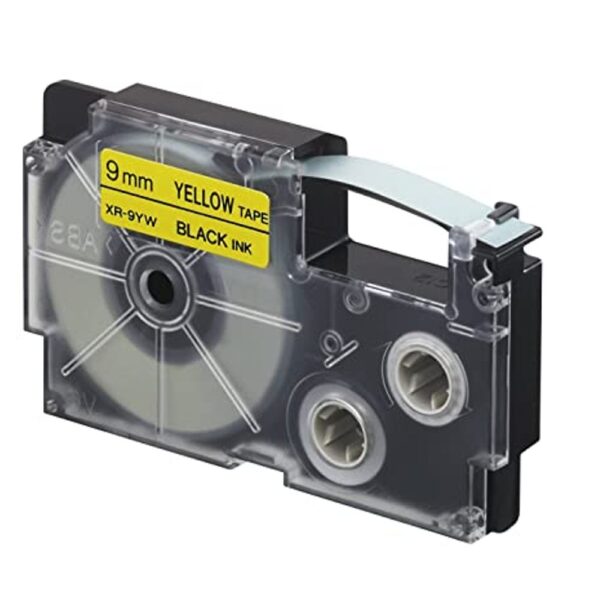
Overall, the Honeywell Voyager Extreme Performance 1470g is a good value for the price. It is a reliable and versatile barcode scanner that is ideal for a variety of applications.Here is a link to the product page for the Honeywell Voyager Extreme Performance 1470g: https://sps.honeywell.com/us/en/products/productivity/barcode-scanners/general-purpose-handheld/voyager-xp-1470g-general-duty-scannerI hope this helps! Let me know if you have any other questions. | The Casio XR-9BUI-W-DJ Label Printer Tape is a 9mm wide, 8m long roll of black and yellow label tape that is compatible with the Casio KL-820 and KL-821 label printers. The tape is made from a durable polyethylene material and has a strong adhesive backing that makes it easy to apply to a variety of surfaces. The tape is also water-resistant and fade-resistant, so your labels will last for years to come.The Casio XR-9BUI-W-DJ Label Printer Tape is a great way to label your belongings, organize your workspace, and create custom labels for a variety of purposes. The tape is available in a variety of colors, so you can choose the perfect color to match your needs.Here are some of the features of the Casio XR-9BUI-W-DJ Label Printer Tape:9mm wide, 8m long
Black and yellow color
Compatible with Casio KL-820 and KL-821 label printers
Made from durable polyethylene material
Strong adhesive backing
Water-resistant and fade-resistant
Here are some of the benefits of using the Casio XR-9BUI-W-DJ Label Printer Tape:Easy to apply
Durable
Water-resistant and fade-resistant
Available in a variety of colors
If you are looking for a reliable and affordable way to label your belongings, organize your workspace, or create custom labels, then the Casio XR-9BUI-W-DJ Label Printer Tape is a good option. The tape is easy to use and can be used for a variety of purposes.Here are some of the things you can use the Casio XR-9BUI-W-DJ Label Printer Tape for:Labeling your belongings
Organizing your workspace
Creating custom labels
Marking your property
Creating signs
Making labels for your business
Personalizing your belongings
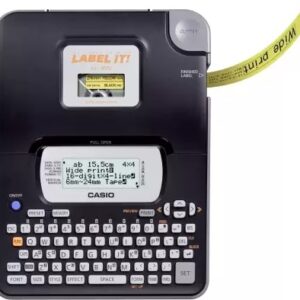
And more! | The Casio KL-820 Label Printer is a small, portable label printer that is designed for home and office use. It is compatible with a variety of label tapes, including address labels, shipping labels, and product labels. The KL-820 has a large, easy-to-read display and a QWERTY keyboard, making it easy to create and print labels. The printer also has a built-in cutter, so you can easily trim your labels to size.The KL-820 is a great choice for anyone who needs to create and print labels on a regular basis. It is easy to use and produces high-quality labels. The printer is also very affordable, making it a great value for the price.Here are some of the key features of the Casio KL-820:Compatible with a variety of label tapes
Large, easy-to-read display
QWERTY keyboard
Built-in cutter
High-quality printing
Affordable price
The Casio KL-820 is a great choice for anyone who needs to create and print labels on a regular basis. It is easy to use and produces high-quality labels. The printer is also very affordable, making it a great value for the price.Here are some of the benefits of using the Casio KL-820:Increased productivity: The KL-820 can help you save time by automating many of your label printing tasks.
Improved accuracy: The KL-820's large, easy-to-read display and QWERTY keyboard help you to avoid errors.
Enhanced efficiency: The KL-820's built-in cutter can help you to quickly and easily trim your labels to size.
Reduced costs: The KL-820 is a cost-effective solution for anyone who needs to print labels on a regular basis.
If you are looking for a reliable and efficient label printer, the Casio KL-820 is a great choice. | The Zebra DS9308 is a 1D/2D presentation barcode scanner that can scan virtually any barcode in any condition, on any media. It features an 800 MHz microprocessor, high-resolution megapixel sensor, and exclusive PRZM Intelligent Imaging technology for fast and accurate scanning. The DS9308 also has a near-zero footprint, recessed LEDs, and a ratcheting base for convenient scanning. It is built to withstand drops from up to 5 feet and 1,000 consecutive tumbles, and it is IP52 sealed to protect against dust and spills.The DS9308 is a versatile scanner that can be used in a variety of applications, including retail, hospitality, manufacturing, and logistics. It is ideal for scanning a wide range of barcodes, including 1D, 2D, and even damaged or poorly printed barcodes. The DS9308 is also a great choice for scanning barcodes on screens, such as those found on mobile devices and point-of-sale systems.Here are some of the key features of the Zebra DS9308:Scans virtually any barcode in any condition, on any media
Fast and accurate scanning with 800 MHz microprocessor, high-resolution megapixel sensor, and exclusive PRZM Intelligent Imaging technology
Near-zero footprint for compact and space-saving design
Recessed LEDs for reduced eye annoyance
Ratcheting base for convenient scanning
Built to withstand drops from up to 5 feet and 1,000 consecutive tumbles
IP52 sealed to protect against dust and spills
The Zebra DS9308 is a reliable and versatile barcode scanner that is ideal for a variety of applications. It is built to last and can withstand even the most demanding environments. The DS9308 is a great choice for businesses that need a scanner that can scan a wide range of barcodes quickly and accurately. |



Reviews
There are no reviews yet.