| Description | Here are some of the benefits of using the Amazon Basics DisplayPort to DisplayPort Cable:It is a high-quality cable that is made with durable materials.
It supports high resolutions and refresh rates.
It supports audio pass-through.
It is VESA certified.
Here are some of the drawbacks of using the Amazon Basics DisplayPort to DisplayPort Cable:It is not a very long cable.
It is not the cheapest cable on the market.
Overall, the Amazon Basics DisplayPort to DisplayPort Cable is a good quality cable that is a good value for the price. It is a good choice for anyone who needs to connect two DisplayPort devices. | Here are some of the benefits of using the AmazonBasics Mini DisplayPort (Thunderbolt) to VGA Adapter:Affordable
Easy to use
Compatible with a wide range of devices
Supports high resolutions
Here are some of the drawbacks of the AmazonBasics Mini DisplayPort (Thunderbolt) to VGA Adapter: | Here are some of the key features of the TP-Link UE300C:Supports speeds of up to 1000Mbps
Plug and play
USB Type-C connector
Foldable and portable design
2-year warranty
Here are some of the benefits of using the TP-Link UE300C: | Here are some of the features of the Logitech H111:Standard 3.5mm audio jack
Compatible with most devices
Adjustable headband
Soft foam ear cups
Rotatable microphone
Clear sound quality
Comfortable fit | Here are some of the things to consider when choosing a DisplayPort to VGA converter cable:The length of the cable.
The resolution and refresh rate that the cable supports.
The color depth that the cable supports.
The price of the cable.
It is important to choose a DisplayPort to VGA converter cable that is compatible with your DisplayPort-equipped device and your VGA-equipped display. It is also important to choose a cable that is the appropriate length for your needs. | Here are some of the benefits of using a USB 3.0 hub:You can connect more devices to your computer.
You can transfer files faster.
You can use your devices more efficiently.
You can save space on your desk.
If you need to connect more devices to your computer, a USB 3.0 hub is a great solution. |
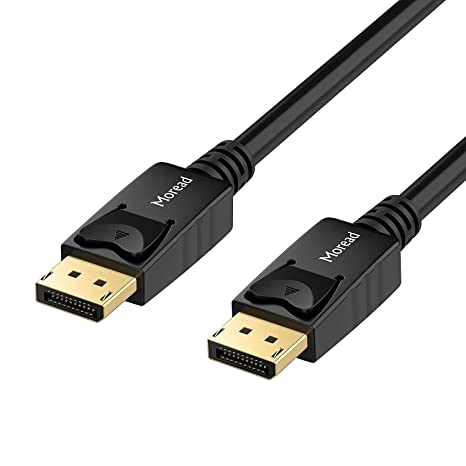
| Content | The Amazon Basics DisplayPort to DisplayPort Cable is a high-quality cable that can be used to connect two DisplayPort devices. The cable is 3 feet long and is made with gold-plated connectors, bare copper conductors, and foil-and-braid shielding for reliable connectivity. The cable supports video resolutions up to 4K at 60Hz and audio pass-through for uncompressed digital channels. The cable is also VESA certified.Here are some of the features of the Amazon Basics DisplayPort to DisplayPort Cable:3 feet long
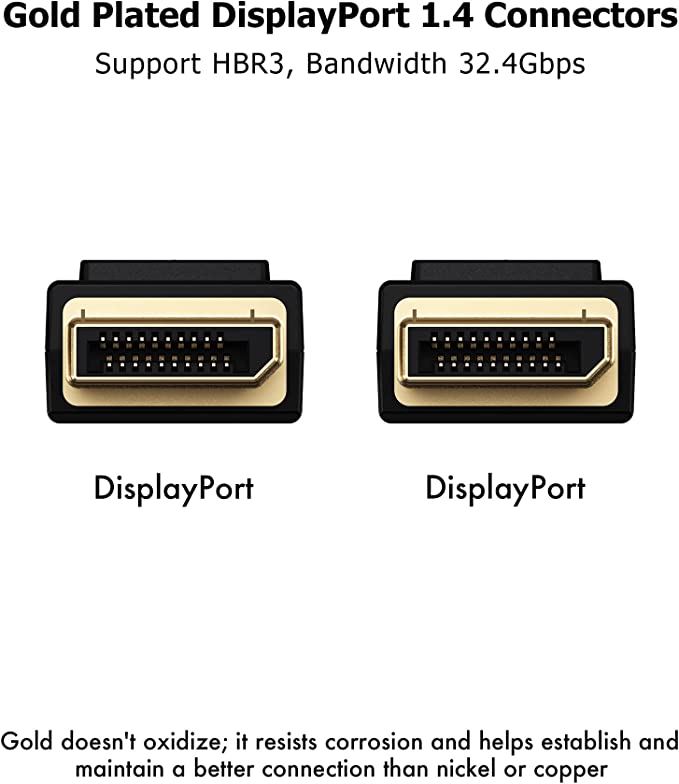
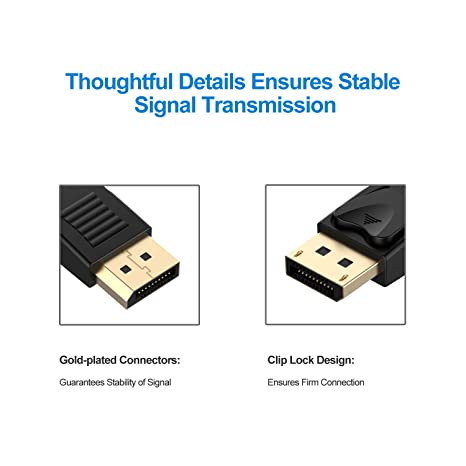
Gold-plated connectors
Bare copper conductors
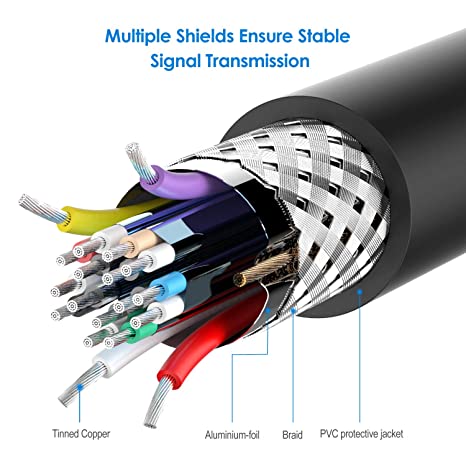
Foil-and-braid shielding
Supports video resolutions up to 4K at 60Hz
Audio pass-through for uncompressed digital channels
VESA certified
Here are some of the benefits of using the Amazon Basics DisplayPort to DisplayPort Cable:It is a high-quality cable that is made with durable materials.
It supports high resolutions and refresh rates.
It supports audio pass-through.
It is VESA certified.
Here are some of the drawbacks of using the Amazon Basics DisplayPort to DisplayPort Cable:It is not a very long cable.
It is not the cheapest cable on the market.
Overall, the Amazon Basics DisplayPort to DisplayPort Cable is a good quality cable that is a good value for the price. It is a good choice for anyone who needs to connect two DisplayPort devices.Here are some additional things to keep in mind when using the Amazon Basics DisplayPort to DisplayPort Cable:Make sure that the cable is compatible with your devices.
Check the resolution and refresh rate that you need to make sure that the cable supports it.
If you are having problems with the cable, try using a different cable. | The AmazonBasics Mini DisplayPort (Thunderbolt) to VGA Adapter is a simple and affordable way to connect your computer to a VGA monitor or projector. The adapter is small and lightweight, making it easy to carry with you. It also supports resolutions up to 1920x1200, so you can enjoy high-quality images on your display.The AmazonBasics Mini DisplayPort (Thunderbolt) to VGA Adapter is compatible with most computers that have a Mini DisplayPort or Thunderbolt port. It is also compatible with a wide range of VGA monitors and projectors. The adapter is easy to use. Simply connect it to your computer and your VGA display, and you will be ready to start using your computer on your display.The AmazonBasics Mini DisplayPort (Thunderbolt) to VGA Adapter is a great value for the price. It is a simple and affordable way to connect your computer to a VGA monitor or projector. The adapter is small and lightweight, making it easy to carry with you. It also supports resolutions up to 1920x1200, so you can enjoy high-quality images on your display.Here are some of the features of the AmazonBasics Mini DisplayPort (Thunderbolt) to VGA Adapter:Supports resolutions up to 1920x1200
Compatible with most computers with a Mini DisplayPort or Thunderbolt port
Compatible with a wide range of VGA monitors and projectors
Small and lightweight
Easy to use
Here are some of the benefits of using the AmazonBasics Mini DisplayPort (Thunderbolt) to VGA Adapter:Affordable
Easy to use
Compatible with a wide range of devices
Supports high resolutions
Here are some of the drawbacks of the AmazonBasics Mini DisplayPort (Thunderbolt) to VGA Adapter:Not compatible with all Mini DisplayPort or Thunderbolt ports
May not support all resolutions on all devices
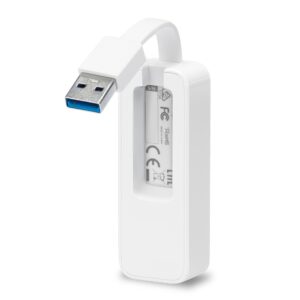
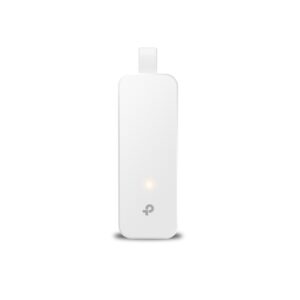
Overall, the AmazonBasics Mini DisplayPort (Thunderbolt) to VGA Adapter is a great value for the price. It is a simple and affordable way to connect your computer to a VGA monitor or projector. The adapter is small and lightweight, making it easy to carry with you. It also supports resolutions up to 1920x1200, so you can enjoy high-quality images on your display. | The TP-Link UE300C USB Type-C to RJ45 Gigabit Ethernet Network Adapter is a small, portable adapter that allows you to connect your USB Type-C devices to a wired network. It supports speeds of up to 1000Mbps, making it ideal for streaming HD video, gaming, and transferring large files.The UE300C is easy to use. Simply plug it into your USB Type-C port and connect an Ethernet cable to the other end. The adapter will automatically be detected by your computer and you will be able to connect to the internet.The UE300C is a great option for anyone who wants to add wired connectivity to their USB Type-C devices. It is small, portable, and easy to use. It is also backed by a 2-year warranty.Here are some of the key features of the TP-Link UE300C:Supports speeds of up to 1000Mbps
Plug and play
USB Type-C connector
Foldable and portable design
2-year warranty
Here are some of the benefits of using the TP-Link UE300C:Fast speeds: The UE300C supports speeds of up to 1000Mbps, making it ideal for streaming HD video, gaming, and transferring large files.
Easy to use: The UE300C is easy to use. Simply plug it into your USB Type-C port and connect an Ethernet cable to the other end. The adapter will automatically be detected by your computer and you will be able to connect to the internet.
Portable: The UE300C is small and portable, so you can easily take it with you wherever you go.
Durable: The UE300C is backed by a 2-year warranty.
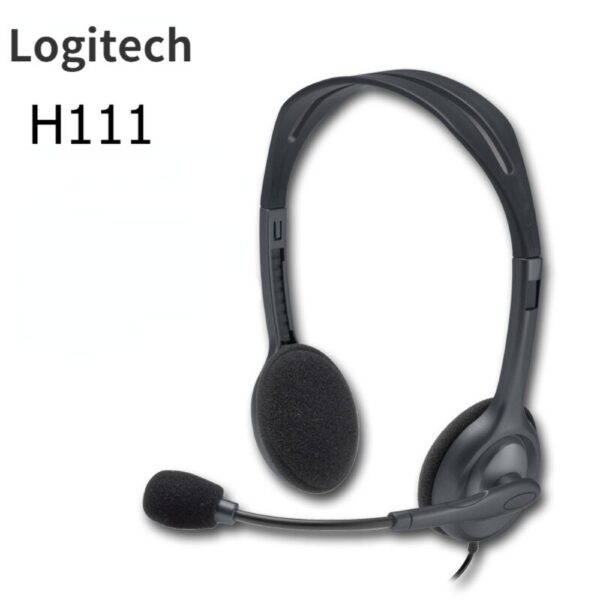
If you are looking for a way to add wired connectivity to your USB Type-C devices, the TP-Link UE300C is a great option. It is small, portable, easy to use | The Logitech H111 is a wired on-ear headset with a microphone. It is a simple and affordable headset that is perfect for making calls, listening to music, or watching videos. The headset has a standard 3.5mm audio jack and is compatible with most devices, including computers, smartphones, and tablets.The H111 has a sturdy yet lightweight design. The headband is adjustable to fit most head sizes, and the ear cups are made of soft foam for a comfortable fit. The microphone is located on the left ear cup and can be rotated to the right side if desired.The H111 produces clear sound with good bass response. The microphone is also clear and picks up sound well. The headset is comfortable to wear for long periods of time.Overall, the Logitech H111 is a great value for the price. It is a simple and affordable headset that delivers good sound quality and a comfortable fit.Here are some of the features of the Logitech H111:Standard 3.5mm audio jack
Compatible with most devices
Adjustable headband
Soft foam ear cups
Rotatable microphone
Clear sound quality
Comfortable fit
Here are some of the benefits of using the Logitech H111:Affordable
Easy to use
Comfortable to wear
Good sound quality
Clear microphone
Here are some of the drawbacks of the Logitech H111:Not noise-canceling
Not wireless
Not high-end sound quality
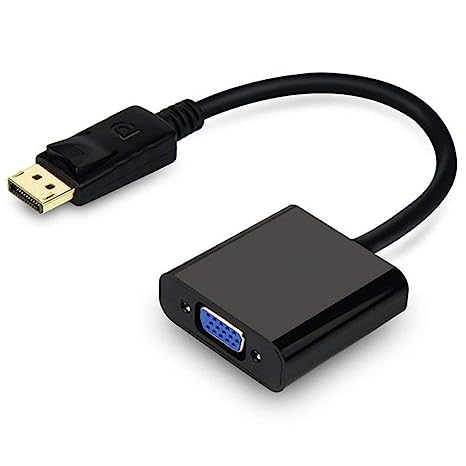
Overall, the Logitech H111 is a great value for the price. It is a simple and affordable headset that delivers good sound quality and a comfortable fit. If you are looking for a basic headset for making calls, listening to music, or watching videos, the Logitech H111 is a great option. | A DisplayPort to VGA converter cable is a device that allows you to connect a DisplayPort-equipped device to a VGA-equipped display. DisplayPort is a newer, more advanced video interface than VGA, and it offers a number of advantages, such as higher resolutions, refresh rates, and color depth. However, not all displays support DisplayPort, so a DisplayPort to VGA converter cable can be used to connect a DisplayPort-equipped device to a VGA-equipped display.To use a DisplayPort to VGA converter cable, simply connect one end of the cable to the DisplayPort output port on the source device and the other end of the cable to the VGA input port on the display. Once the cable is connected, the source device and display should automatically detect each other and begin transmitting video and audio signals.DisplayPort to VGA converter cables are available at a variety of prices, so you can find one that fits your budget. If you are looking for a way to connect a DisplayPort-equipped device to a VGA-equipped display, then a DisplayPort to VGA converter cable is a great option.Here are some of the benefits of using a DisplayPort to VGA converter cable:It allows you to connect a DisplayPort-equipped device to a VGA-equipped display.
It supports high-definition video resolutions.
It supports high refresh rates.
It supports high color depth.
It is a relatively inexpensive solution.
If you are looking for a way to connect a DisplayPort-equipped device to a VGA-equipped display, then a DisplayPort to VGA converter cable is a great option.Here are some of the things to consider when choosing a DisplayPort to VGA converter cable:The length of the cable.
The resolution and refresh rate that the cable supports.
The color depth that the cable supports.
The price of the cable.
It is important to choose a DisplayPort to VGA converter cable that is compatible with your DisplayPort-equipped device and your VGA-equipped display. It is also important to choose a cable that is the appropriate length for your needs. | The 4 Port USB HUB SuperSpeed 3.0 High-Speed Multiport Slim USB Hub 1 feet Cable Length Adapter and Led Indicator Compatible for Pendrive, Mouse, Keyboards, Mobile, Tablet ( Black ) 08 is a USB 3.0 hub that allows you to connect up to four USB devices to your computer. It has a sleek and slim design that makes it easy to take with you on the go, and it comes with a built-in LED indicator that shows which ports are in use. The hub is compatible with a wide range of devices, including external hard drives, printers, scanners, and more. It also supports data transfer speeds of up to 5Gbps, which means you can transfer large files quickly and easily.Here are some of the key features of the 4 Port USB HUB SuperSpeed 3.0 High-Speed Multiport Slim USB Hub 1 feet Cable Length Adapter and Led Indicator Compatible for Pendrive, Mouse, Keyboards, Mobile, Tablet ( Black ) 08:Supports up to four USB devices
Slim and portable design
Built-in LED indicator
Compatible with a wide range of devices
Data transfer speeds of up to 5Gbps
If you're looking for a high-speed USB 3.0 hub that is easy to use and compatible with a wide range of devices, the 4 Port USB HUB SuperSpeed 3.0 High-Speed Multiport Slim USB Hub 1 feet Cable Length Adapter and Led Indicator Compatible for Pendrive, Mouse, Keyboards, Mobile, Tablet ( Black ) 08 is a great option.Here are some of the benefits of using a USB 3.0 hub:You can connect more devices to your computer.
You can transfer files faster.
You can use your devices more efficiently.
You can save space on your desk.
If you need to connect more devices to your computer, a USB 3.0 hub is a great solution. |












Reviews
There are no reviews yet.