| Description | Here are some of the benefits of using HDMI cables:High-quality video and audio transmission: HDMI cables provide high-quality video and audio transmission, with resolutions up to 4K Ultra HD.
Wide compatibility: HDMI cables are compatible with a wide range of devices, including TVs, Blu-ray players, game consoles, and computers.
Ease of use: HDMI cables are easy to use, with a simple plug-and-play setup.
Durability: HDMI cables are durable and can withstand repeated use.
If you are looking for a high-quality, versatile, and easy-to-use way to connect your devices to your display devices, HDMI cables are a great option. | Here are some of the benefits of using the TP-Link Omada AC1350 Wireless Ceiling Mount Access Point:Increased coverage: The EAP225 can provide wireless coverage over a large area, making it ideal for businesses and homes with multiple rooms.
Improved security: The EAP225 includes a secure guest network, which allows you to create a separate network for guests that is isolated from your main network. This helps to protect your data from unauthorized access.
Centralized management: The EAP225 can be managed centrally using the TP-Link Omada Controller software. This software allows you to configure and monitor all of your TP-Link devices from a single location.
If you are looking for a reliable and secure wireless network, the TP-Link Omada AC1350 Wireless Ceiling Mount Access Point is a great option. It is easy to install and configure, and it offers a variety of features that make it a great value for the price. | Here are some of the key features of the TP-Link LS1008:8 Gigabit Ethernet ports
Auto MDI/MDIX
Energy-efficient technology
Plug and play
The TP-Link LS1008 is a great choice for anyone looking to expand their wired network. It is easy to use and reliable, and it offers a variety of features that make it a great value for the price. | Here are some of the things to consider when choosing a DisplayPort to VGA converter cable:The length of the cable.
The resolution and refresh rate that the cable supports.
The color depth that the cable supports.
The price of the cable.
It is important to choose a DisplayPort to VGA converter cable that is compatible with your DisplayPort-equipped device and your VGA-equipped display. It is also important to choose a cable that is the appropriate length for your needs. | Here are some of the benefits of using the SanDisk Extreme Portable SSD:Fast transfer speeds
Durable construction
Wide compatibility
Long warranty
Here are some of the drawbacks of the SanDisk Extreme Portable SSD: | Here are some of the key features of the TP-Link Archer MR400:Supports both the 2.4 GHz and 5 GHz bands
SIM slot for 4G LTE connectivity
Easy to set up and use
Built-in web interface for configuration
Portable and lightweight
Removable Wi-Fi antennas
Here are some of the benefits of using the TP-Link Archer MR400: |
| Content |
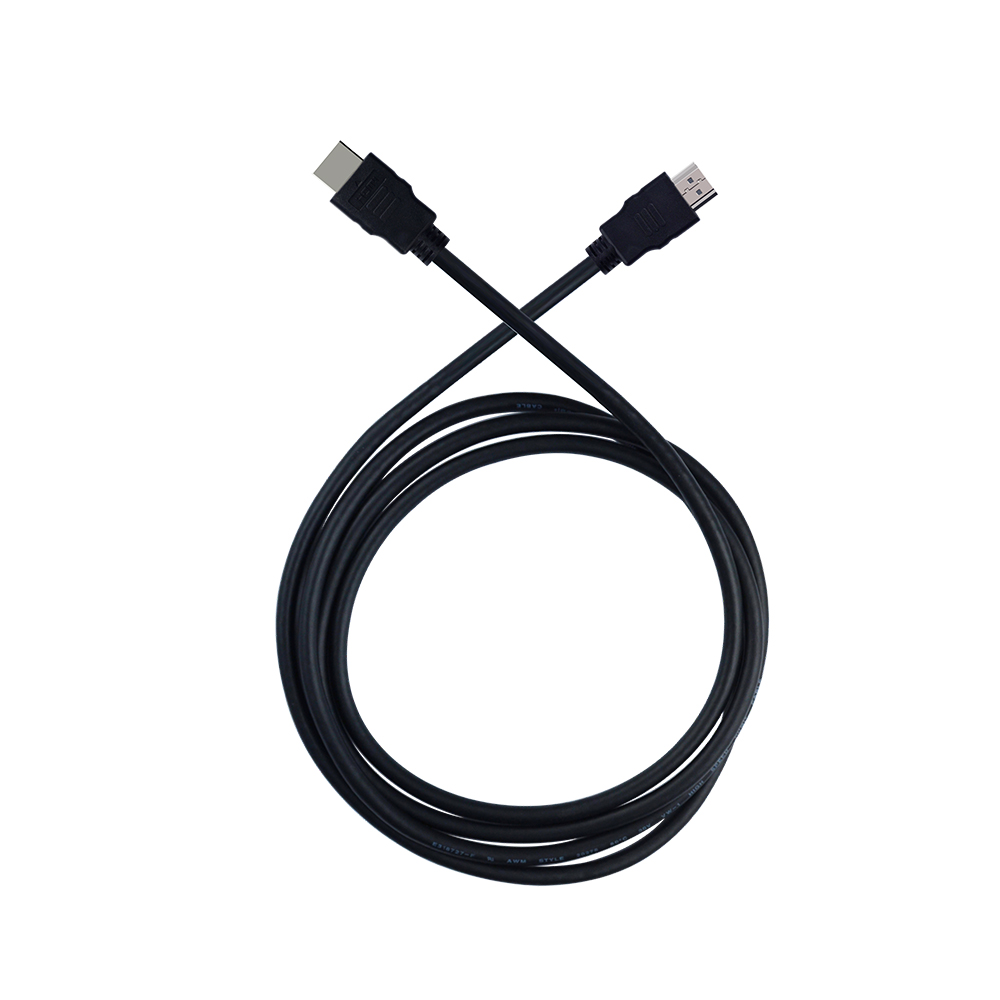
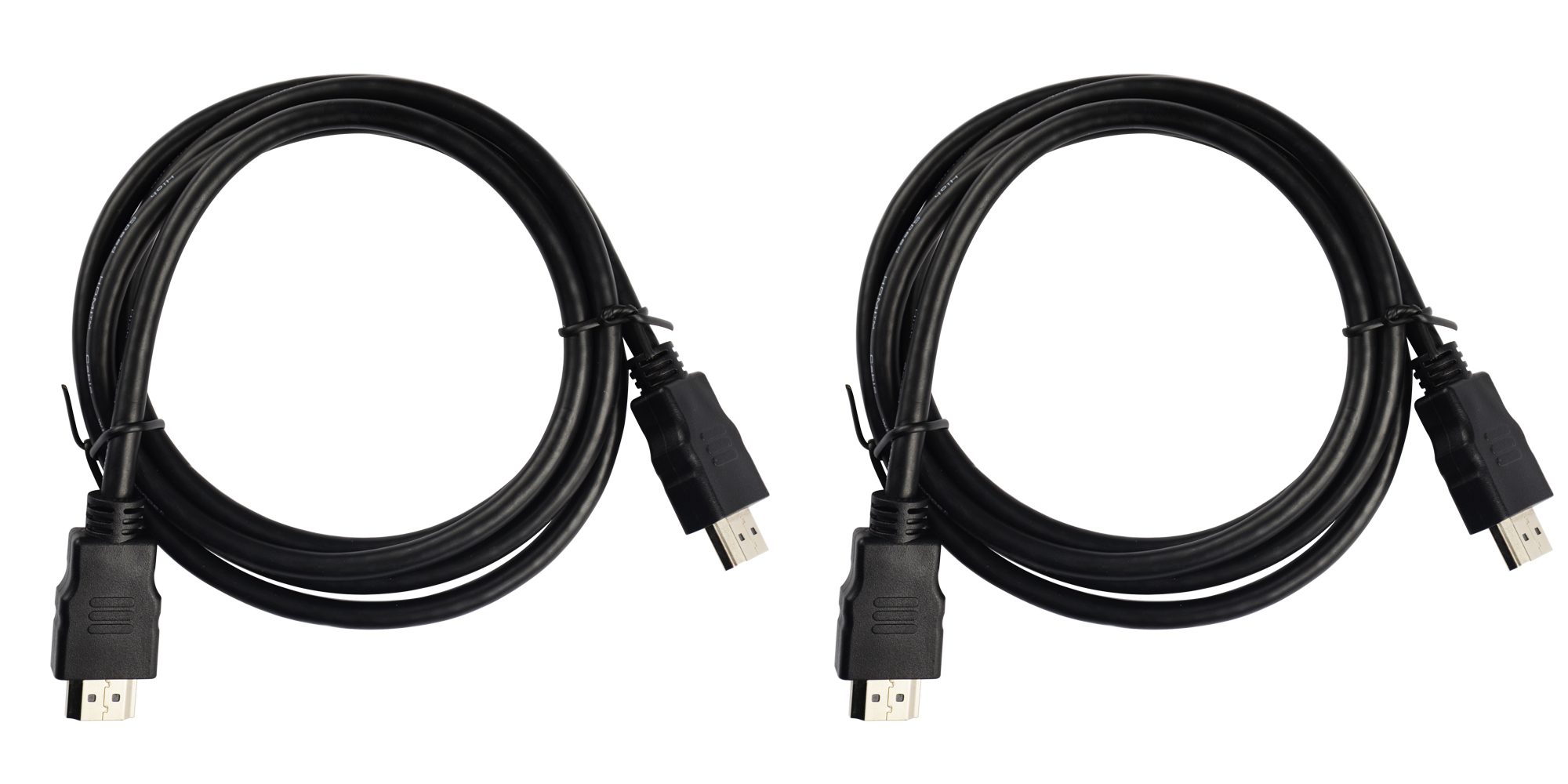
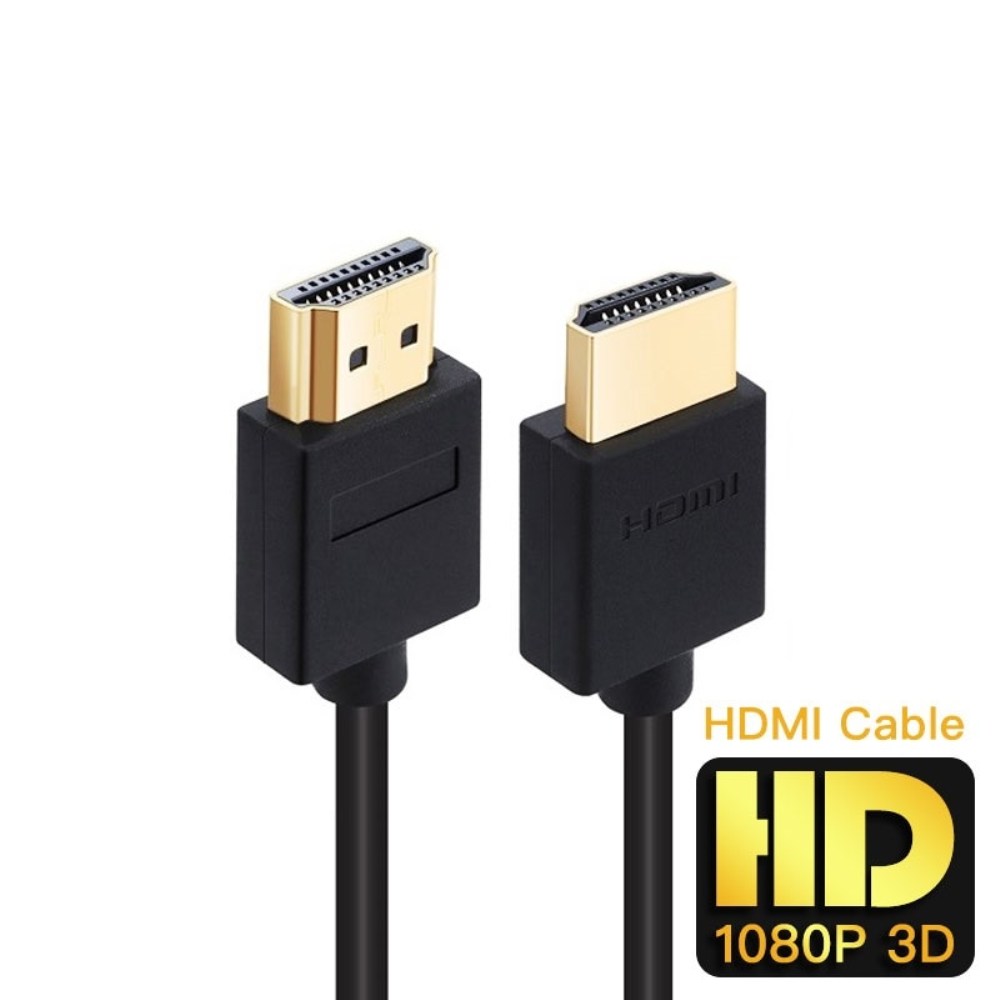
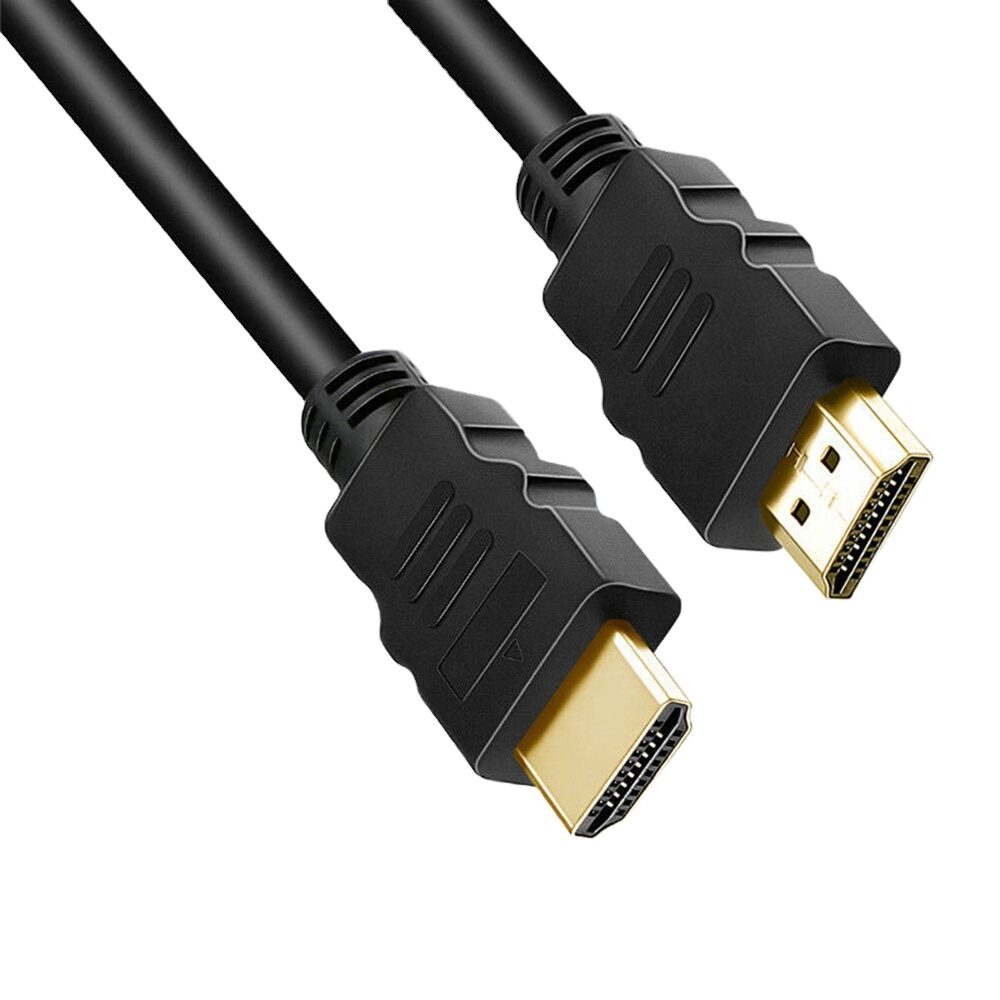
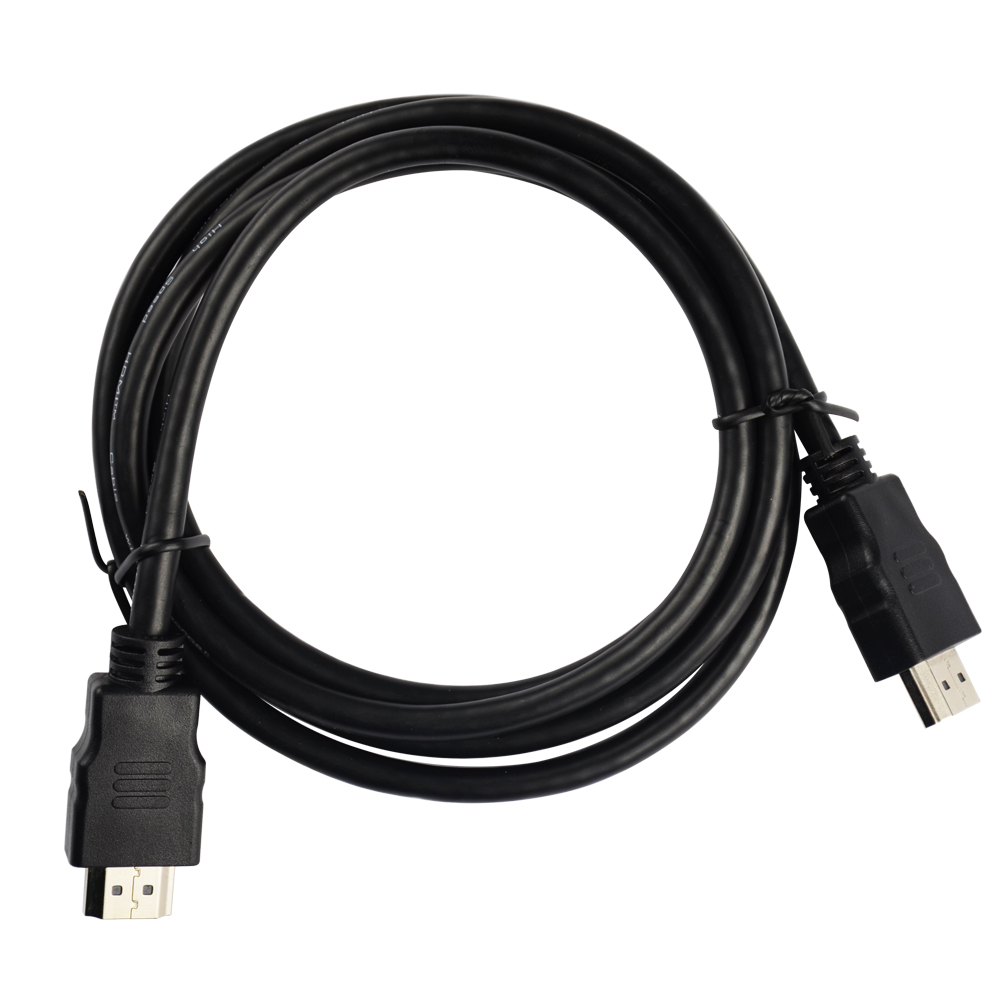
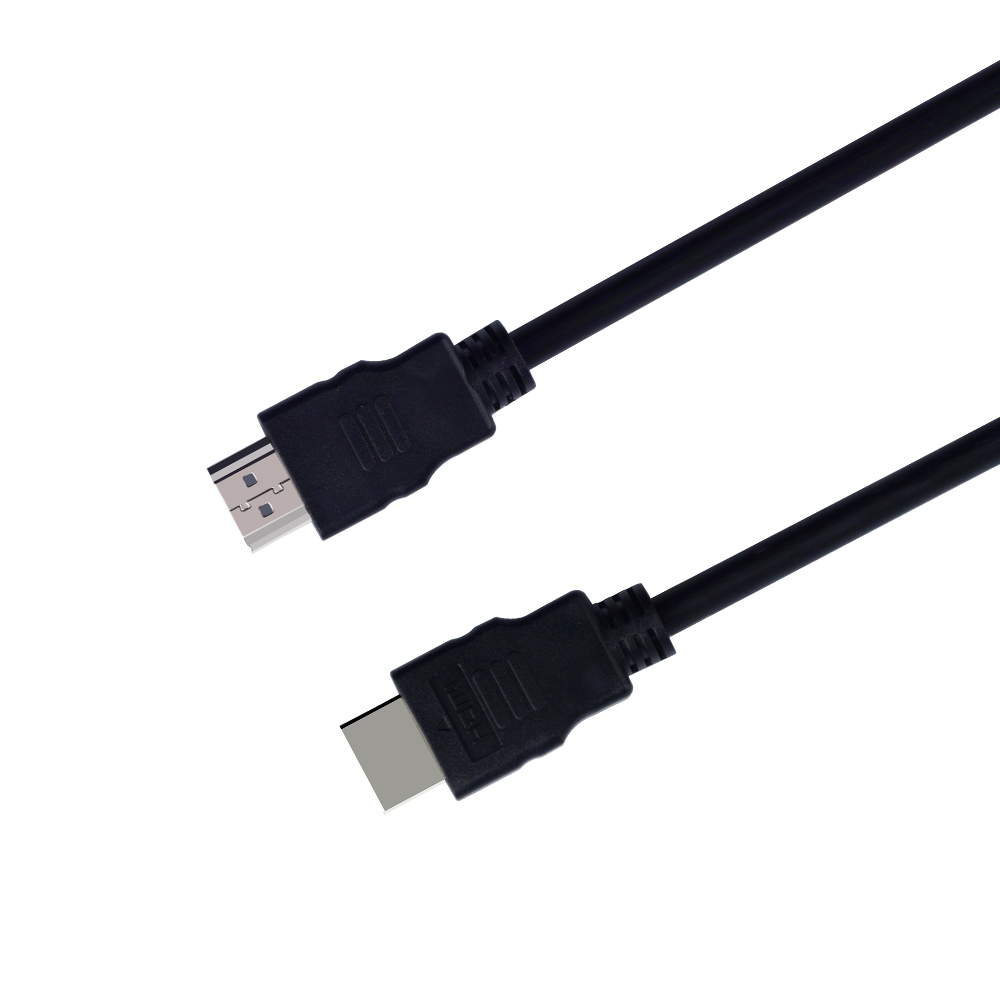
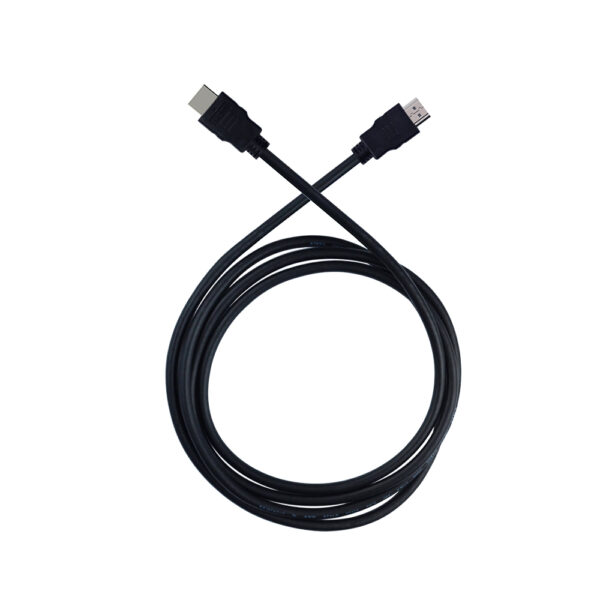
HDMI (High-Definition Multimedia Interface) is a digital interface standard that allows you to transmit uncompressed digital video and audio data from a source device, such as a Blu-ray player or game console, to a display device, such as a TV or projector. HDMI cables are available in a variety of lengths and features, so you can choose the right cable for your needs.Here are some of the features of HDMI cables:Support for high resolutions: HDMI cables can support resolutions up to 4K Ultra HD (3840x2160) at 60Hz.
Support for 3D: HDMI cables can support 3D content, if your devices and display support it.
Support for Ethernet: Some HDMI cables include an Ethernet channel, which allows you to connect your devices to the internet without using a separate Ethernet cable.
ARC (Audio Return Channel): ARC allows you to send audio from your TV back to your source device, such as a Blu-ray player or game console. This is useful if you want to use your TV speakers to listen to audio from your source device.
When choosing an HDMI cable, it is important to consider the following factors:Length: The length of the HDMI cable will depend on the distance between your source device and your display device.
Resolution: If you plan on using the HDMI cable to transmit high-resolution content, such as 4K Ultra HD, you will need to choose a cable that supports that resolution.
Features: If you need features such as 3D or Ethernet, you will need to choose a cable that supports those features.
HDMI cables are a great way to connect your devices to your display devices. They offer high-quality video and audio transmission, and they are available in a variety of lengths and features to meet your needs.Here are some of the benefits of using HDMI cables:High-quality video and audio transmission: HDMI cables provide high-quality video and audio transmission, with resolutions up to 4K Ultra HD.
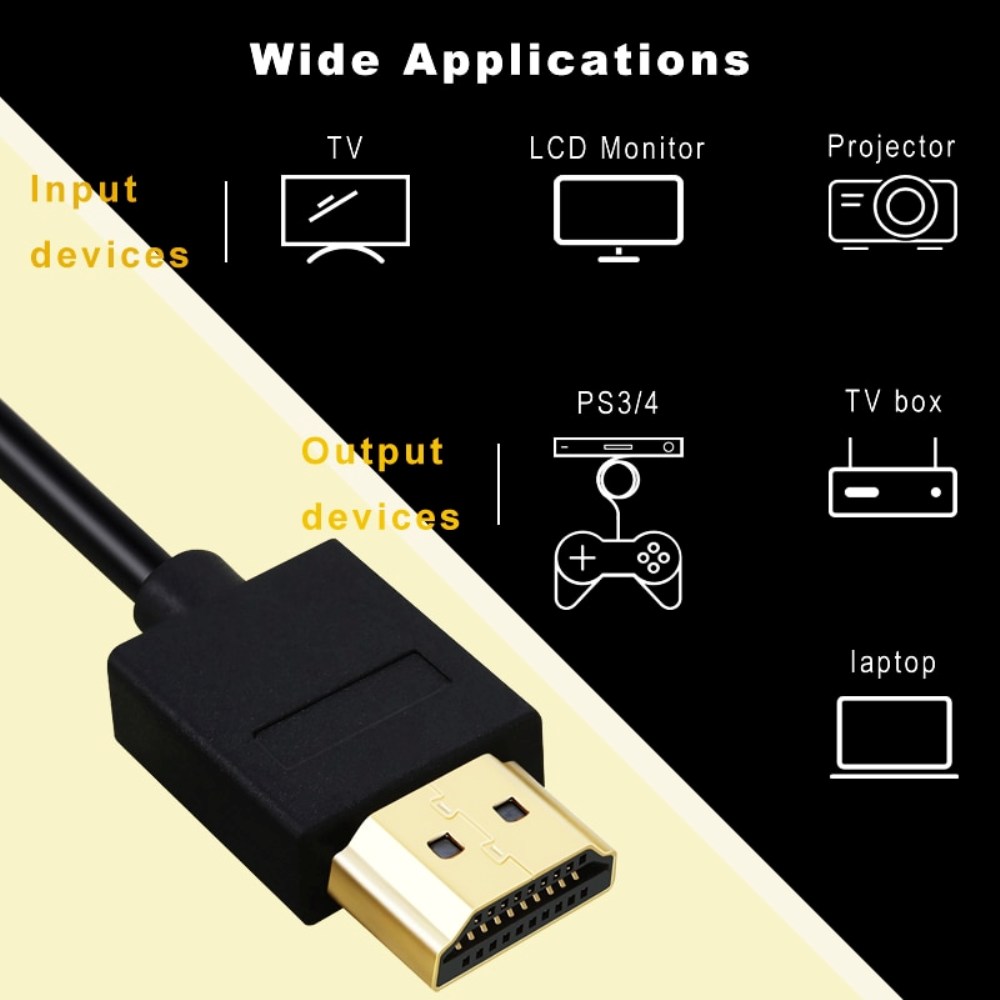
Wide compatibility: HDMI cables are compatible with a wide range of devices, including TVs, Blu-ray players, game consoles, and computers.
Ease of use: HDMI cables are easy to use, with a simple plug-and-play setup.
Durability: HDMI cables are durable and can withstand repeated use.
If you are looking for a high-quality, versatile, and easy-to-use way to connect your devices to your display devices, HDMI cables are a great option. | The TP-Link Omada AC1350 Wireless Ceiling Mount Access Point is a high-performance access point that provides reliable and secure wireless connectivity for businesses and homes. It supports the 802.11ac standard and offers speeds of up to 1350Mbps. The EAP225 is easy to install and configure, and it comes with a free PoE injector. It also features a secure guest network and centralized management.Here are some of the key features of the TP-Link Omada AC1350 Wireless Ceiling Mount Access Point:Supports the 802.11ac standard for speeds up to 1350Mbps
Ceiling-mounted for easy installation
Includes a free PoE injector
Secure guest network
Centralized management
The TP-Link Omada AC1350 Wireless Ceiling Mount Access Point is a great choice for businesses and homes that need a reliable and secure wireless network. It is easy to install and configure, and it offers a variety of features that make it a great value for the price.Here are some of the benefits of using the TP-Link Omada AC1350 Wireless Ceiling Mount Access Point:Increased coverage: The EAP225 can provide wireless coverage over a large area, making it ideal for businesses and homes with multiple rooms.
Improved security: The EAP225 includes a secure guest network, which allows you to create a separate network for guests that is isolated from your main network. This helps to protect your data from unauthorized access.
Centralized management: The EAP225 can be managed centrally using the TP-Link Omada Controller software. This software allows you to configure and monitor all of your TP-Link devices from a single location.
If you are looking for a reliable and secure wireless network, the TP-Link Omada AC1350 Wireless Ceiling Mount Access Point is a great option. It is easy to install and configure, and it offers a variety of features that make it a great value for the price.Here are some additional details about the TP-Link Omada AC1350 Wireless Ceiling Mount Access Point:Dual-band: The EAP225 supports both the 2.4 GHz and 5 GHz bands, which allows you to connect to devices that only support one of these bands.
MU-MIMO: The EAP225 supports MU-MIMO technology, which allows multiple devices to transmit data at the same time, which can improve overall network performance.
Beamforming: The EAP225 supports beamforming technology, which focuses the wireless signal towards devices, which can improve range and reliability.
PoE: The EAP225 supports PoE, which allows you to power the access point using an Ethernet cable.
Guest network: The EAP225 includes a secure guest network, which allows you to create a separate network for guests that is isolated from your main network.
Centralized management: The EAP225 can be managed centrally using the TP-Link Omada Controller software. This software allows you to configure and monitor all of your TP-Link devices from a single location.
I hope this information is helpful. Please let me know if you have any other questions. |
1
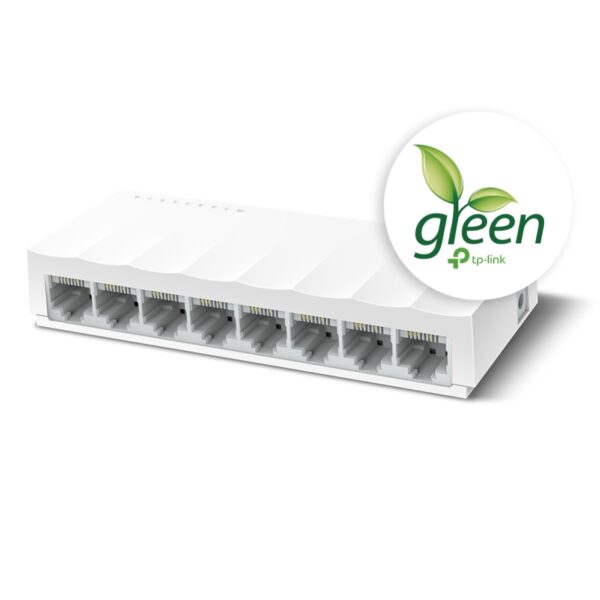
The TP-Link LS1008 is an 8-port 10/100Mbps desktop switch that offers an easy and affordable way to expand your wired network. It is easy to use and reliable, and with all ports supporting Auto-MDI/MDIX, there's no need to worry about the type of cable to use. The LiteWave Series also supports energy-efficient technology, helping you save power and money.Here are some of the key features of the TP-Link LS1008:8 Gigabit Ethernet ports
Auto MDI/MDIX
Energy-efficient technology
Plug and play
The TP-Link LS1008 is a great choice for anyone looking to expand their wired network. It is easy to use and reliable, and it offers a variety of features that make it a great value for the price.Here are some of the benefits of using the TP-Link LS1008:Easy to use: The LS1008 is a plug-and-play device, so there's no need to configure anything. Just connect your devices to the ports and you're good to go.
Reliable: The LS1008 is a reliable device that has been designed to withstand the rigors of everyday use. It is also backed by a 2-year warranty.
Affordable: The LS1008 is an affordable device that offers great value for the price.
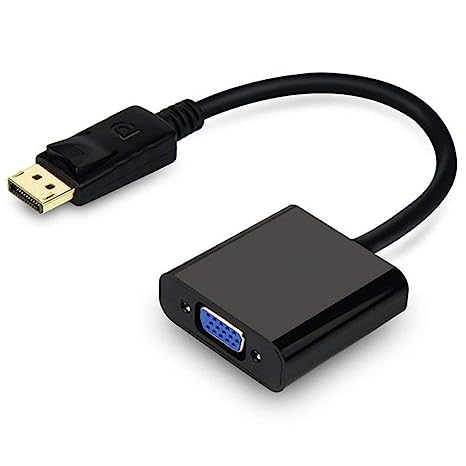
If you are looking to expand your wired network, the TP-Link LS1008 is a great option. It is easy to use, reliable, and affordable. | A DisplayPort to VGA converter cable is a device that allows you to connect a DisplayPort-equipped device to a VGA-equipped display. DisplayPort is a newer, more advanced video interface than VGA, and it offers a number of advantages, such as higher resolutions, refresh rates, and color depth. However, not all displays support DisplayPort, so a DisplayPort to VGA converter cable can be used to connect a DisplayPort-equipped device to a VGA-equipped display.To use a DisplayPort to VGA converter cable, simply connect one end of the cable to the DisplayPort output port on the source device and the other end of the cable to the VGA input port on the display. Once the cable is connected, the source device and display should automatically detect each other and begin transmitting video and audio signals.DisplayPort to VGA converter cables are available at a variety of prices, so you can find one that fits your budget. If you are looking for a way to connect a DisplayPort-equipped device to a VGA-equipped display, then a DisplayPort to VGA converter cable is a great option.Here are some of the benefits of using a DisplayPort to VGA converter cable:It allows you to connect a DisplayPort-equipped device to a VGA-equipped display.
It supports high-definition video resolutions.
It supports high refresh rates.
It supports high color depth.
It is a relatively inexpensive solution.
If you are looking for a way to connect a DisplayPort-equipped device to a VGA-equipped display, then a DisplayPort to VGA converter cable is a great option.Here are some of the things to consider when choosing a DisplayPort to VGA converter cable:The length of the cable.
The resolution and refresh rate that the cable supports.
The color depth that the cable supports.
The price of the cable.
It is important to choose a DisplayPort to VGA converter cable that is compatible with your DisplayPort-equipped device and your VGA-equipped display. It is also important to choose a cable that is the appropriate length for your needs. | The SanDisk Extreme Portable SSD is a high-performance external solid-state drive (SSD) that is designed for professionals and enthusiasts who need fast and reliable storage. It offers read speeds of up to 1050 MB/s and write speeds of up to 1000 MB/s, making it ideal for transferring large files quickly. The Extreme Portable SSD is also built to be tough, with a durable aluminum enclosure that can withstand drops of up to 2 meters and is water- and dust-resistant. It is also compatible with a wide range of devices, including PCs, Macs, and smartphones.Here are some of the features of the SanDisk Extreme Portable SSD:Up to 1050 MB/s read speeds
Up to 1000 MB/s write speeds
Durable aluminum enclosure
Water- and dust-resistant (IP55)
Compatible with PCs, Macs, and smartphones
5-year warranty
Here are some of the benefits of using the SanDisk Extreme Portable SSD:Fast transfer speeds
Durable construction
Wide compatibility
Long warranty
Here are some of the drawbacks of the SanDisk Extreme Portable SSD:Can be expensive
Not as portable as some other SSDs
Overall, the SanDisk Extreme Portable SSD is a great option for professionals and enthusiasts who need a fast, reliable, and durable external SSD. It offers excellent performance, a durable construction, and a wide compatibility, making it a great choice for a variety of uses.Here are some additional details about the SanDisk Extreme Portable SSD:The Extreme Portable SSD is powered by a USB Type-C connector, which allows it to be used with a wide range of devices.
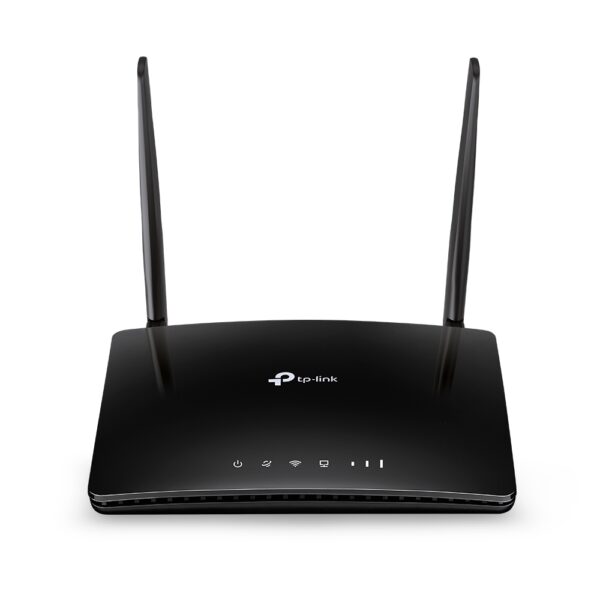
The Extreme Portable SSD is also equipped with a built-in security feature that allows you to encrypt your data using a password. | The TP-Link Archer MR400 AC1200 Mbps Dual Band 4G Mobile Wi-Fi is a portable router that allows you to create a Wi-Fi hotspot wherever you go. It supports both the 2.4 GHz and 5 GHz bands, which allows you to connect to devices that only support one of these bands. It also has a SIM slot, so you can use it with a 4G LTE SIM card to get internet access anywhere there is cellular coverage.The Archer MR400 is easy to set up and use. Just insert a SIM card and turn it on, and you'll be able to connect to the internet in minutes. It also has a built-in web interface that allows you to configure its settings, such as the Wi-Fi network name and password.The Archer MR400 is a great option for anyone who needs a portable router that can provide reliable internet access. It's perfect for travelers, students, and anyone else who needs to stay connected on the go.Here are some of the key features of the TP-Link Archer MR400:Supports both the 2.4 GHz and 5 GHz bands
SIM slot for 4G LTE connectivity
Easy to set up and use
Built-in web interface for configuration
Portable and lightweight
Removable Wi-Fi antennas
Here are some of the benefits of using the TP-Link Archer MR400:Stay connected on the go: The Archer MR400 allows you to create a Wi-Fi hotspot wherever you go, so you can stay connected to the internet even when you're not at home or work.
Reliable internet access: The Archer MR400 supports both the 2.4 GHz and 5 GHz bands, which allows you to connect to devices that only support one of these bands. It also has a SIM slot, so you can use it with a 4G LTE SIM card to get internet access anywhere there is cellular coverage.
Easy to set up and use: The Archer MR400 is easy to set up and use. Just insert a SIM card and turn it on, and you'll be able to connect to the internet in minutes. It also has a built-in web interface that allows you to configure its settings, such as the Wi-Fi network name and password.
Portable and lightweight: The Archer MR400 is portable and lightweight, so you can easily take it with you wherever you go.
Removable Wi-Fi antennas: The Archer MR400 has removable Wi-Fi antennas, which allows you to adjust the signal strength and coverage.
If you're looking for a portable router that can provide reliable internet access, the TP-Link Archer MR400 is a great option. It's perfect for travelers, students, and anyone else who needs to stay connected on the go. |







Reviews
There are no reviews yet.