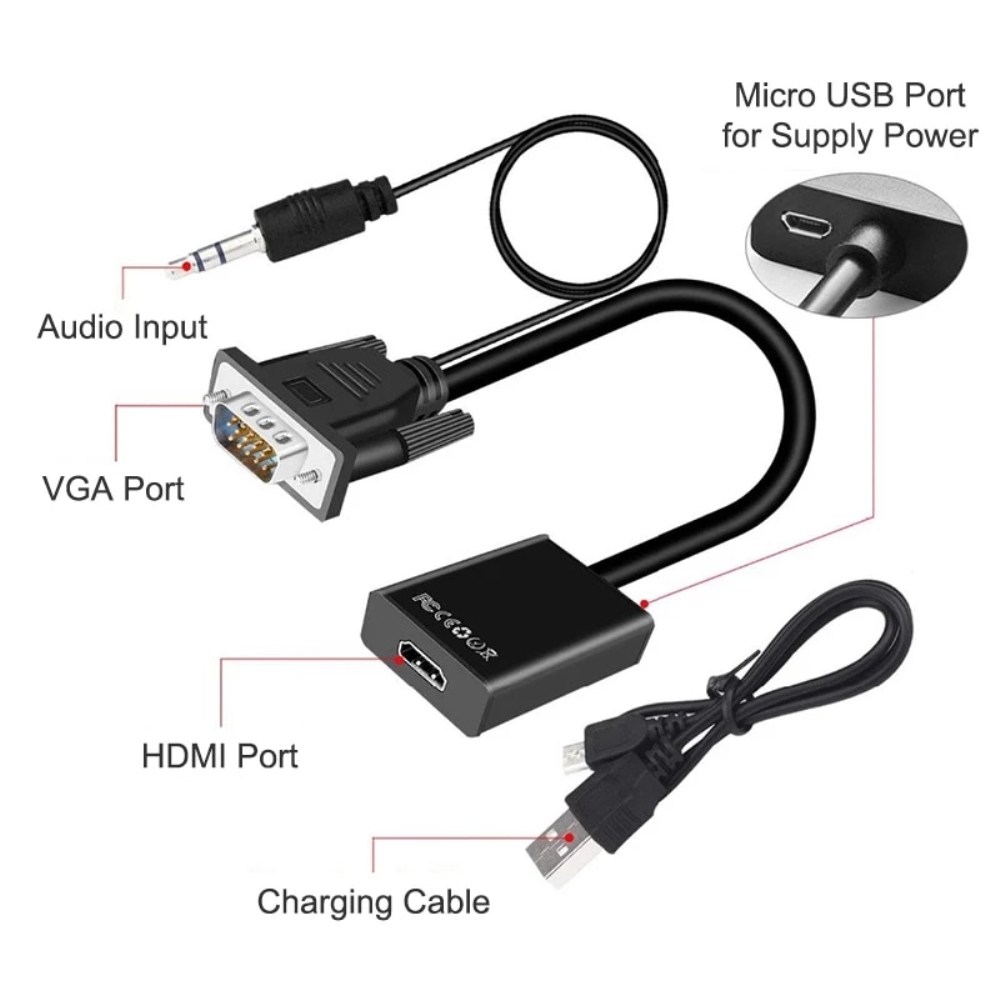
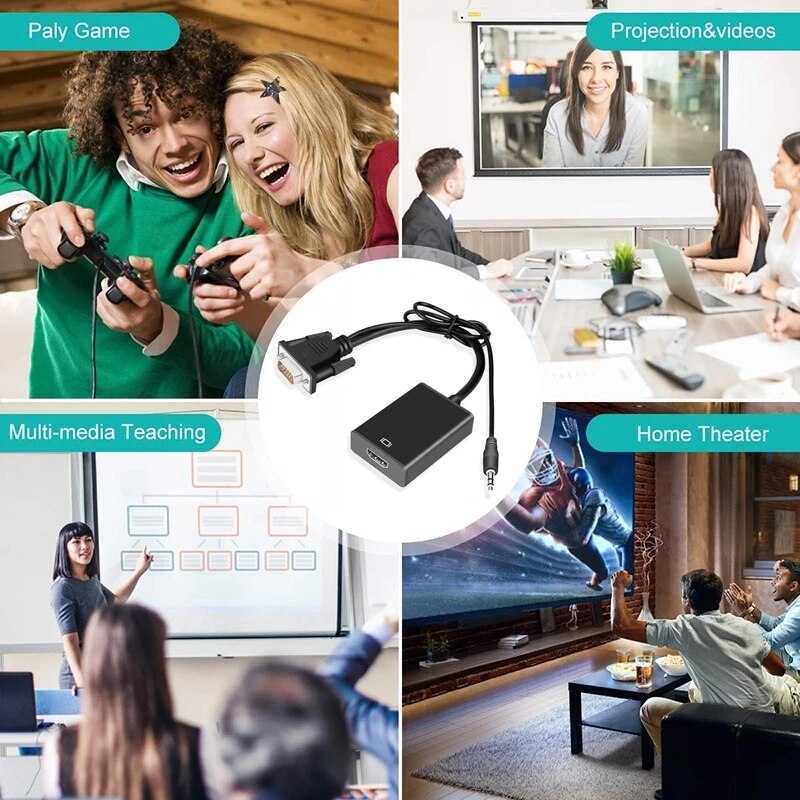
| Description | Here are some of the features of the 1080P VGA to HDMI Adapter:Supports resolutions up to 1920x1080 at 60Hz
Includes an audio cable and a USB cable
Plug and play, no drivers required
Compatible with most VGA and HDMI devices
Here are some of the benefits of using a VGA to HDMI adapter: | Here are some of the benefits of using a USB 3.0 hub:You can connect more devices to your computer.
You can transfer files faster.
You can use your devices more efficiently.
You can save space on your desk.
If you need to connect more devices to your computer, a USB 3.0 hub is a great solution. | Here are some of the features of the USB to VGA adapter:Supports resolutions up to 1920x1080
Plug and play installation
Compatible with Windows 7/8/8.1/10
Gold-plated connectors for corrosion resistance
Durable construction for long life
Here are some of the benefits of using a USB to VGA adapter: | Here are some of the benefits of using the AmazonBasics Mini DisplayPort (Thunderbolt) to VGA Adapter:Affordable
Easy to use
Compatible with a wide range of devices
Supports high resolutions
Here are some of the drawbacks of the AmazonBasics Mini DisplayPort (Thunderbolt) to VGA Adapter: | Here are some of the things to consider when choosing a DisplayPort to VGA converter cable:The length of the cable.
The resolution and refresh rate that the cable supports.
The color depth that the cable supports.
The price of the cable.
It is important to choose a DisplayPort to VGA converter cable that is compatible with your DisplayPort-equipped device and your VGA-equipped display. It is also important to choose a cable that is the appropriate length for your needs. | Here are some of the key features of the Exide Powersafe Battery:7 amp-hour capacity
12 volt voltage
Maintenance-free
1-year warranty
The Exide Powersafe Battery is a great option for anyone who is looking for a reliable and affordable UPS backup battery. It is perfect for small to medium-sized UPS systems |
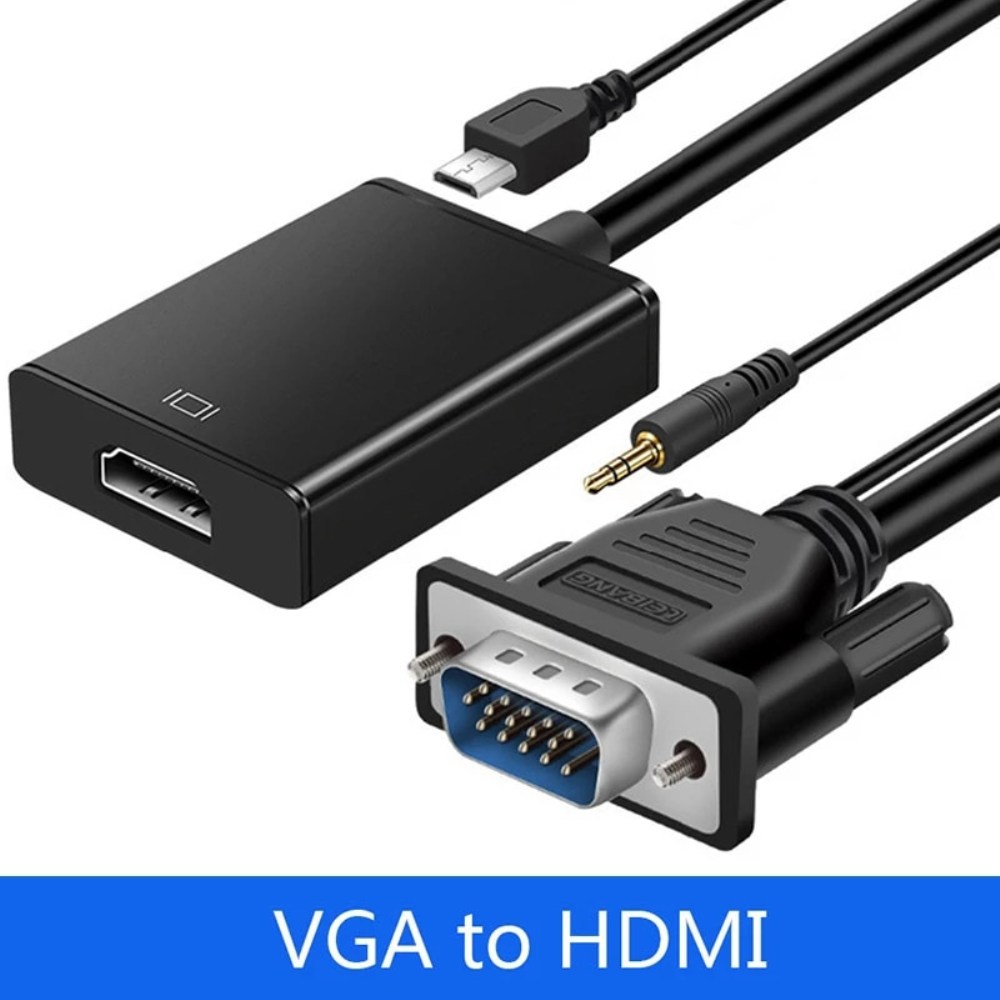
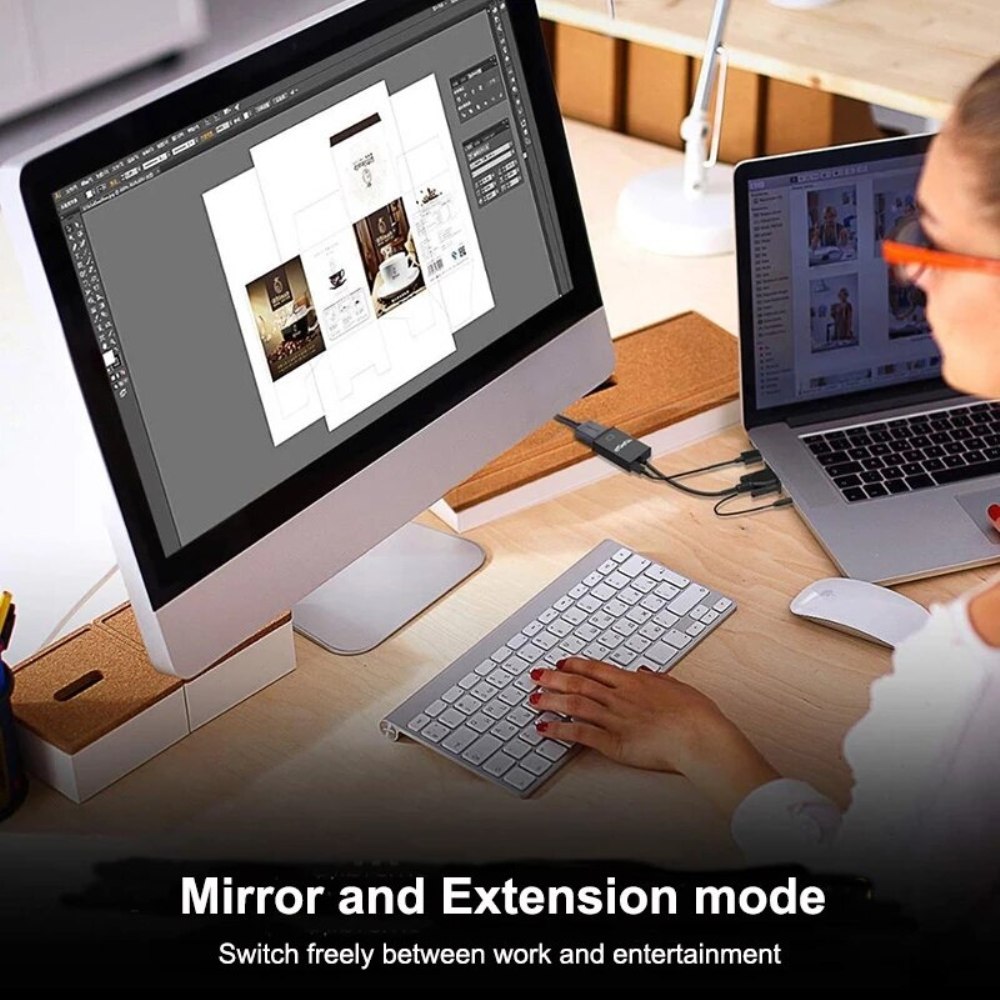
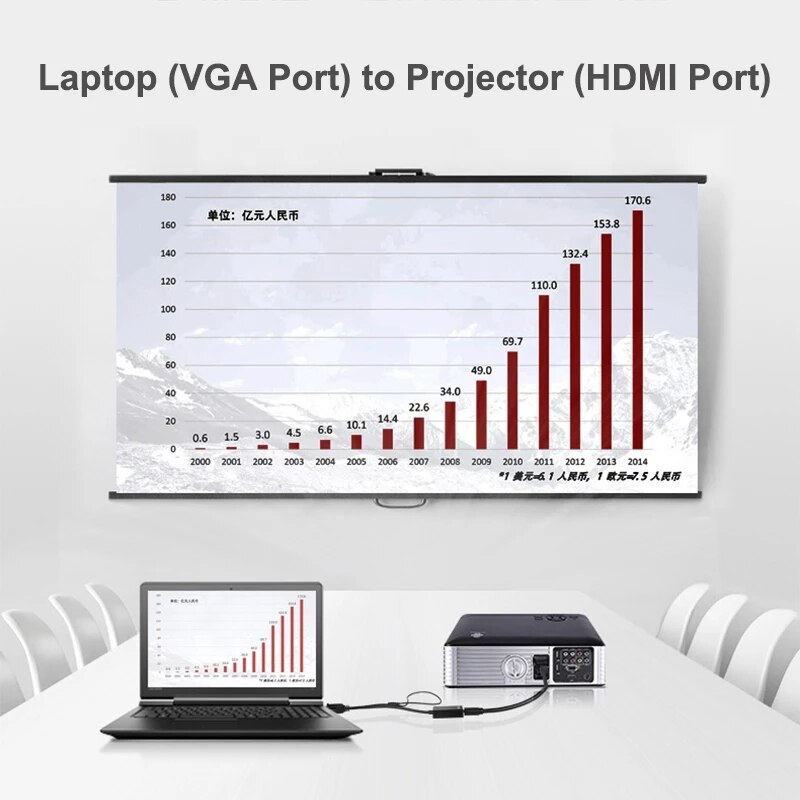
| Content | A VGA to HDMI adapter is a device that allows you to connect a VGA-equipped device, such as a computer or laptop, to an HDMI display, such as a TV or projector. This adapter converts the analog VGA signal from your device into a digital HDMI signal that can be output to the HDMI display.The 1080P VGA to HDMI Adapter is a great way to connect your old VGA devices to newer HDMI displays. It supports resolutions up to 1920x1080 at 60Hz, so you can enjoy your content in full HD. The adapter also includes an audio cable and a USB cable, so you can get both video and audio output from your device.Here are some of the features of the 1080P VGA to HDMI Adapter:Supports resolutions up to 1920x1080 at 60Hz
Includes an audio cable and a USB cable
Plug and play, no drivers required
Compatible with most VGA and HDMI devices
Here are some of the benefits of using a VGA to HDMI adapter:You can connect your old VGA devices to newer HDMI displays
You can enjoy your content in full HD
You can get both video and audio output from your device
It is a simple and easy way to connect your devices
If you are looking for a way to connect your old VGA devices to newer HDMI displays, the 1080P VGA to HDMI Adapter is a great option. It is easy to use and supports resolutions up to 1920x1080 at 60Hz. So what are you waiting for? Order your 1080P VGA to HDMI Adapter today! | The 4 Port USB HUB SuperSpeed 3.0 High-Speed Multiport Slim USB Hub 1 feet Cable Length Adapter and Led Indicator Compatible for Pendrive, Mouse, Keyboards, Mobile, Tablet ( Black ) 08 is a USB 3.0 hub that allows you to connect up to four USB devices to your computer. It has a sleek and slim design that makes it easy to take with you on the go, and it comes with a built-in LED indicator that shows which ports are in use. The hub is compatible with a wide range of devices, including external hard drives, printers, scanners, and more. It also supports data transfer speeds of up to 5Gbps, which means you can transfer large files quickly and easily.Here are some of the key features of the 4 Port USB HUB SuperSpeed 3.0 High-Speed Multiport Slim USB Hub 1 feet Cable Length Adapter and Led Indicator Compatible for Pendrive, Mouse, Keyboards, Mobile, Tablet ( Black ) 08:Supports up to four USB devices
Slim and portable design
Built-in LED indicator
Compatible with a wide range of devices
Data transfer speeds of up to 5Gbps
If you're looking for a high-speed USB 3.0 hub that is easy to use and compatible with a wide range of devices, the 4 Port USB HUB SuperSpeed 3.0 High-Speed Multiport Slim USB Hub 1 feet Cable Length Adapter and Led Indicator Compatible for Pendrive, Mouse, Keyboards, Mobile, Tablet ( Black ) 08 is a great option.Here are some of the benefits of using a USB 3.0 hub:You can connect more devices to your computer.
You can transfer files faster.
You can use your devices more efficiently.
You can save space on your desk.
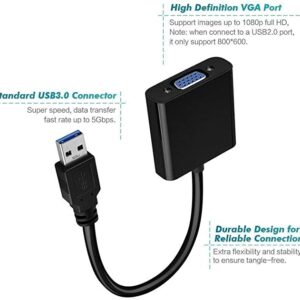
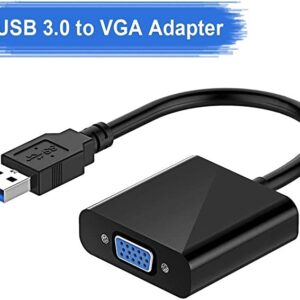
If you need to connect more devices to your computer, a USB 3.0 hub is a great solution. | A USB to VGA adapter is a device that allows you to connect a VGA monitor or projector to a computer that does not have a VGA port. The adapter converts the digital signal from the computer to an analog signal that can be displayed on the VGA device.The USB to VGA adapter is a simple device that is easy to use. To use the adapter, simply connect the adapter to the USB port on your computer and then connect the VGA cable from the adapter to the VGA port on your monitor or projector. Once the adapter is connected, you should be able to see the image from your computer on the VGA device.The USB to VGA adapter is a great way to add a second monitor to your computer or to connect a projector to your computer for presentations. The adapter is also a great way to use an older VGA monitor or projector with a newer computer that does not have a VGA port.Here are some of the features of the USB to VGA adapter:Supports resolutions up to 1920x1080
Plug and play installation
Compatible with Windows 7/8/8.1/10
Gold-plated connectors for corrosion resistance
Durable construction for long life
Here are some of the benefits of using a USB to VGA adapter:Allows you to connect a VGA monitor or projector to a computer that does not have a VGA port
Easy to use
Affordable
Compatible with a wide range of computers and monitors
Durable construction
If you are looking for a way to connect a VGA monitor or projector to your computer, then the USB to VGA adapter is a great option. The adapter is easy to use, affordable, and compatible with a wide range of computers and monitors. | The AmazonBasics Mini DisplayPort (Thunderbolt) to VGA Adapter is a simple and affordable way to connect your computer to a VGA monitor or projector. The adapter is small and lightweight, making it easy to carry with you. It also supports resolutions up to 1920x1200, so you can enjoy high-quality images on your display.The AmazonBasics Mini DisplayPort (Thunderbolt) to VGA Adapter is compatible with most computers that have a Mini DisplayPort or Thunderbolt port. It is also compatible with a wide range of VGA monitors and projectors. The adapter is easy to use. Simply connect it to your computer and your VGA display, and you will be ready to start using your computer on your display.The AmazonBasics Mini DisplayPort (Thunderbolt) to VGA Adapter is a great value for the price. It is a simple and affordable way to connect your computer to a VGA monitor or projector. The adapter is small and lightweight, making it easy to carry with you. It also supports resolutions up to 1920x1200, so you can enjoy high-quality images on your display.Here are some of the features of the AmazonBasics Mini DisplayPort (Thunderbolt) to VGA Adapter:Supports resolutions up to 1920x1200
Compatible with most computers with a Mini DisplayPort or Thunderbolt port
Compatible with a wide range of VGA monitors and projectors
Small and lightweight
Easy to use
Here are some of the benefits of using the AmazonBasics Mini DisplayPort (Thunderbolt) to VGA Adapter:Affordable
Easy to use
Compatible with a wide range of devices
Supports high resolutions
Here are some of the drawbacks of the AmazonBasics Mini DisplayPort (Thunderbolt) to VGA Adapter:Not compatible with all Mini DisplayPort or Thunderbolt ports
May not support all resolutions on all devices
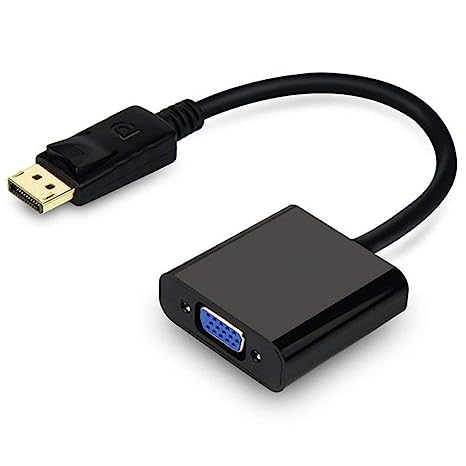
Overall, the AmazonBasics Mini DisplayPort (Thunderbolt) to VGA Adapter is a great value for the price. It is a simple and affordable way to connect your computer to a VGA monitor or projector. The adapter is small and lightweight, making it easy to carry with you. It also supports resolutions up to 1920x1200, so you can enjoy high-quality images on your display. | A DisplayPort to VGA converter cable is a device that allows you to connect a DisplayPort-equipped device to a VGA-equipped display. DisplayPort is a newer, more advanced video interface than VGA, and it offers a number of advantages, such as higher resolutions, refresh rates, and color depth. However, not all displays support DisplayPort, so a DisplayPort to VGA converter cable can be used to connect a DisplayPort-equipped device to a VGA-equipped display.To use a DisplayPort to VGA converter cable, simply connect one end of the cable to the DisplayPort output port on the source device and the other end of the cable to the VGA input port on the display. Once the cable is connected, the source device and display should automatically detect each other and begin transmitting video and audio signals.DisplayPort to VGA converter cables are available at a variety of prices, so you can find one that fits your budget. If you are looking for a way to connect a DisplayPort-equipped device to a VGA-equipped display, then a DisplayPort to VGA converter cable is a great option.Here are some of the benefits of using a DisplayPort to VGA converter cable:It allows you to connect a DisplayPort-equipped device to a VGA-equipped display.
It supports high-definition video resolutions.
It supports high refresh rates.
It supports high color depth.
It is a relatively inexpensive solution.
If you are looking for a way to connect a DisplayPort-equipped device to a VGA-equipped display, then a DisplayPort to VGA converter cable is a great option.Here are some of the things to consider when choosing a DisplayPort to VGA converter cable:The length of the cable.
The resolution and refresh rate that the cable supports.
The color depth that the cable supports.
The price of the cable.
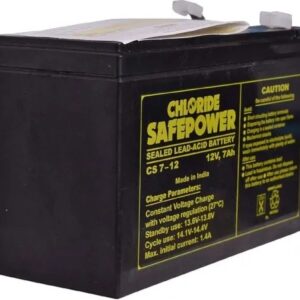
It is important to choose a DisplayPort to VGA converter cable that is compatible with your DisplayPort-equipped device and your VGA-equipped display. It is also important to choose a cable that is the appropriate length for your needs. | The Exide 12 Volt/ 7 Ah Powersafe Battery (Sealed),Original Replacement To Ups Battery is a sealed lead-acid battery that is designed to provide backup power for uninterruptible power supplies (UPS). It has a capacity of 7 amp-hours and a voltage of 12 volts, making it a good choice for small to medium-sized UPS systems. The battery is also maintenance-free, so you don't have to worry about adding water or acid.The Exide Powersafe Battery is a reliable and affordable option for UPS backup. It is backed by a 1-year warranty, so you can be confident in its performance.Here are some of the key features of the Exide Powersafe Battery:7 amp-hour capacity
12 volt voltage
Maintenance-free
1-year warranty
The Exide Powersafe Battery is a great option for anyone who is looking for a reliable and affordable UPS backup battery. It is perfect for small to medium-sized UPS systems and is backed by a 1-year warranty.Here are some of the benefits of using the Exide Powersafe Battery:Reliable performance: The Exide Powersafe Battery is a reliable and proven battery that is backed by a 1-year warranty.
Affordable price: The Exide Powersafe Battery is an affordable option for UPS backup.
Maintenance-free: The Exide Powersafe Battery is maintenance-free, so you don't have to worry about adding water or acid.
Easy to install: The Exide Powersafe Battery is easy to install and can be replaced quickly and easily.
If you are looking for a reliable, affordable, and easy-to-install UPS backup battery, then the Exide Powersafe Battery is a great option. |








Reviews
There are no reviews yet.